KT200II ECU Database Search Guide
KT200II ECU Programmer Database Guide: How to Find the Correct ECU Before Programming
Before performing any ECU programming operation, professional technicians should first confirm whether the vehicle and ECU are supported. Selecting the correct ECU information is one of the most important steps in building a safe and efficient programming workflow.
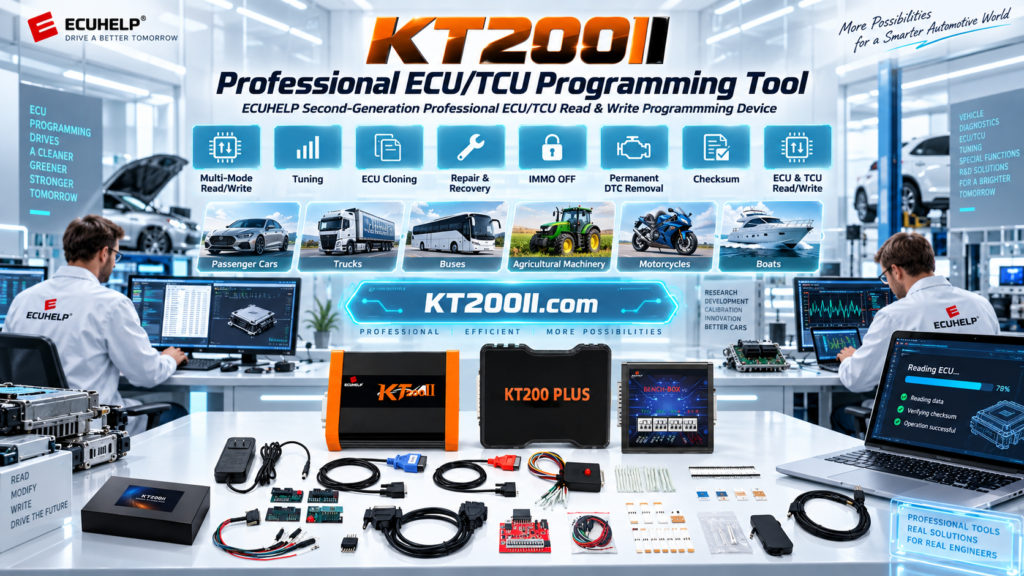
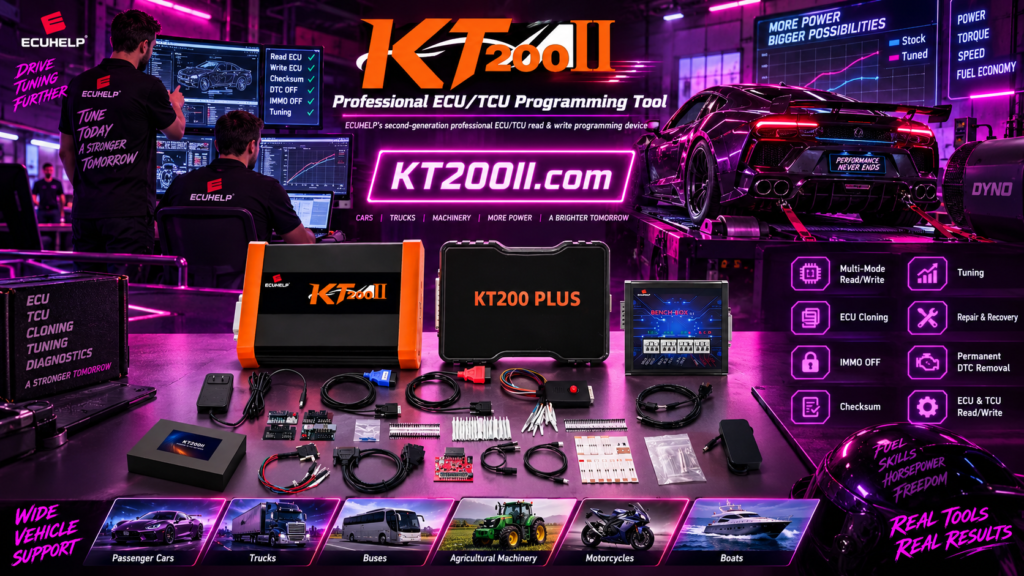
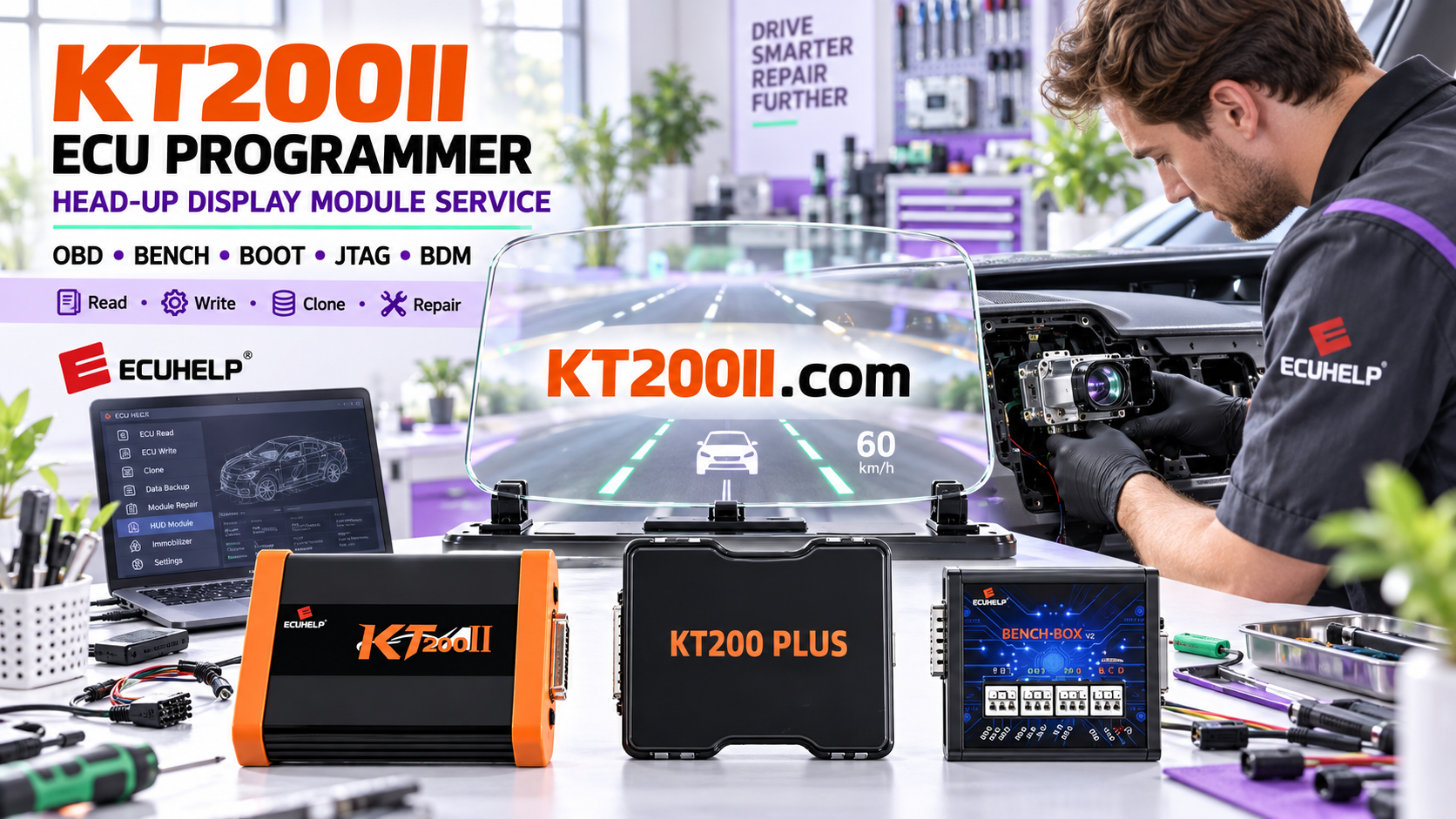
The KT200II ECU Programmer provides a professional ECU and TCU programming solution with a supported database that helps technicians identify ECU types, connection methods and available operations.
Why ECU Compatibility Checking Is Important
Different vehicles may use different ECU versions even under the same model name. The same ECU family may also contain different hardware numbers, processors and communication methods.
| Information | Why It Matters |
|---|---|
| Vehicle Model | Confirms the vehicle application. |
| ECU Manufacturer | Determines ECU family and protocol. |
| Hardware Number | Identifies exact ECU version. |
| Software Version | Helps select correct programming data. |
How to Search ECU Information Before Programming
A professional workflow starts with database verification before connecting or writing ECU data.
| Step | Action |
|---|---|
| 01 | Collect ECU identification information. |
| 02 | Search ECU manufacturer and ECU type. |
| 03 | Confirm Read / Write function. |
| 04 | Check required connection mode. |
What Information Can Be Checked in KT200II Database?
The KT200II supported database helps technicians understand ECU details before programming.
| Database Information | Example |
|---|---|
| Vehicle Brand | BMW, Audi, Mercedes, Ford and more. |
| ECU Type | Bosch, Delphi, Denso, Continental. |
| Processor / Memory | Microcontroller and EEPROM information. |
| Connection Method | OBD, Bench, Boot and other supported modes. |
Check official supported ECU database:
Select the Correct Programming Mode
After confirming ECU information, technicians should select the correct communication method.
| Mode | Typical Usage |
|---|---|
| OBD Mode | Programming through vehicle diagnostic connector. |
| Bench Mode | Direct ECU communication on workbench. |
| Boot Mode | Advanced ECU access for supported controllers. |
Learn more:
Always Backup Original ECU Data
Before programming, professional technicians should save original ECU data whenever supported.
| Backup Item | Purpose |
|---|---|
| Original ECU File | Protect original vehicle data. |
| ECU Identification | Record exact ECU information. |
| Programming Record | Maintain workshop history. |
Use Official KT200II Software Resources
Software compatibility is an important part of ECU programming. Technicians should always use official KT200II software resources.
Important Notice: Avoid Unauthorized KT200II Sellers
Recently, multiple users have reported encountering scams when purchasing KT200II ECU Programmer from unauthorized third-party websites.
Customers should not purchase KT200II from unknown or unauthorized websites. Before purchasing from any third-party seller, please contact KT200II.com to verify the seller's identity.
The only official product website:
If you have already experienced fraud, purchased from an unauthorized website, or cannot receive technical support, please contact KT200II.com. The official team will provide free legal assistance support and free product technical support.
Conclusion
Checking ECU compatibility before programming is one of the most important habits for professional technicians.
By using the KT200II database, selecting the correct programming method and following a structured workflow, workshops can improve programming efficiency and reduce operational risks.
More technical guides: