
ECU EEPROM Programming Guide: Reading, Writing, Backup and Recovery
ECU EEPROM Programming Guide: Reading, Writing, Backup and Recovery
Modern automotive electronic control units contain different types of memory that store application software, calibration information and vehicle-specific configuration data. Among these memory technologies, EEPROM plays an important role in many automotive electronic systems.
EEPROM programming is particularly relevant for technicians working with ECU repair, controller replacement, electronic module data recovery and supported cloning procedures.
However, not every ECU uses a separate EEPROM chip. Many modern controllers store persistent information using internal Data Flash, EEPROM emulation or other memory technologies.
This guide explains how automotive EEPROM works, how it differs from Flash memory, the methods used to read and write persistent data and the precautions technicians should follow when using professional ECU programming equipment such as KT200II.
1. What Is ECU EEPROM?
EEPROM stands for Electrically Erasable Programmable Read-Only Memory.
It is a type of non-volatile memory that retains stored information when electrical power is disconnected.
Depending on the ECU architecture, EEPROM or EEPROM-emulated memory may store:
- Controller configuration information.
- Vehicle-specific identification data.
- Adaptation parameters.
- Operating counters.
- Diagnostic-related persistent information.
- Selected calibration or learned values.
- Other manufacturer-specific data.
The exact contents and memory structure depend on the controller manufacturer, processor and software version.
2. What Is the Difference Between EEPROM and Flash Memory?
Both EEPROM and Flash are non-volatile memory technologies, but they can serve different purposes in automotive electronic controllers.
| Feature | EEPROM | Flash |
|---|---|---|
| Typical Purpose | Persistent configuration and small data records | Application software and calibration |
| Data Retention | Retains data without power | Retains data without power |
| Programming Granularity | Often supports smaller write units | Typically uses block or sector erase operations |
| Location | Dedicated device or integrated memory | Internal or external memory |
| Automotive Applications | Configuration, adaptation and persistent data | Engine management and controller software |
These are general distinctions. Actual erase behavior, endurance and programming procedures depend on the specific memory technology.
3. Understanding External EEPROM Chips
Some automotive controllers contain dedicated EEPROM integrated circuits mounted on the printed circuit board.
Common serial EEPROM families include selected devices using identifiers such as:
- 24C02.
- 24C04.
- 24C08.
- 24C16.
- 93C46.
- 93C56.
- 93C66.
- 95-series serial memory devices.
These identifiers represent different memory families and configurations, not a universal list of devices supported by a particular ECU programmer.
Some serial EEPROM devices use I2C, while others use SPI or Microwire communication.
Before attempting direct memory access, technicians must identify the exact component and consult its datasheet.
4. What Is EEPROM Emulation?
EEPROM emulation is a technique that stores persistent data in another memory technology, commonly internal Data Flash.
Many modern automotive microcontrollers implement persistent storage without requiring a separate EEPROM device.
EEPROM emulation software manages operations such as:
- Data storage.
- Updating persistent values.
- Flash erase management.
- Data integrity verification.
- Memory wear management.
- Recovery from interrupted updates.
Because emulated EEPROM is integrated into the controller architecture, access may require a specific ECU programming protocol.
Finding no dedicated EEPROM chip on a circuit board does not mean the ECU has no persistent memory.
5. Why Is EEPROM Important in ECU Replacement?
When an original ECU becomes defective, a compatible replacement controller may need selected configuration information from the original unit.
Depending on the ECU architecture, this information may exist in EEPROM, Data Flash or other persistent memory regions.
Before planning an ECU replacement, technicians should verify:
- Original controller identification.
- Donor ECU hardware compatibility.
- Memory architecture.
- Required software version.
- Available memory reading operations.
- Manufacturer-specific replacement requirements.
Transferring EEPROM data alone does not guarantee successful ECU replacement.
Some applications require additional Flash programming, coding, online authorization or vehicle-specific adaptation.
6. ECU EEPROM Reading Methods
Different controllers require different methods for accessing EEPROM or persistent memory.
OBD Reading
Selected ECU programming protocols may provide access to supported persistent memory operations through the vehicle diagnostic connector.
However, complete EEPROM access through OBD is not universally available.
Bench Reading
Bench programming connects directly to a supported ECU outside the vehicle using the documented power, ground and communication connections.
Depending on the controller, the protocol may provide access to selected persistent memory regions.
Boot Reading
Boot programming uses a supported low-level processor access method.
For selected architectures, it may provide access to internal Data Flash, emulated EEPROM or other memory regions.
Direct Memory Chip Reading
Some dedicated EEPROM devices can be read using suitable component-level programmers and approved connection methods.
Direct chip access is not the same as ECU Bench or Boot programming and requires compatible hardware, correct electrical connections and suitable electronics expertise.
7. How to Prepare for ECU EEPROM Reading
Accurate preparation is important before any memory operation.
Step 1: Identify the ECU
Record the complete manufacturer part number, hardware version and software identification.
Step 2: Determine the Memory Architecture
Identify whether the required data is stored in a dedicated EEPROM, internal Data Flash or another memory region.
Step 3: Verify Programming Compatibility
Confirm that the selected tool and protocol support the exact controller and required reading function.
Step 4: Prepare the Electrical Connections
Use the correct wiring diagram and a suitable regulated power supply.
Step 5: Read the Supported Memory
Follow the documented procedure and avoid interrupting the operation.
Step 6: Save and Verify the Backup
Preserve the original data and verify file size, format and integrity wherever possible.
8. Why Are EEPROM Backups Important?
Original EEPROM backups can be valuable during authorized ECU repair and replacement procedures.
They may help technicians:
- Preserve original configuration information.
- Compare persistent memory data.
- Investigate software-related problems.
- Prepare supported replacement operations.
- Restore original data after an unsuccessful update.
Technicians should maintain organized backup records.
Recommended information includes:
- Vehicle identification where appropriate.
- ECU manufacturer and part number.
- Hardware and software versions.
- Memory type.
- Reading method.
- Original file size.
- Backup date.
Memory files may contain sensitive vehicle-specific information and should be stored securely.
9. ECU EEPROM Writing
EEPROM writing involves updating data within a supported persistent memory region.
Because persistent memory may contain critical controller configuration, writing operations require careful verification.
Before programming, technicians should check:
- Exact controller compatibility.
- Memory region identification.
- Expected file size.
- Data structure compatibility.
- Required integrity checks.
- Original backup availability.
- Stable electrical supply.
An incorrect EEPROM file may cause communication, configuration or controller initialization problems.
Always use manufacturer-approved procedures for security-related configuration and vehicle authorization.
10. Common EEPROM Reading Problems
Memory Cannot Be Identified
The selected protocol may not support the memory region, or the component identification may be incorrect.
Incorrect File Size
Different EEPROM devices and emulated memory regions have different capacities.
The expected file size must be verified against the exact device or controller.
Unstable Communication
Poor wiring, inadequate power or incorrect programming connections may interrupt reading operations.
Data Appears Corrupted
Possible causes include communication errors, incompatible software interpretation or actual memory corruption.
EEPROM Option Is Unavailable
Some protocols provide Flash access but do not support separate EEPROM operations.
The absence of an EEPROM option does not automatically indicate a software malfunction.
11. Common EEPROM Writing Problems
Writing Is Rejected
The target memory may be protected, the protocol may not support writing, or the file may be incompatible.
Verification Fails
Possible causes include write errors, incorrect file structure or defective memory hardware.
ECU Cannot Initialize
Incorrect persistent data can prevent selected controllers from completing normal initialization.
Data Does Not Remain Stored
Possible causes include memory wear, hardware defects, write-protection settings or application-specific storage behavior.
Repeated writing attempts should not be used as a substitute for identifying the actual problem.
12. EEPROM Endurance and Data Retention
Non-volatile memory devices have finite erase and write endurance.
Each memory component has manufacturer-defined limits for write cycles, temperature and data retention.
For this reason, technicians should avoid unnecessary repeated programming.
Important considerations include:
- Memory device endurance specifications.
- Operating temperature.
- Electrical supply stability.
- Write-cycle management.
- Data integrity verification.
- Component aging.
EEPROM and Flash reliability characteristics vary significantly between devices.
13. EEPROM and ECU Cloning
In selected ECU replacement workflows, persistent memory may need to be preserved or transferred alongside other required controller data.
Depending on the ECU architecture, a replacement procedure may involve:
- Original ECU identification.
- Compatible donor hardware verification.
- Flash memory backup.
- Persistent memory backup.
- Software compatibility checks.
- Supported data programming.
- Authorized coding or adaptation.
- Post-installation diagnostics.
Not every ECU supports complete cloning, and some controllers use security architectures that require manufacturer-approved replacement procedures.
Technicians should never assume that copying one memory region is sufficient.
14. EEPROM vs ECU Software Recovery
EEPROM recovery and application software recovery address different kinds of problems.
If an ECU has corrupted application software, restoring a compatible Flash image may be necessary.
If persistent configuration data is damaged, a different recovery procedure may be required.
Possible causes of persistent memory problems include:
- Interrupted memory updates.
- Incorrect programming.
- Electrical instability.
- Memory component failure.
- Software defects.
Recovery depends on the actual fault, available backups and supported controller procedures.
15. How KT200II Supports ECU Memory Programming
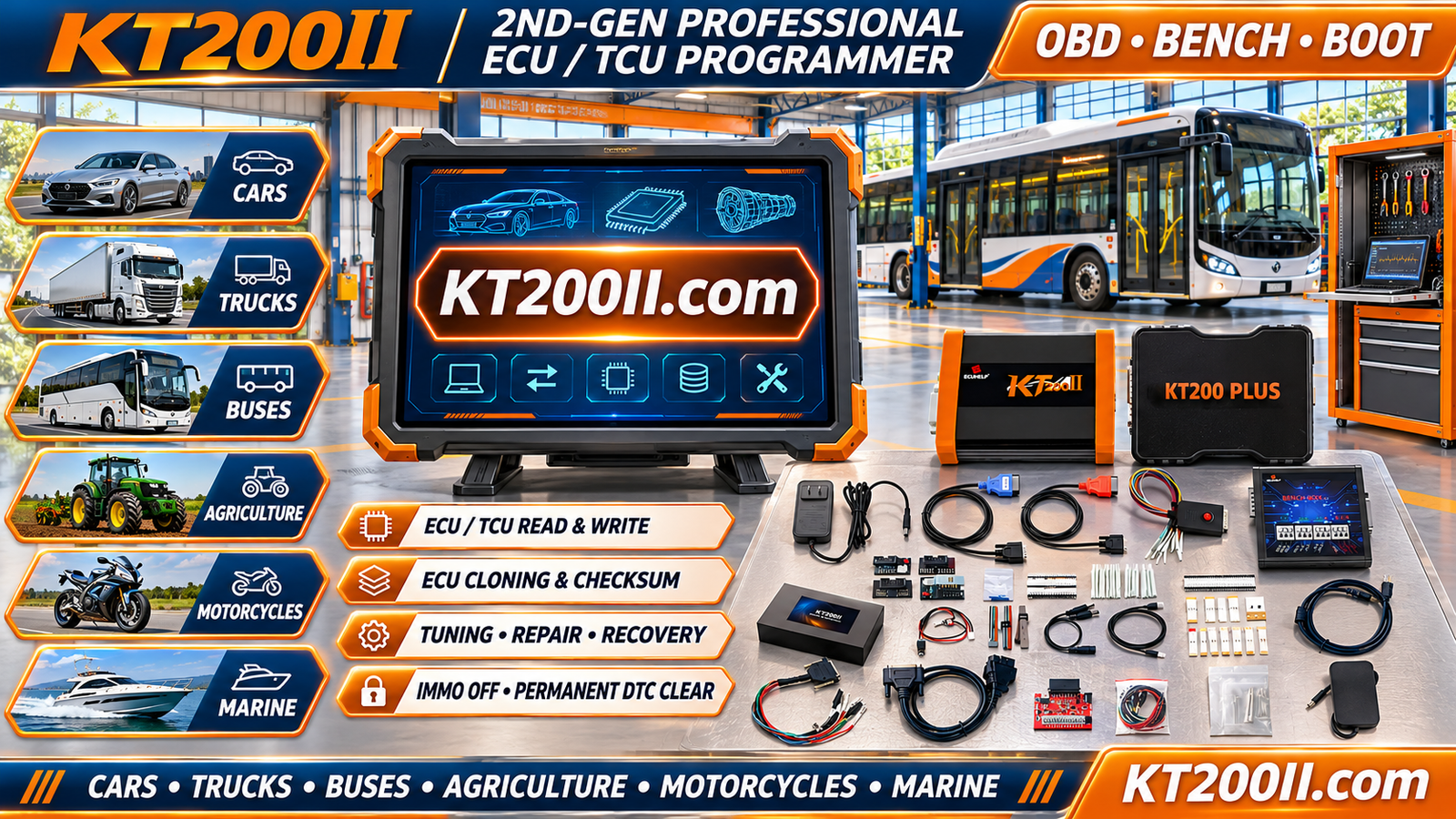
KT200II is a professional ECU and TCU programming solution designed for automotive electronics technicians and repair workshops.
Depending on the exact controller and supported protocol, available operations may include:
- ECU and TCU identification.
- Supported Flash reading.
- Supported Flash writing.
- Selected EEPROM operations.
- OBD programming applications.
- Bench programming applications.
- Boot programming applications.
- Supported ECU backup and replacement-related operations.
EEPROM support varies between ECU families and programming methods.
A protocol that supports Flash reading does not automatically provide EEPROM reading or writing.
Before starting an operation, technicians should verify the exact ECU part number, memory type and supported functions.
Explore the KT200II technical resources:
- KT200II ECU Programmer
- KT200II Operation Modes
- KT200II Software Information
- KT200II Supported ECU and TCU List
- KT200II Technical Blog
16. Best Practices for Safe EEPROM Programming
Professional technicians should follow a consistent procedure to protect original controller information.
- Identify the exact ECU and memory architecture.
- Verify the supported EEPROM operation.
- Use the correct wiring diagram.
- Confirm supply voltage and polarity.
- Check programming cables and adapters.
- Preserve original data before writing.
- Verify backup files.
- Use compatible replacement files.
- Maintain stable power during programming.
- Do not interrupt active write operations.
- Protect vehicle-specific data.
- Perform final controller communication checks.
17. ECU EEPROM Programming Checklist
Before beginning an EEPROM operation, verify:
- ECU manufacturer identified.
- Complete part number recorded.
- Hardware version confirmed.
- Software version identified.
- Memory architecture checked.
- EEPROM type verified where applicable.
- Correct programming protocol selected.
- Required connection method confirmed.
- Power and ground connections inspected.
- Original memory backed up where supported.
- Backup integrity verified.
- Target file compatibility confirmed.
- Writing operation completed successfully.
- Memory verification completed where supported.
- Final diagnostic checks performed.
Frequently Asked Questions
What is ECU EEPROM programming?
ECU EEPROM programming involves reading or writing supported persistent memory data in an automotive electronic control unit.
What is the difference between EEPROM and Flash?
Flash commonly stores application software and calibration information, while EEPROM or emulated persistent memory often stores configuration and other controller-specific data.
Does every ECU contain a separate EEPROM chip?
No. Many modern controllers use internal Data Flash or EEPROM emulation instead of a dedicated external EEPROM component.
Can KT200II read EEPROM?
KT200II supports selected EEPROM operations through compatible protocols. Exact functions must be verified for the specific ECU and memory architecture.
Can ECU EEPROM be read through OBD?
Selected controllers support persistent memory access through OBD programming, while others require Bench, Boot or different specialized methods.
Does EEPROM contain all ECU cloning information?
No. Some replacement procedures require additional Flash, configuration or processor-specific data. Cloning feasibility depends on the controller architecture.
Can corrupted EEPROM data be recovered?
Recovery may be possible when a compatible original backup or supported restoration procedure is available. Physically defective memory devices may require electronic repair or replacement.
Why does EEPROM writing fail?
Possible causes include incompatible files, unsupported protocols, electrical instability, memory protection or defective memory hardware.
Conclusion
EEPROM and persistent memory technologies are important components of modern automotive electronic controllers.
Understanding dedicated EEPROM devices, internal Data Flash, EEPROM emulation and memory access methods helps technicians approach ECU repair and replacement more effectively.
Successful EEPROM programming requires accurate controller identification, correct memory architecture, compatible programming equipment and preservation of original data.
KT200II provides selected ECU and TCU memory programming functions, including supported Flash and EEPROM operations according to the available protocol.
For more technical articles, programming methods and supported controller information, visit the KT200II Official Website.