ECU Cloning Explained: Flash, EEPROM, Data Backup and Replacement Module Programming
ECU Cloning Explained: Flash, EEPROM, Data Backup and Replacement Module Programming
ECU cloning is an important technique in professional automotive electronics repair. When an engine control unit becomes damaged or needs replacement, transferring compatible electronic data from the original controller to a replacement module may help restore the vehicle's original configuration.
Modern engine control units contain different types of memory, microcontrollers, calibration information and vehicle-specific data. Depending on the ECU architecture, these components may store engine software, configuration parameters, identification information and immobilizer-related data.
Successful ECU cloning requires more than copying a single memory file. Technicians must understand the ECU hardware, memory structure, software compatibility and security requirements before performing any programming operation.
In this KT200II technical guide, we explain how ECU cloning works, the differences between Flash and EEPROM, how to back up original data, how to select a compatible replacement ECU and how to troubleshoot common cloning problems.
1. What Is ECU Cloning?
ECU cloning is a process of transferring supported electronic data from an original engine control unit to a compatible replacement controller.
The objective is to reproduce the relevant original ECU data in the replacement module so that it can operate correctly in the intended vehicle application.
Depending on the ECU architecture, cloning may involve:
- Reading original ECU identification information.
- Backing up Flash memory.
- Reading EEPROM or equivalent non-volatile memory.
- Preserving vehicle-specific configuration data.
- Identifying immobilizer-related information where applicable.
- Checking replacement ECU compatibility.
- Writing supported memory areas.
- Verifying the programmed data.
Not every ECU can be cloned using the same procedure. Some controllers require additional coding, synchronization, security authorization or manufacturer-specific configuration after memory programming.
2. Why Is ECU Cloning Necessary?
ECU cloning is commonly used when an original engine control module has developed an electronic or hardware fault and needs replacement.
Replacing an ECU with a different controller may introduce compatibility and configuration problems.
Depending on the vehicle, the replacement module may require:
- Compatible engine control software.
- Correct calibration data.
- Vehicle-specific configuration.
- Immobilizer synchronization.
- Module identification data.
- Manufacturer-specific coding.
When supported, cloning can help preserve relevant original data and reduce the amount of additional configuration required during ECU replacement.
3. Understanding ECU Memory Architecture
Before performing ECU cloning, technicians should understand the different memory technologies used inside automotive electronic control units.
Common memory types include:
- Flash memory.
- EEPROM.
- Internal microcontroller Flash.
- Internal EEPROM emulation.
- External non-volatile memory.
- RAM for temporary operating data.
Different ECU generations use different memory architectures. Some controllers have separate Flash and EEPROM chips, while others integrate multiple memory functions inside the microcontroller.
This is why identifying the exact ECU hardware and microcontroller is essential before selecting a cloning procedure.
4. What Is ECU Flash Memory?
Flash memory is a type of non-volatile storage that retains information when electrical power is removed.
Depending on the ECU design, Flash memory may contain:
- Engine management software.
- Application firmware.
- Fuel injection control strategies.
- Ignition timing calculations.
- Torque management functions.
- Calibration information.
- Diagnostic routines.
Supported Flash reading operations allow technicians to obtain the relevant software and calibration data from the original controller.
Flash writing operations can program compatible data into a supported replacement ECU.
However, not every Flash memory region is necessarily accessible through every programming method.
5. What Is ECU EEPROM Memory?
EEPROM is non-volatile memory used to retain selected information when the ECU is disconnected from its power supply.
Depending on the controller architecture, EEPROM or equivalent storage may contain:
- Vehicle-specific configuration.
- Module identification information.
- Adaptation parameters.
- Immobilizer-related data.
- Manufacturing information.
- Other persistent application data.
Not all ECUs use a separate EEPROM chip. Some use internal EEPROM, Flash-based emulation or other non-volatile memory technologies.
Technicians must identify the actual memory architecture rather than assuming that every controller stores its data in the same way.
6. Difference Between Flash and EEPROM During ECU Cloning
| Feature | Flash | EEPROM |
|---|---|---|
| Memory type | Non-volatile | Non-volatile |
| Typical content | Software and calibration | Configuration and persistent data |
| Storage architecture | Internal or external | Dedicated or emulated |
| Data retention | Without power | Without power |
| Cloning requirements | Application dependent | Application dependent |
Reading Flash does not necessarily mean that all vehicle-specific information has been backed up.
Similarly, copying EEPROM data alone may not provide all the software and calibration information required by a replacement ECU.
The required memory areas must be determined according to the specific controller architecture.
7. Does ECU Cloning Require Copying Both Flash and EEPROM?
Not necessarily. The required memory operations depend on the ECU generation, microcontroller, software architecture and replacement procedure.
Some controllers require selected Flash data, while others require additional non-volatile information.
In certain applications, a complete replacement procedure may also require configuration, coding or security synchronization.
Before starting, technicians should determine:
- Which memory areas contain the required data.
- Whether the original ECU can still communicate.
- Whether the replacement ECU has compatible hardware.
- Whether the relevant memory areas are accessible.
- Whether additional coding or synchronization is required.
There is no universal Flash and EEPROM combination that applies to every ECU.
8. Understanding Immobilizer Data in ECU Cloning
Many modern vehicles use immobilizer systems to prevent unauthorized engine starting.
The engine ECU may participate in a security authorization process involving other vehicle modules.
Depending on the vehicle architecture, immobilizer-related information may be stored in or associated with:
- Engine ECU.
- Immobilizer module.
- Body Control Module (BCM).
- Instrument cluster.
- Keyless entry system.
- Other vehicle security modules.
When an engine ECU is replaced, the vehicle may require an authorized synchronization or adaptation procedure.
Copying selected ECU memory does not automatically guarantee that the immobilizer system will accept the replacement module.
Technicians should follow the manufacturer's authorized replacement and security procedures.
9. How to Choose a Compatible Replacement ECU
Replacement ECU compatibility is one of the most important factors in successful cloning.
Two ECUs may have similar external housings and connectors but different internal hardware and software.
Before selecting a replacement controller, compare:
- Original ECU part number.
- Replacement ECU part number.
- Hardware revision.
- Microcontroller family.
- Flash memory architecture.
- Software generation.
- Connector configuration.
- Vehicle application.
- Supported programming method.
Some replacement modules may be compatible despite having different part number suffixes, but this must be verified through reliable application information.
Never assume that two ECUs are interchangeable simply because they come from the same vehicle manufacturer.
10. OBD, Bench and Boot Methods for ECU Cloning
Different ECU architectures require different methods of accessing memory.
OBD Cloning
OBD programming communicates with a supported ECU through the vehicle's diagnostic connector.
Depending on the application, it may allow ECU identification and selected memory reading or writing operations without removing the controller.
Bench Cloning
Bench programming connects directly to the ECU's external electrical terminals outside the vehicle.
It can provide access to supported communication and memory operations using a suitable adapter and wiring harness.
Boot Cloning
Boot programming uses a microcontroller-specific startup or programming access procedure.
Depending on the ECU design, it may require designated Boot connections or direct access to the PCB.
Some controllers require the ECU housing to be opened before the necessary connections can be made.
| Method | Connection | Typical Application |
|---|---|---|
| OBD | Vehicle diagnostic connector | Supported in-vehicle operations |
| Bench | Direct ECU connector | Supported external ECU access |
| Boot | Boot-specific access | Supported low-level memory operations |
The available cloning functions depend on the exact ECU and the supported programming protocol.
11. Step-by-Step ECU Cloning Workflow
Although the detailed procedures vary between ECU manufacturers, a professional cloning workflow generally includes the following stages.
Step 1: Identify the Original ECU
Record the manufacturer, part number, hardware reference and software identification where available.
Step 2: Diagnose the Original Controller
Determine whether the original ECU can communicate and whether the problem is caused by hardware, power supply, wiring or software.
Step 3: Confirm Programming Compatibility
Check whether the programming equipment supports the exact ECU and required memory operations.
Step 4: Select the Correct Programming Mode
Determine whether the application requires OBD, Bench or Boot access.
Step 5: Connect the Original ECU
Use the verified wiring diagram and appropriate adapter. Check all power, ground and communication connections.
Step 6: Read Original ECU Data
Perform the supported Flash, EEPROM or other required memory reading operations.
Step 7: Save Original Files
Store the original files safely and record the ECU identification information.
Step 8: Verify the Backup
Check that the reading operations completed successfully and that the saved files have the expected characteristics.
Step 9: Identify the Replacement ECU
Compare the replacement controller's hardware and software information with the original ECU.
Step 10: Perform Supported Writing Operations
Program only compatible memory data according to the application-specific procedure.
Step 11: Verify the Replacement ECU
Repeat identification where supported and check the programming result.
Step 12: Complete Required Vehicle Procedures
Perform any required manufacturer-authorized coding, immobilizer synchronization, adaptations or diagnostic checks.
12. Why Is Original ECU Data Backup Important?
Backing up original ECU data is an essential professional practice before performing memory writing operations.
It provides a reference copy of the original information and may help with recovery if an unexpected programming problem occurs.
A good backup procedure should include:
- Recording ECU identification information.
- Saving all required supported memory areas.
- Using clear file names.
- Keeping original files unchanged.
- Recording the reading method.
- Checking file sizes and available integrity information.
- Maintaining separate backup copies.
A single successful reading operation does not necessarily mean that the entire ECU has been backed up.
Some applications require multiple operations to preserve the relevant data.
13. Understanding ECU Checksum Verification
Checksum verification is an important part of many ECU programming and calibration procedures.
A checksum is a calculated value used to help verify the integrity of stored data.
Depending on the ECU architecture, checksum mechanisms may be used to detect changes or inconsistencies in memory content.
During programming, the software may need to calculate or correct applicable checksum information before the ECU can operate normally.
However, checksum requirements differ between ECU manufacturers and microcontroller families.
Technicians should use compatible software and follow the supported programming procedure rather than modifying memory files without understanding their structure.
14. What Happens When the Original ECU Is Completely Dead?
One of the most challenging ECU replacement situations occurs when the original controller cannot communicate.
The technician may be unable to obtain the original memory data through normal OBD or Bench communication.
Possible causes include:
- Damaged internal power supply.
- Defective microcontroller.
- Damaged Flash or EEPROM circuitry.
- Shorted protection components.
- PCB corrosion.
- Damaged communication transceiver.
Before declaring the original ECU unrecoverable, technicians should perform appropriate hardware diagnosis.
In certain cases, repairing the power supply or communication circuit may restore access to the original data.
If the original memory cannot be recovered, an alternative authorized replacement procedure may be required using compatible software, vehicle configuration and security information.
15. Common ECU Cloning Problems
Several problems can occur during ECU cloning.
Replacement ECU Does Not Communicate
Possible causes include incorrect power supply, wiring errors, incompatible hardware or unsupported programming protocols.
Vehicle Does Not Start After Cloning
Possible causes include incomplete data transfer, incompatible software, missing configuration or unresolved immobilizer synchronization.
Immobilizer Authorization Fails
The relevant security information may not have been transferred or synchronized correctly.
Programming Operation Fails
Unstable power, communication interruptions, incompatible memory files or unsupported operations may cause programming failures.
Diagnostic Trouble Codes Appear After Replacement
The replacement ECU may require additional configuration, coding, adaptation or diagnosis of unrelated vehicle faults.
Replacement ECU Has Different Hardware
Different hardware revisions or microcontroller architectures may require a different programming procedure and may not be compatible with the original files.
16. Can You Clone an ECU with Only Flash Data?
Sometimes, but not universally.
Some ECU applications require only specific Flash data for the intended replacement operation.
Other applications require EEPROM or additional non-volatile data, while some require separate security or configuration procedures.
The correct answer depends on the ECU's internal architecture and the manufacturer's replacement requirements.
Before programming, determine which memory regions contain the information needed for the specific application.
17. Can You Clone an ECU with Only EEPROM Data?
In some specific applications, EEPROM data may contain important vehicle-specific information required during replacement.
However, EEPROM data alone generally does not contain all the application software and calibration information stored in the ECU.
If the replacement controller has incompatible software or hardware, transferring EEPROM data alone may not produce a working replacement module.
Always evaluate Flash, EEPROM and other memory requirements together.
18. ECU Cloning vs ECU Programming vs ECU Virginizing
These terms are related to automotive ECU replacement but describe different procedures.
ECU Cloning
Transfers supported original ECU data to a compatible replacement controller to reproduce the required original configuration.
ECU Programming
Reads or writes supported software and memory information in an electronic control unit. It may include software updates, calibration operations or replacement module programming.
ECU Virginizing
Refers to a manufacturer- or application-specific procedure that places certain supported modules into an initial or replacement-ready state.
Virginizing does not mean the same thing as complete cloning and may require subsequent authorized vehicle configuration or security adaptation.
| Operation | Main Purpose |
|---|---|
| Cloning | Transfer supported original data |
| Programming | Read or write ECU software and memory |
| Virginizing | Prepare a supported module for a replacement procedure |
19. How to Reduce ECU Cloning Failures
Professional technicians can reduce programming risks by following several important practices.
- Identify the exact ECU before programming.
- Confirm hardware compatibility.
- Verify the microcontroller and memory architecture.
- Use the correct connection diagram.
- Check power supply stability.
- Back up original data where supported.
- Verify the programming files.
- Use compatible software protocols.
- Avoid interrupting active writing operations.
- Perform required post-programming procedures.
- Verify vehicle operation after replacement.
These steps are especially important when working with expensive or difficult-to-replace automotive controllers.
20. How KT200II Supports Professional ECU Programming
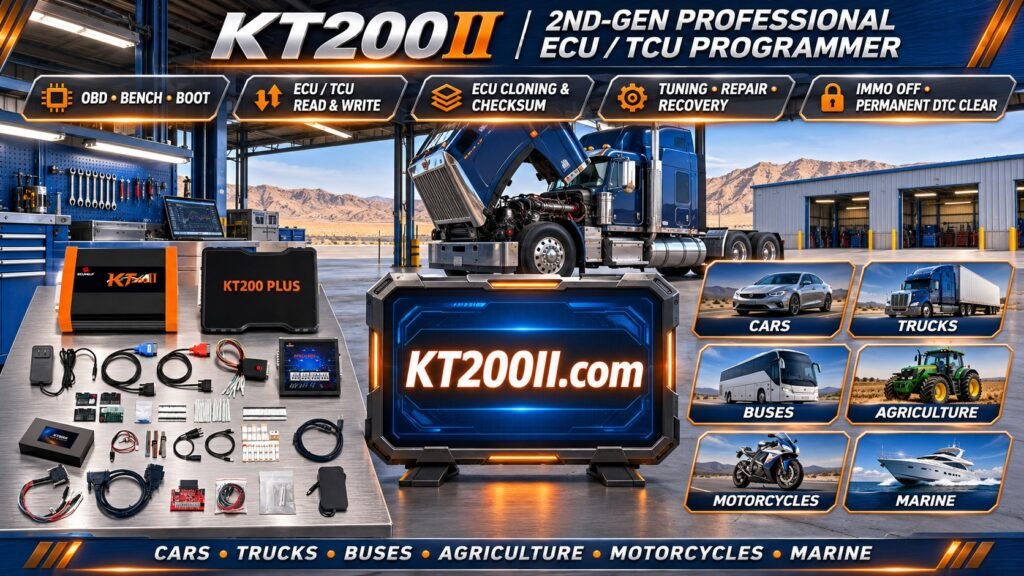
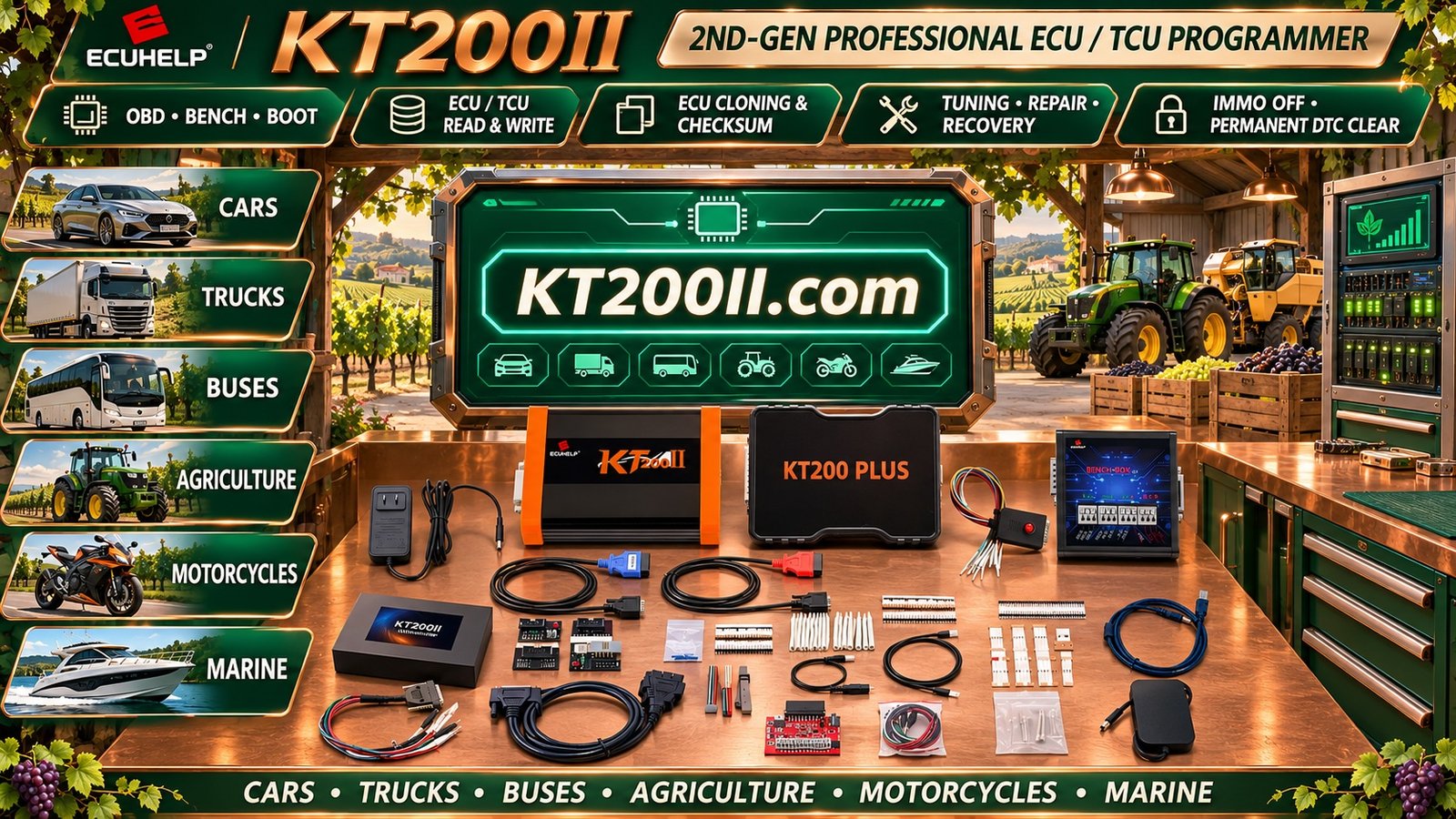
KT200II is a professional ECU and TCU programming tool designed for supported automotive control modules.
Depending on the released software protocols and exact ECU application, KT200II provides supported memory reading and writing operations through different programming methods.
For ECU cloning work, technicians should verify:
- Exact ECU manufacturer and part number.
- Hardware version.
- Software identification.
- Microcontroller family.
- Available programming mode.
- Supported Flash reading and writing.
- Supported EEPROM operations.
- Required adapters and connection harnesses.
Not every supported ECU provides complete cloning functionality. The availability of Flash, EEPROM and other memory operations depends on the specific application.
To learn more about the device, visit the KT200II ECU Programmer product page.
For information about connection methods, visit KT200II Operation Modes.
Before selecting an ECU cloning procedure, check the KT200II Support List.
For software information and updates, visit KT200II Software.
21. ECU Cloning Diagnostic Checklist
Use this checklist before starting an ECU cloning operation:
- Original ECU identified.
- Replacement ECU identified.
- Original ECU part number recorded.
- Replacement hardware compatibility checked.
- Microcontroller architecture confirmed where possible.
- Software identification recorded.
- Programming compatibility verified.
- Correct OBD, Bench or Boot method selected.
- Correct wiring diagram obtained.
- Power supply and ground connections verified.
- Original Flash data backed up where supported.
- EEPROM or equivalent data backed up where required.
- Original files preserved.
- Replacement memory compatibility checked.
- Programming operation completed.
- Post-programming identification performed.
- Required coding or synchronization completed.
- Diagnostic trouble codes checked.
- Vehicle operation verified.
Frequently Asked Questions
What is ECU cloning?
ECU cloning is the process of transferring supported electronic data from an original engine control unit to a compatible replacement controller.
Does ECU cloning require Flash and EEPROM?
It depends on the ECU architecture. Some applications require selected Flash data, while others require EEPROM or additional non-volatile information.
Can different ECU part numbers be cloned?
Some different part numbers may be compatible, but compatibility must be verified through hardware, software and application information. Similar appearance does not guarantee compatibility.
Can ECU cloning be performed through OBD?
Some supported ECUs allow the required memory operations through OBD. Other applications require Bench or Boot programming.
What is the difference between ECU cloning and ECU replacement?
ECU replacement is the physical installation of another controller. Cloning is a data transfer procedure that may help configure a compatible replacement controller.
Can an ECU be cloned if the original module is damaged?
It depends on the type of damage. If the original memory remains accessible, data may still be recoverable. Some cases require hardware repair before memory reading is possible.
Why does a vehicle fail to start after ECU cloning?
Possible causes include incompatible hardware, incorrect memory data, incomplete programming, missing configuration or unresolved immobilizer authorization.
Does ECU cloning automatically solve immobilizer problems?
No. Immobilizer systems may involve multiple vehicle modules and security authorization procedures. Successful memory transfer does not guarantee that every security-related requirement has been completed.
What is the difference between ECU Flash and EEPROM?
Flash commonly stores application software and calibration information, while EEPROM or equivalent non-volatile memory may contain configuration and other persistent data.
Can KT200II clone every ECU?
No programming tool supports every ECU and every cloning operation. KT200II compatibility depends on the exact ECU hardware and released software protocols.
Where can I check KT200II ECU cloning compatibility?
Visit the KT200II Support List and verify the exact ECU application and available memory operations.
Conclusion
ECU cloning is an important technique in modern automotive electronics repair, particularly when an original engine control module needs to be replaced.
Successful cloning requires an understanding of Flash memory, EEPROM, microcontroller architecture, software compatibility and vehicle-specific configuration requirements.
Technicians should never assume that copying one memory file is sufficient for every ECU. Each controller has its own memory architecture and replacement requirements.
By identifying the original and replacement modules, backing up the required data, selecting the correct programming method and verifying the final result, automotive workshops can improve the reliability of ECU replacement operations.
KT200II provides ECU and TCU programming capabilities for supported applications. Explore the KT200II Programmer, review the Supported ECU List and visit the KT200II Technical Blog for more professional automotive programming information.
Accurate ECU identification, compatible memory data and the correct programming procedure are essential for successful ECU cloning.