ECU Flash vs EEPROM Explained: Differences, Functions and Programming Methods
ECU Flash vs EEPROM Explained: Differences, Functions and Programming Methods
Modern automotive Electronic Control Units (ECUs) use different types of memory to store software, calibration parameters and vehicle-related information. Among the most important memory technologies are Flash memory and EEPROM.
For automotive electronics technicians, understanding the difference between ECU Flash and EEPROM is essential when performing ECU programming, data backup, module replacement and cloning procedures.
Although both are non-volatile memory technologies, they serve different purposes and may contain different types of information depending on the ECU architecture.
In this KT200II technical guide, we explain how Flash and EEPROM work, what information they may store and why identifying the correct memory operation is important before programming an ECU.
1. What Is ECU Flash Memory?
Flash memory is a type of non-volatile memory that retains stored information even when the ECU is disconnected from its power supply.
It is commonly used to store the main software and calibration data required for engine or transmission control.
Depending on the ECU architecture, Flash memory may contain:
- ECU operating software.
- Engine control strategies.
- Fuel injection calibration data.
- Ignition timing maps.
- Boost pressure control parameters.
- Torque management data.
- Diagnostic and control routines.
Flash memory is commonly involved in ECU software updates, calibration modifications and supported programming operations.
2. What Is ECU EEPROM Memory?
EEPROM stands for Electrically Erasable Programmable Read-Only Memory.
It is another type of non-volatile memory that can retain information without continuous electrical power.
Depending on the ECU design, EEPROM or EEPROM-emulated storage may contain:
- Vehicle configuration information.
- Immobilizer-related data.
- Adaptation values.
- Identification information.
- Learned operating parameters.
- Other persistent vehicle-specific information.
Not every ECU stores these items in EEPROM. Some modern controllers use internal Flash, dedicated data Flash, external memory or other storage architectures.
3. ECU Flash vs EEPROM: Main Differences
| Feature | Flash Memory | EEPROM |
|---|---|---|
| Primary use | Software and calibration storage | Persistent data storage |
| Data retention | Non-volatile | Non-volatile |
| Typical contents | Program code and calibration | Configuration and learned data |
| Write characteristics | Usually erased in blocks or sectors | Often supports smaller data updates |
| Programming applications | Software updates and calibration | Configuration and data operations |
The exact memory architecture varies between ECU manufacturers, processor families and hardware generations.
4. Why Is Flash Memory Important in ECU Programming?
Flash memory contains important software required for the ECU to operate.
When supported, reading Flash memory allows technicians to obtain a copy of the relevant software data for analysis, backup or compatible programming procedures.
Common Flash-related operations include:
- Original Flash reading.
- Modified Flash writing.
- Software restoration.
- Supported ECU software updates.
- Calibration file analysis.
- Supported ECU replacement procedures.
Before writing a Flash file, technicians should verify hardware compatibility, software identification, file integrity and checksum requirements where applicable.
5. Why Is EEPROM Important?
EEPROM-related data can be important when replacing or repairing an ECU.
Depending on the controller, it may contain information associated with vehicle configuration, immobilizer systems and other persistent parameters.
EEPROM operations may include:
- Reading original EEPROM data.
- Creating data backups.
- Writing compatible EEPROM files.
- Recovering supported configuration information.
- Performing selected replacement ECU procedures.
Because some EEPROM data may be vehicle-specific, technicians should preserve the original data whenever possible.
6. What Is the Difference Between Flash Reading and EEPROM Reading?
Although both operations retrieve ECU memory data, they are not interchangeable.
Flash Reading
Flash reading retrieves supported software or calibration memory regions from the ECU.
EEPROM Reading
EEPROM reading retrieves supported persistent data stored in the controller's EEPROM or corresponding data memory.
Some ECU programming tools support both operations, while others support only selected memory regions.
A successful Flash read does not mean that EEPROM has also been backed up.
Technicians should always check which memory regions have actually been read and saved.
7. Why Should You Back Up ECU Data Before Programming?
Original ECU data can be important when restoring a controller or performing a supported replacement procedure.
Before starting a programming operation, technicians should consider:
- Saving the original Flash file where supported.
- Saving EEPROM data where supported.
- Recording ECU hardware identification.
- Recording software identification.
- Keeping original and modified files separate.
- Maintaining additional backup copies.
- Checking file integrity after saving.
Not every ECU allows every memory region to be read. Some operations may require specialized access methods or may be unavailable because of hardware or software restrictions.
8. Understanding ECU Cloning and Memory Data
ECU cloning is a procedure used to transfer required information from an original controller to a compatible replacement ECU.
Depending on the ECU architecture and cloning method, the required information may include:
- Flash memory data.
- EEPROM data.
- Internal data Flash.
- Vehicle configuration information.
- Immobilizer-related information.
Some ECUs can be cloned using supported memory reading and writing operations. Others require additional synchronization, configuration or manufacturer-specific procedures.
It is important to understand that copying one memory region does not automatically guarantee a complete ECU clone.
Always verify donor ECU compatibility and the required memory contents before beginning a cloning operation.
9. Internal vs External Memory in Automotive ECUs
Automotive ECUs use different memory architectures.
Depending on the processor and controller design, memory may be integrated into the main microcontroller or installed as separate electronic components on the PCB.
Internal Memory
Internal memory is integrated into the processor or microcontroller. It may include program Flash, data Flash and other storage regions.
External Memory
External memory is installed separately on the circuit board and communicates with the processor through supported interfaces.
Some ECU designs use multiple memory devices for different purposes.
This is why the same programming method cannot automatically be applied to every ECU.
10. Common Mistakes During ECU Memory Programming
- Assuming Flash and EEPROM contain identical information.
- Writing an incompatible memory file.
- Failing to preserve original ECU data.
- Ignoring hardware and software revisions.
- Interrupting an active programming operation.
- Using an incorrect programming protocol.
- Assuming that reading Flash also reads EEPROM.
- Ignoring checksum requirements.
- Confusing a virtual reference file with an actual ECU backup.
Following a structured identification and backup procedure helps reduce unnecessary programming risks.
11. How to Prepare for ECU Flash and EEPROM Operations
Before using an ECU programmer, technicians should follow a consistent preparation process.
- Identify the exact ECU manufacturer and part number.
- Record hardware and software references.
- Check the supported programming protocol.
- Confirm whether Flash reading is available.
- Confirm whether EEPROM reading is available.
- Obtain the correct wiring diagram.
- Prepare the appropriate connection cable or adapter.
- Verify power and ground connections.
- Maintain stable electrical conditions.
- Save original data before modifying or writing files.
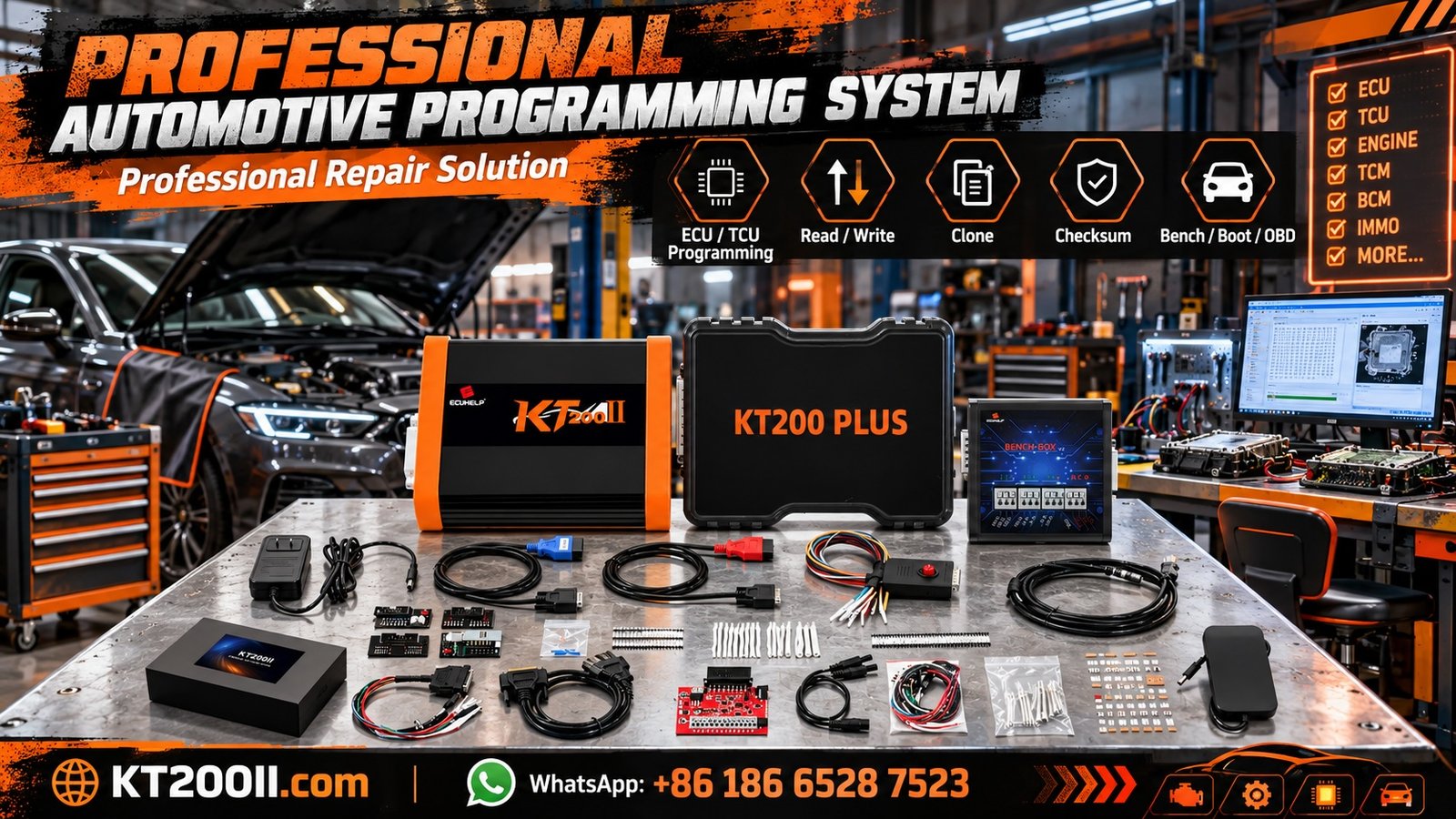
12. Using KT200II for Supported ECU Memory Operations
KT200II is an ECU and TCU programming solution designed for automotive electronics technicians and professional repair workshops.
Depending on the exact ECU model, software version and supported programming protocol, available functions may include:
- ECU and TCU identification.
- Supported Flash Read operations.
- Supported Flash Write operations.
- Selected EEPROM operations.
- OBD programming applications.
- Bench programming applications.
- Supported Boot programming applications.
Not every ECU supports all memory operations. Always check the exact controller in the supported ECU list before starting a programming job.
Useful KT200II resources:
- KT200II Official Product Information
- KT200II Operation Modes
- KT200II Software Information
- KT200II Supported ECU List
- KT200II Technical Blog
13. ECU Flash and EEPROM Backup Checklist
Use this checklist before performing memory programming operations:
- ECU manufacturer identified.
- Complete part number recorded.
- Hardware and software versions recorded.
- Supported memory operations verified.
- Correct programming protocol selected.
- Correct connection method confirmed.
- Power supply checked.
- Original Flash data saved where supported.
- Original EEPROM data saved where supported.
- Files stored in a secure backup location.
- Original files kept separate from modified files.
- File compatibility checked before writing.
Frequently Asked Questions
What is the main difference between ECU Flash and EEPROM?
Flash commonly stores ECU software and calibration data, while EEPROM or equivalent persistent storage may contain configuration and vehicle-specific information. Actual usage depends on the ECU architecture.
Does every ECU have separate Flash and EEPROM chips?
No. Some ECUs use integrated memory inside the processor, while others use external memory components or different storage arrangements.
Can I clone an ECU using only Flash data?
Not always. Some controllers require additional EEPROM or other persistent data to complete the replacement procedure.
Does reading ECU Flash automatically back up EEPROM?
No. Flash and EEPROM are separate memory operations. Their availability and contents depend on the controller.
Can EEPROM data be recovered if the ECU cannot communicate?
Sometimes. Recovery may require specialized access methods, direct memory operations or component-level procedures, depending on the ECU design and damage.
Why should I save the original ECU file?
Original files provide a reference for restoration, comparison and supported programming procedures. They should be preserved whenever possible.
Does KT200II support all Flash and EEPROM operations?
No programming tool supports every memory operation on every ECU. KT200II compatibility depends on the exact controller, software version and supported protocol.
Conclusion
Understanding the difference between ECU Flash and EEPROM is essential for professional automotive programming.
Flash memory commonly stores the main ECU software and calibration information, while EEPROM and other persistent storage systems may contain configuration and vehicle-specific data.
Before performing ECU reading, writing, backup or cloning operations, technicians should identify the exact controller, verify supported memory functions and preserve original data whenever possible.
For more information about ECU programming methods and supported applications, visit the KT200II Official Website.