KT200II Support List 2026: How to Check ECU and TCU Compatibility Before Programming
KT200II Support List 2026: How to Check ECU and TCU Compatibility Before Programming
KT200II Support List 2026: How to Check ECU and TCU Compatibility Before Programming
Before purchasing an ECU programmer or connecting it to a vehicle, one of the most important questions is:
Does KT200II support this ECU or TCU?
The answer should not be based only on the vehicle brand or model. The same vehicle may use different ECU hardware versions, processors, software versions and security systems. One version may support OBD programming, while another may require Bench, Boot, JTAG or BDM connection.
The safest method is to check the exact ECU or TCU information in the official KT200II support list before starting the operation.
The answer should not be based only on the vehicle brand or model. The same vehicle may use different ECU hardware versions, processors, software versions and security systems. One version may support OBD programming, while another may require Bench, Boot, JTAG or BDM connection.
The safest method is to check the exact ECU or TCU information in the official KT200II support list before starting the operation.
What Is the KT200II Support List?
The official KT200II database is designed to help technicians quickly check whether a specific ECU or TCU is supported.
You can search using information such as:
- Vehicle brand
- Vehicle model
- Engine or transmission
- ECU or TCU manufacturer
- ECU or TCU type
- Microprocessor or EEPROM
- Read and write method
- Connection mode
The database currently contains more than 6,000 ECU and TCU records, covering a wide range of programming applications.
You can access the database here:
Check the Official KT200II Support List
Why Checking Only the Vehicle Model Is Not Enough
Many users search using a general question such as:
Does KT200II support BMW?
Or:
Can KT200II program a Toyota ECU?
These questions do not provide enough information for an accurate compatibility check.
A single vehicle model may be equipped with several different control units depending on:
- Production year
- Engine type
- Transmission type
- Country or market
- ECU hardware number
- ECU software version
- Processor type
- Vehicle configuration
For example, two vehicles with the same model name may use different Bosch, Continental, Denso, Delphi or Marelli control units. Their connection and programming methods may therefore be completely different.
For the most accurate result, check the label on the ECU or TCU and search for the exact control-unit model.
How to Search the KT200II Support List
Step 1: Identify the ECU or TCU
Locate the control unit and check its identification label.
Useful information may include:
- ECU manufacturer
- ECU model
- Hardware number
- Software number
- Bosch number
- Engine code
- Transmission model
- Microcontroller type
A clear photo of the ECU label is also useful when requesting technical confirmation.
Step 2: Select ECU or TCU
The support database allows you to filter the results by control-unit category.
Choose:
- ECU for engine control units
- TCU for transmission control units
This prevents unrelated results from appearing in the search.
Step 3: Enter Precise Keywords
Start with the ECU or TCU model rather than entering a long vehicle description.
Useful search examples include:
- Bosch EDC17
- Bosch MD1
- Bosch MG1
- Continental SID
- Denso SH7058
- BMW 8HP
- Mercedes VGS
- Audi EDC17 OBD
Combining the vehicle brand with the control-unit model can produce more accurate results.
Step 4: Check the Available Connection Mode
Finding the ECU model in the database does not always mean it can be programmed through OBD.
Carefully check the supported connection mode, which may include:
- OBD
- Bench
- Boot
- JTAG
- BDM
You should also confirm whether the available operation includes reading, writing, cloning, EEPROM access or other required functions.
Step 5: Confirm Before Opening the ECU
When the database shows several versions of the same ECU, compare the processor, ECU number and connection method carefully.
Do not open the ECU before confirming that Boot, JTAG or BDM access is required. Many control units can be processed safely through OBD or Bench mode without opening the housing.
Understanding KT200II Working Modes
KT200II supports multiple ECU and TCU communication methods, including OBD, Bench, Boot, JTAG and BDM. It is designed for professional reading, writing, cloning, tuning and ECU repair work.
OBD Mode
OBD mode communicates with the control unit through the vehicle diagnostic connector.
Its main advantages are:
- No need to remove the ECU
- Faster vehicle connection
- Convenient for supported vehicles
- Suitable for routine read and write operations
However, not every supported ECU can be accessed through OBD.
Bench Mode
Bench mode normally allows the ECU or TCU to be connected outside the vehicle through its external connector.
It is commonly used for:
- ECU reading and writing
- TCU programming
- ECU cloning
- Recovery operations
- Working with removed control units
Because the ECU housing usually remains closed, Bench mode is often preferred when OBD communication is unavailable.
Boot Mode
Boot mode usually requires direct access to the ECU circuit board or specific boot points.
It may be necessary when:
- Bench access is not available
- The ECU has additional security protection
- Full flash or EEPROM data is required
- The ECU must be recovered after an interrupted write
- A complete clone is being prepared
Always follow the correct wiring diagram and power requirements.
JTAG and BDM Modes
JTAG and BDM are direct programming methods used with certain processors and older or specialized control units.
These modes may provide deeper memory access, but they require correct positioning, stable power and careful connection.
Does “Supported” Mean OBD Programming Is Available?
No.
When an ECU appears in the KT200II support list, it means KT200II provides a supported communication or programming method for the listed ECU version.
The available method may be:
- OBD
- Bench
- Boot
- JTAG
- BDM
This distinction is important. Some ECU manufacturers apply security protection that prevents external OBD or Bench access. In those cases, the ECU may still be supported, but direct Boot or JTAG access may be required.
Always check the connection method shown in the database instead of assuming that every supported vehicle can be programmed through OBD.
What Can KT200II Be Used For?
Depending on the ECU, TCU and selected KT200II version, the tool can be used for professional operations such as:
- ECU reading and writing
- TCU reading and writing
- ECU cloning
- Flash data operations
- EEPROM data operations
- ECU repair and recovery
- Chip-tuning data reading
- Bench and Boot programming
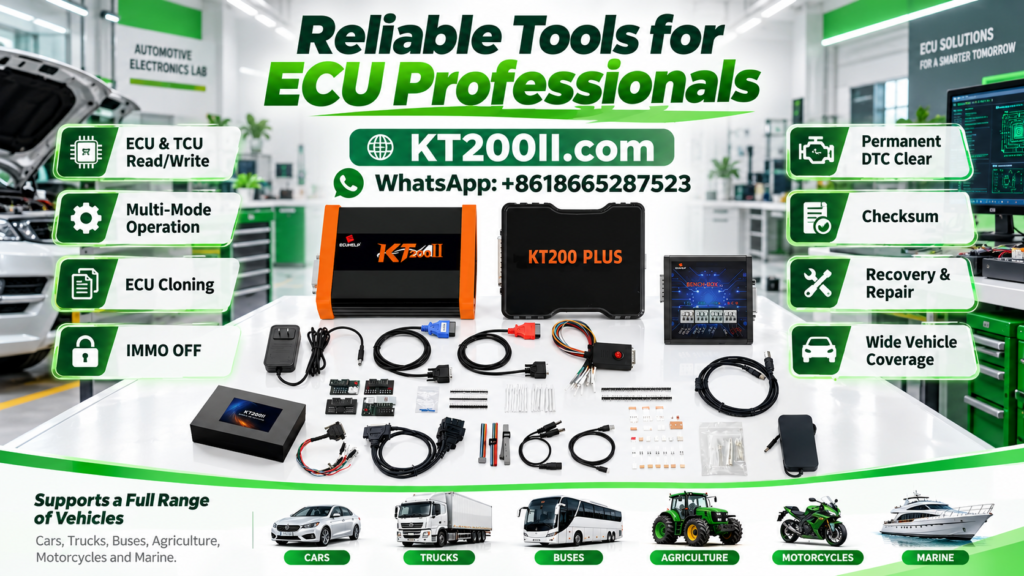
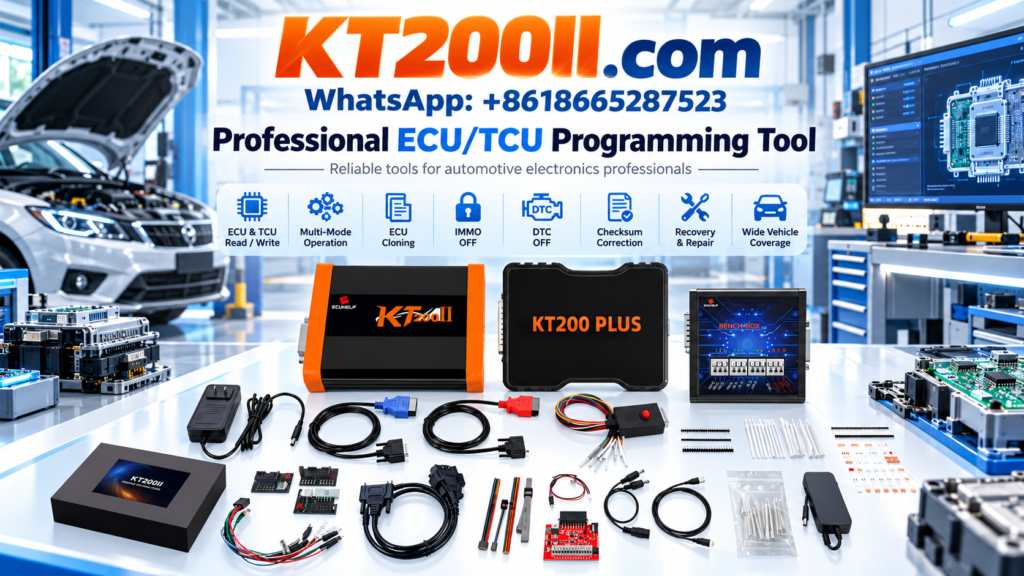
The official product page lists support for ECU/TCU reading, writing and cloning across several connection protocols.
Functions can vary between control-unit versions, so users should always verify the exact database entry before beginning work.
Which KT200II Version Should You Choose?
KT200II is currently offered in several versions for different working requirements.
KT200II Basic Version
The Basic Version is designed mainly for cars and trucks and requires an internet connection during operation.
It is suitable for users who mainly perform standard ECU and TCU programming tasks.
KT200II Full Version with Offline Dongle
The Full Version provides wider vehicle coverage, including:
- Cars
- Trucks
- Construction vehicles
- Motorcycles
- Boats
It also supports online and offline operation, making it more suitable for professional workshops that work with different vehicle categories.
KT200II Ultimate Version
The Ultimate Version is intended for users who need the most complete package and advanced service capabilities.
Immobilizer-related and DTC functions must only be used for authorized repair, legal vehicle service and professional diagnostic purposes. The exact version differences are listed on the official ECUHELP product page.
Information to Prepare Before Purchasing
To receive a more accurate compatibility confirmation, prepare the following information:
- Vehicle brand and model
- Production year
- Engine or transmission information
- ECU or TCU manufacturer
- Complete control-unit model
- Clear photo of the ECU label
- Required operation, such as read, write or clone
- Preferred connection mode
- Whether offline operation is required
Providing complete information reduces the risk of selecting the wrong version or using the wrong connection method.
Frequently Asked Questions
Can KT200II program every supported ECU through OBD?
No. Some ECUs support OBD, while others require Bench, Boot, JTAG or BDM connection.
Can I search by ECU number?
Yes. Searching by the ECU manufacturer, ECU type, processor or identification number can provide more accurate results than searching only by vehicle model.
Does KT200II support ECU cloning?
KT200II supports ECU and TCU cloning for compatible control units. The available data and connection method depend on the specific ECU version.
What should I do when there are no search results?
Try using fewer keywords. Search for the ECU family or manufacturer first, and then narrow the results using the vehicle brand, processor or connection mode.
Where can I purchase the official KT200II?
You can view the available versions and purchase KT200II through the ECUHELP official global store:
Buy the Official KT200II ECU Programmer
Final Recommendation
Checking compatibility before connecting an ECU programmer is an essential part of professional ECU and TCU work.
Do not rely only on the vehicle brand or model. Confirm the exact ECU type, processor, available operation and required connection mode through the official KT200II database.
Start by checking your ECU or TCU here:
Search the KT200II Support List
Once compatibility and the required version have been confirmed, you can purchase the tool from the official store: