Full Read vs Virtual Read vs Calibration Read: Understanding ECU Read Methods
Full Read vs Virtual Read vs Calibration Read: Understanding ECU Read Methods
When working with automotive engine control units, technicians may encounter several types of ECU reading operations, including full reads, virtual reads and calibration reads. Although these terms are related, they do not necessarily describe the same process or produce the same type of data.
Understanding these differences is important when preparing for ECU repair, software analysis, supported calibration work or controller replacement. Selecting the wrong read method can result in missing data, an unsuitable file or an incomplete backup.
This KT200II guide explains how these read methods generally work, what technicians should verify before starting and why the exact ECU, programming protocol and software implementation determine which operations are available.
1. What Is an ECU Read Operation?
An ECU read operation retrieves information from a controller or obtains a compatible data file through a supported programming workflow.
Depending on the ECU architecture and programming method, the retrieved information may represent software, calibration data or other supported memory regions.
Reading ECU data can be useful for:
- Preserving original data before a supported repair.
- Investigating controller software and memory contents.
- Preparing files for compatible programming operations.
- Comparing original and modified data.
- Supporting documented ECU replacement procedures.
Not every ECU supports every type of read operation. Some controllers allow access to selected memory regions, while others require a particular protocol or access method.
Before beginning, identify the exact controller and determine what data the intended operation is expected to provide.
2. What Is a Full ECU Read?
A full ECU read generally refers to retrieving the memory contents covered by a particular full-read procedure. However, the precise meaning of “full read” varies between programming tools, protocols and controller architectures.
Depending on the ECU, the operation may retrieve one or more supported memory regions. It should not automatically be interpreted as a complete physical image of every memory device or every item of controller data.
A full read may be useful when:
- A technician needs to preserve accessible original memory data.
- A supported repair requires a copy of specific controller contents.
- The original data is needed for comparison or analysis.
- A documented replacement procedure requires particular memory files.
Before relying on a full read as a complete backup, confirm exactly which memory regions are included in the selected protocol.
Important Considerations for Full Reads
A successful read operation does not necessarily mean that all relevant data has been retrieved. Some controllers have multiple memory regions, protected areas or separate procedures for accessing different types of information.
Verify the reported result, expected file format and documented scope of the operation. Preserve the original files unchanged and record the ECU identification alongside them.
3. What Is a Virtual Read?
A virtual read generally refers to obtaining a compatible file from an external file source or database rather than directly reading the requested data from the target ECU's physical memory during that operation.
Depending on the programming system, a virtual-read workflow may use controller identification or other supported information to locate a corresponding file.
Virtual reads may be useful in certain supported applications when a directly accessible memory read is unavailable or when the programming workflow provides a compatible reference file.
However, a virtual read is not equivalent to a physical backup of the target controller.
What Should You Verify Before Using a Virtual Read?
- Whether the selected ECU and protocol support the virtual-read function.
- Which identification information is used to select the file.
- Whether the returned file matches the target ECU's software and hardware.
- Which memory regions the file represents.
- Whether the file is appropriate for the intended operation.
- Whether a separate physical backup is still required and possible.
A virtual file may correspond to a particular software version or calibration configuration. It should not be assumed to reproduce every unique data item stored in the target ECU.
Always verify compatibility before using a virtual-read result in a subsequent programming operation.
4. What Is a Calibration Read?
A calibration read generally refers to retrieving calibration-related data rather than necessarily retrieving all software and memory contents of an ECU.
Depending on the controller and programming tool, calibration data may include supported parameters, tables or other information used by the ECU's control strategies.
Calibration information may be relevant to:
- Supported calibration analysis.
- Comparing compatible calibration files.
- Preserving calibration data before an authorized modification.
- Preparing supported calibration-related programming operations.
The exact content depends on the ECU architecture and the specific read function. Some tools distinguish calibration data from executable software, while other file formats may package related information together.
Calibration Read Limitations
A calibration read should not automatically be treated as a full ECU backup. It may not include executable software, other memory regions or controller-specific information required for a different repair.
Before relying on the result, verify the scope of the read operation and determine whether additional data is required for the intended task.
5. Full Read vs Virtual Read vs Calibration Read
| Feature | Full Read | Virtual Read | Calibration Read |
|---|---|---|---|
| General approach | Retrieves the memory contents covered by the supported read procedure | Obtains a corresponding file through an external file source or database workflow | Retrieves supported calibration-related data |
| Direct memory access | Generally involves reading accessible ECU memory | Not necessarily a physical read from the target ECU during that operation | Depends on the supported calibration-read method |
| Typical purpose | Preserve or analyze accessible original data | Obtain a compatible reference file where supported | Work with supported calibration data |
| Coverage | Limited to the regions included in the specific procedure | Limited to the data provided by the file source | Limited to the calibration data covered by the operation |
| Backup suitability | Potentially useful, after confirming completeness | Not a substitute for a physical backup of the target ECU | Not necessarily a complete ECU backup |
These are general descriptions, not universal definitions. Different programming tools may use these terms differently. Always check the documentation for the exact ECU and protocol.
6. Which ECU Read Method Should You Choose?
The appropriate read method depends on the purpose of the job, the target ECU and the capabilities of the selected programming protocol.
When You Need to Preserve Original Data
Start by checking which physical Read operations are supported. Determine which memory regions are relevant to the intended repair and whether the available procedure can retrieve them.
Save the original data and verify that each operation completes successfully. Do not assume that one file contains every item needed for a future repair.
When You Need a Reference File
A virtual-read function may be useful when the selected programming system supports the target ECU and provides a compatible reference file.
Confirm the controller identification, software version and intended application. A reference file should not automatically be treated as a copy of all unique data stored in the original ECU.
When You Need Calibration Data
Use a calibration-read operation when the relevant protocol supports it and the required task concerns the data covered by that function.
Verify whether the returned file includes only calibration data or contains additional information. This distinction matters when planning a subsequent Write operation.
7. How to Verify an ECU Read Result
After a read operation, check the result before using the file for another task.
A useful verification process includes:
- Record ECU identification. Save the controller manufacturer, part number, hardware revision and software identification where available.
- Confirm the operation type. Record whether the result came from a full read, virtual read or calibration read.
- Check the reported status. Review the programming software's completion message and any warnings.
- Verify the file format. Confirm the expected file type and memory region.
- Review file completeness. Check the expected size or other documented indicators where available.
- Preserve the original result. Keep an unchanged copy separate from any working files.
- Document limitations. Record which memory regions were and were not covered by the operation.
A plausible file size does not prove that the read was complete or that the file is compatible with another ECU. Use the programming tool's documentation and the requirements of the exact controller to interpret the result.
8. Why ECU Files May Have Different Sizes
ECU files can differ in size because they may represent different memory regions, file formats, software versions or read methods.
For example, a calibration-only file may be smaller than a file containing a broader set of accessible memory contents. A virtual-read file may also have a different structure from data obtained through a physical read.
Other factors that can affect file size include:
- Controller architecture and memory layout.
- The particular protocol and read operation.
- File formatting or packaging.
- Software and calibration versions.
- Whether the file represents a selected memory region or a broader data set.
Do not conclude that a smaller file is necessarily incomplete or that a larger file is necessarily a full backup.
Compare the file with the expected output for the exact operation and verify what data it contains before using it.
9. Read Support Does Not Guarantee Write Support
Reading ECU data and writing ECU data are separate capabilities. A programming protocol may support identification and selected Read operations without supporting every Write operation.
Before writing a file, verify:
- The target ECU is supported.
- The intended Write operation is available.
- The file format matches the expected input.
- The file is compatible with the target hardware and software.
- The relevant memory region is supported.
- Applicable checksum or integrity requirements have been satisfied.
- The electrical setup meets the controller's specifications.
A file that can be read or opened successfully is not automatically suitable for writing to a controller.
Likewise, a successful Write operation does not prove that all vehicle functions are operating correctly. Complete the relevant verification after programming.
10. Common Mistakes When Reading ECU Data
Assuming a Full Read Includes Every Memory Region
The meaning of a full read depends on the protocol. Confirm the exact memory coverage rather than relying on the name alone.
Treating a Virtual File as an Original ECU Backup
A virtual-read file may provide compatible reference data, but it does not necessarily preserve the unique contents of the target controller.
Using a Calibration Read for a Different Purpose
Calibration data may not contain all the software or persistent information required for a broader replacement or recovery procedure.
Comparing Files by Size Alone
Matching file sizes do not establish matching content, software compatibility or data integrity.
Ignoring ECU Identification
Files from controllers with similar part numbers may still differ in hardware, software or application. Verify the exact target before using a file.
Assuming Every Read Operation Can Be Reversed With a Write
Reading and writing have separate support requirements. Confirm that the selected protocol supports the intended Write operation before planning the next step.
11. Using KT200II for Supported ECU Read Operations
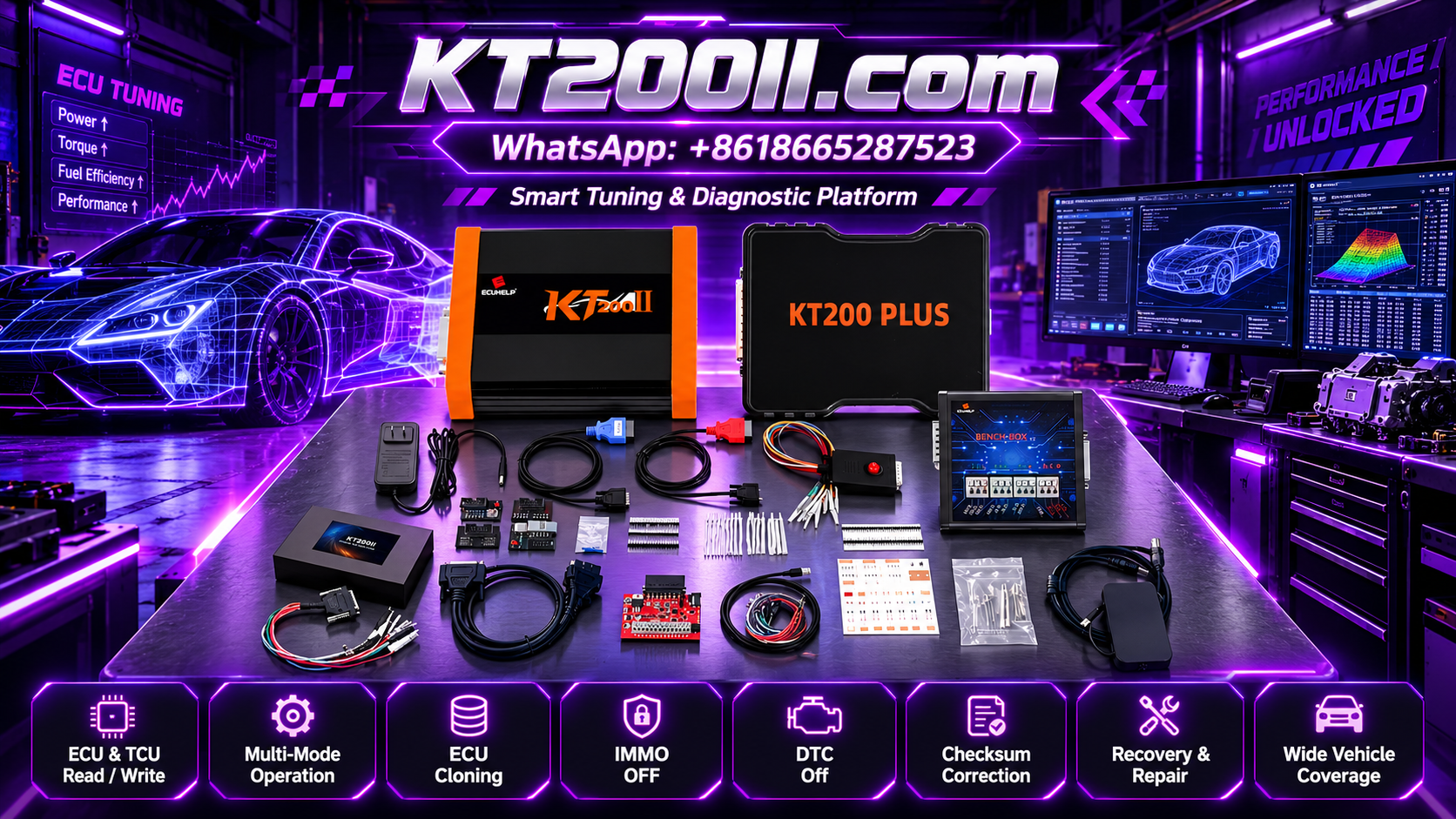
KT200II is an ECU and TCU programming solution for compatible controller applications. When using it to read ECU data, verify the exact controller, selected protocol and operation before starting.
Before beginning, confirm:
- The target ECU is listed in the applicable support information.
- The intended read method is supported.
- The expected output file or memory region is understood.
- The correct programming mode and accessories are available.
- The electrical connections meet the controller's requirements.
- Original data can be preserved where supported.
- Any subsequent Write operation is independently supported.
Do not assume that every supported ECU offers full read, virtual read and calibration read options. The available functions depend on the exact controller and protocol.
For product information, visit the KT200II Product Page. To check controller compatibility, consult the KT200II Support List and review the Operation Modes page.
ECU Read Method Checklist
- Identify the exact ECU and software version.
- Determine the purpose of the read operation.
- Confirm the supported protocol and access method.
- Understand which memory regions are covered.
- Check the reported operation status.
- Verify the expected file format and output.
- Preserve original data where supported.
- Keep virtual files separate from physical backups.
- Confirm Write support independently before programming.
- Record the operation and any limitations.
Frequently Asked Questions
What is the difference between a full ECU read and a virtual read?
A full read generally retrieves the memory contents covered by a supported physical read procedure. A virtual read generally obtains a corresponding file through a file source or database workflow. The exact definitions depend on the programming tool.
Is a virtual read the same as backing up my ECU?
No. A virtual file may provide a compatible reference, but it does not necessarily contain all the unique data stored in the target ECU. Preserve original data through supported physical Read operations where possible.
Does a calibration read include the entire ECU software?
Not necessarily. A calibration read generally covers calibration-related data. The exact contents depend on the ECU and programming protocol.
Why is my ECU read file smaller than another file for the same controller family?
The files may represent different memory regions, software versions, read methods or file formats. Verify the expected output for the exact operation instead of comparing file sizes alone.
Can I write a virtual-read file directly to an ECU?
Only when the file format, target controller and intended Write operation are supported and compatibility has been established. A virtual-read result should not automatically be treated as a universal programming file.
Where can I check KT200II read-operation support?
Visit the KT200II Support List and verify the exact ECU and intended operation.
KT200II Technical Resources
- KT200II Product Page — review product information.
- KT200II Operation Modes — learn about supported programming methods.
- KT200II Software — review software-related information.
- KT200II Support List — check available ECU and TCU coverage.
- KT200II Technical Blog — explore additional ECU programming guides.
Conclusion
Full reads, virtual reads and calibration reads serve different purposes in ECU programming workflows. A full read generally retrieves accessible memory contents covered by a supported procedure, a virtual read obtains a file through a separate file-source workflow, and a calibration read focuses on supported calibration-related data.
The most important step is to understand exactly what the selected operation provides. Verify ECU identification, confirm the supported protocol, preserve original data where possible and check file compatibility before any subsequent Write operation.
For KT200II users, consulting the official support information for the exact controller is essential because available read methods and memory operations vary between applications.
For more information about ECU and TCU programming equipment, visit the KT200II Product Page.