
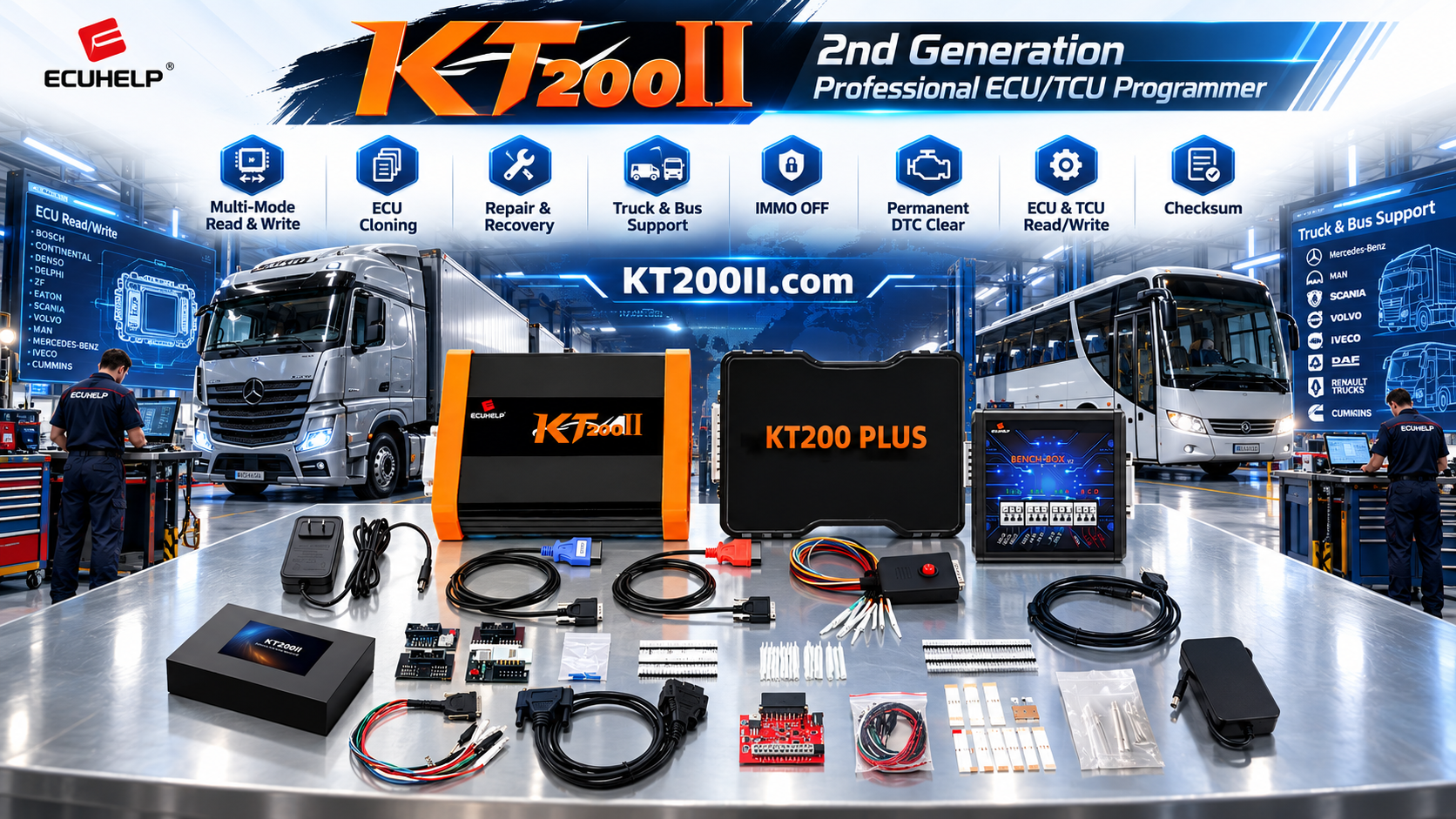
KT200II Fleet Workshop ECU Programming Workflow
KT200II Fleet Workshop ECU Programming Guide: Standardize Multi-Vehicle Service Jobs
Fleet workshops often service many vehicle types, engine systems, transmission controllers, and model years. A repeatable ECU programming workflow helps technicians manage this variety without relying on memory or selecting procedures from the vehicle brand alone.
The KT200II ECU Programmer supports selected ECU and TCU operations for supported applications. Depending on the exact controller and protocol, a fleet workshop may use KT200II for ECU reading, writing, cloning, backup, repair, recovery, tuning, or other authorized programming work.
This guide explains how to organize a professional KT200II workflow for mixed fleets, including passenger vehicles, trucks, buses, agricultural equipment, motorcycles, and marine applications where supported.
Why Fleet Workshops Need a Standard Process
In a single-brand workshop, technicians may become familiar with a limited number of controllers. Fleet service is different. The same workshop may handle several manufacturers, different engines, multiple ECU suppliers, and various connection methods on the same day.
A standard process helps the workshop:
- Identify every ECU before selecting a protocol.
- Separate vehicle information from ECU information.
- Prepare the correct connection method for each job.
- Protect original data before writing a file.
- Reduce repeated troubleshooting and unnecessary delays.
- Keep service records consistent between technicians.
1. Classify the Fleet Vehicle Before Programming
Start each job by classifying the vehicle or machine. This provides a clear first layer of information before the technician searches the KT200II support database.
Record the following:
- Vehicle or machine category
- Manufacturer and model
- Production year
- Engine and transmission information
- Vehicle identification number or fleet number
- Market or regional specification
- Customer or fleet service objective
Two vehicles in the same fleet may use different control units because of production year, engine option, emissions specification, or market configuration.
2. Create an ECU Identification Record
After recording the vehicle, create a separate ECU or TCU record. This information should be linked to the vehicle job but should not be replaced by the vehicle description.
Useful ECU information includes:
- ECU or TCU manufacturer
- Complete hardware number
- OEM part number
- Software or calibration identifier
- Processor or MCU information, when available
- Connector type
- Physical condition and previous repair history
Photograph the full label and connector area. Keep the images in the same job folder as the original ECU files and final service report.
3. Search the KT200II Support Database Correctly
Use more than one search detail when checking a fleet ECU. A vehicle model search may produce several possible controller results, while an ECU family or processor search may narrow the options more effectively.
A practical search sequence is:
- Search the vehicle manufacturer and model.
- Compare the engine or transmission information.
- Search the ECU or TCU manufacturer.
- Compare the hardware and software identifiers.
- Check the processor or memory information where listed.
- Confirm the available Read, Write, Backup, Clone, or Recovery operation.
- Confirm the connection method shown by the exact protocol.
Use the KT200II Support List for initial compatibility research. If the physical ECU does not match the selected record, pause the job and request technical confirmation.
4. Separate Fleet Jobs by Operation Type
“Program the ECU” can describe different services. A fleet workshop should define the operation before the vehicle enters the programming stage.
Backup and Read Operations
The purpose is to save original information before repair, tuning, replacement, or further evaluation. Record the memory area, file size, protocol, and connection mode.
Writing and Calibration Operations
The purpose is to write an approved original or modified file to a supported controller. Confirm that the file belongs to the exact ECU hardware and software configuration.
Replacement and Cloning Operations
The purpose is to prepare a compatible replacement controller. Compare the original and replacement ECU identifiers before selecting the required memory operation.
Recovery Operations
The purpose is to restore a controller after an interrupted or unsuccessful operation. Preserve the current ECU condition and avoid repeated writes until the correct recovery procedure is confirmed.
5. Standardize OBD, Bench, and Boot Preparation
Different fleet controllers may require different access methods. KT200II may support OBD, Bench, Boot, JTAG, or BDM operations for selected applications.
For every job, record:
- Selected connection mode
- Required cable or adapter
- Power and ground requirements
- Connector orientation
- Communication lines
- Required ECU memory area
Review the KT200II Operation Modes page and follow the instructions displayed by the current protocol. Never copy a wiring method from another controller only because the connector appears similar.
6. Use a Fleet File and Job Structure
A mixed fleet produces many files over time. Every file should be linked to a vehicle, ECU, operation, and date.
A useful job structure may include:
- Vehicle and fleet information
- ECU identification photos
- Original read files
- Working or modified files
- Final written files
- Diagnostic reports
- Technician notes
- Post-programming verification results
Keep the first verified original file unchanged. Do not mix files from different vehicles or ECUs in one folder.
7. Define Technician Review Points
For larger fleet workshops, one technician may collect vehicle information while another performs the programming operation. Use review points before the job moves to the next stage.
Recommended review gates include:
- Vehicle and ECU identification confirmed
- Supported KT200II protocol confirmed
- Connection method and wiring checked
- Original data saved where supported
- Target file approved for the exact controller
- Power and communication conditions stable
- Final ECU identification and diagnostic checks completed
8. Verify the Vehicle After Programming
After a supported operation, compare the final result with the original job record. Depending on the vehicle and operation, this may include a new ECU identification, diagnostic scan, fault-code review, adaptation, or controlled functional test.
Record what was tested and what was not included in the service scope. A clear report helps the fleet operator understand the completed work and gives the workshop a reference for future maintenance.
9. Use Official KT200II Resources
Review the KT200II Product page for product information, the Software page for official software resources, and the KT200II Technical Blog for additional programming guides.
If the fleet contains controllers outside the confirmed database, send the vehicle details, ECU label, hardware number, software information, and intended operation to ECUHELP before purchasing or connecting the tool.
Conclusion
A standardized fleet ECU programming process helps technicians manage different vehicles without treating every job as a separate guess. Record the vehicle, identify the controller, confirm the supported KT200II protocol, organize original data, review the connection method, and document the final result.
Purchase the official KT200II ECU Programmer from the HELPECU store.
For fleet compatibility checks, version recommendations, or technical support, contact ECUHELP at helpecu@outlook.com or WhatsApp +86 18665287523.
Professional and authorized-use notice: ECU and TCU programming must be performed by trained technicians using authorized procedures. Supported functions depend on the exact vehicle, controller, processor, software version, connection mode, and KT200II package.




