
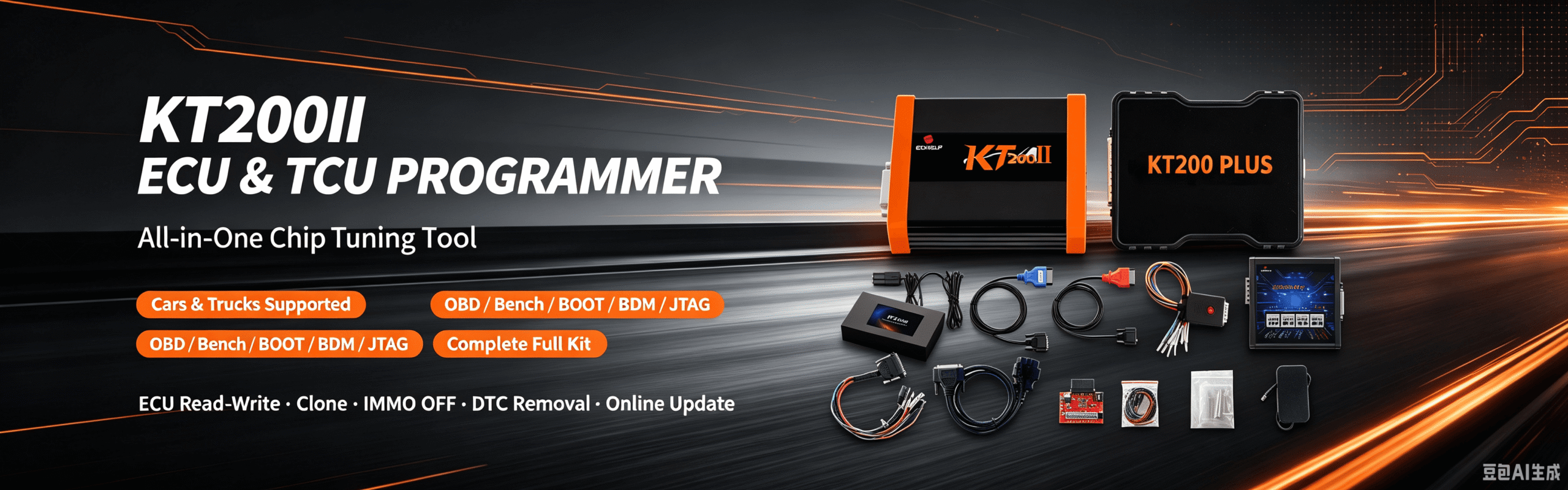
KT200II ECU Programmer: Complete Guide to Features, Versions, Operation Modes and Support List
KT200II ECU Programmer: Complete Guide to Features, Versions, Operation Modes and Support List
When searching for a professional ECU programming tool, many technicians need more than a standard diagnostic scanner.
KT200II ECU Programmer is a professional ECU and TCU read/write platform designed for automotive workshops, ECU tuning specialists, and vehicle electronics technicians.
KT200II supports multiple programming methods including OBD, Bench, Boot, JTAG and BDM, allowing users to perform ECU reading, writing, cloning, backup and recovery operations on supported vehicles.
What Is KT200II ECU Programmer?
KT200II is a professional ECU and TCU programming tool developed for advanced vehicle electronics operations.
Unlike traditional diagnostic scanners that mainly provide fault code reading and service functions, KT200II focuses on deeper ECU operations:
- ECU reading
- ECU writing
- ECU cloning
- ECU backup
- ECU recovery
- ECU tuning file management
- TCU programming
KT200II is designed for:
- ECU repair workshops
- ECU tuning companies
- Automotive electronics specialists
- Professional vehicle programmers
KT200II Main Programming Functions
ECU Reading and Writing
KT200II allows technicians to read and write supported ECU data through different communication methods.
Depending on the ECU model, users can select the correct programming method:
- OBD
- Bench
- Boot
- JTAG
- BDM
Different ECUs require different access methods, so selecting the correct operation mode is important before programming.
KT200II Operation Modes Explained
KT200II provides multiple communication modes for different ECU and TCU applications.
OBD Mode
OBD mode allows programming through the vehicle diagnostic socket.
- No ECU removal
- Faster operation
- Suitable for supported vehicles
Bench Mode
Bench programming connects directly to ECU pins on the workbench.
- ECU replacement
- ECU cloning
- Backup
- Repair
Boot Mode
Boot mode provides deeper ECU access for advanced programming tasks.
- ECU recovery
- Full data backup
- Protected ECU access
JTAG and BDM Mode
For supported processors and ECU families, KT200II supports advanced processor-level programming methods.
- Complex ECU repair
- Memory operations
- Professional cloning work
KT200II Supported Vehicles
KT200II covers a wide range of automotive applications including:
- Passenger vehicles
- Commercial vehicles
- Trucks
- Motorcycles
- Agricultural vehicles
- Marine applications
The KT200II database allows users to search support information by:
- Vehicle brand
- Model
- Engine
- Transmission
- ECU type
- TCU type
- Chip
- Read/write method
- Connection mode
KT200II Software
The KT200II software platform provides the required programming environment for ECU and TCU operations.
The software section includes:
- KT200II software download
- Installation resources
- Driver information
- Update files
Before installation:
- Confirm your hardware version
- Use the correct KT200II package
- Follow installation instructions
KT200II Versions Explained
KT200II Basic Version
The Basic Version is suitable for users who need essential ECU programming functions.
- KT200II programmer
- ECU reading and writing
- Professional programming functions
- Lifetime use
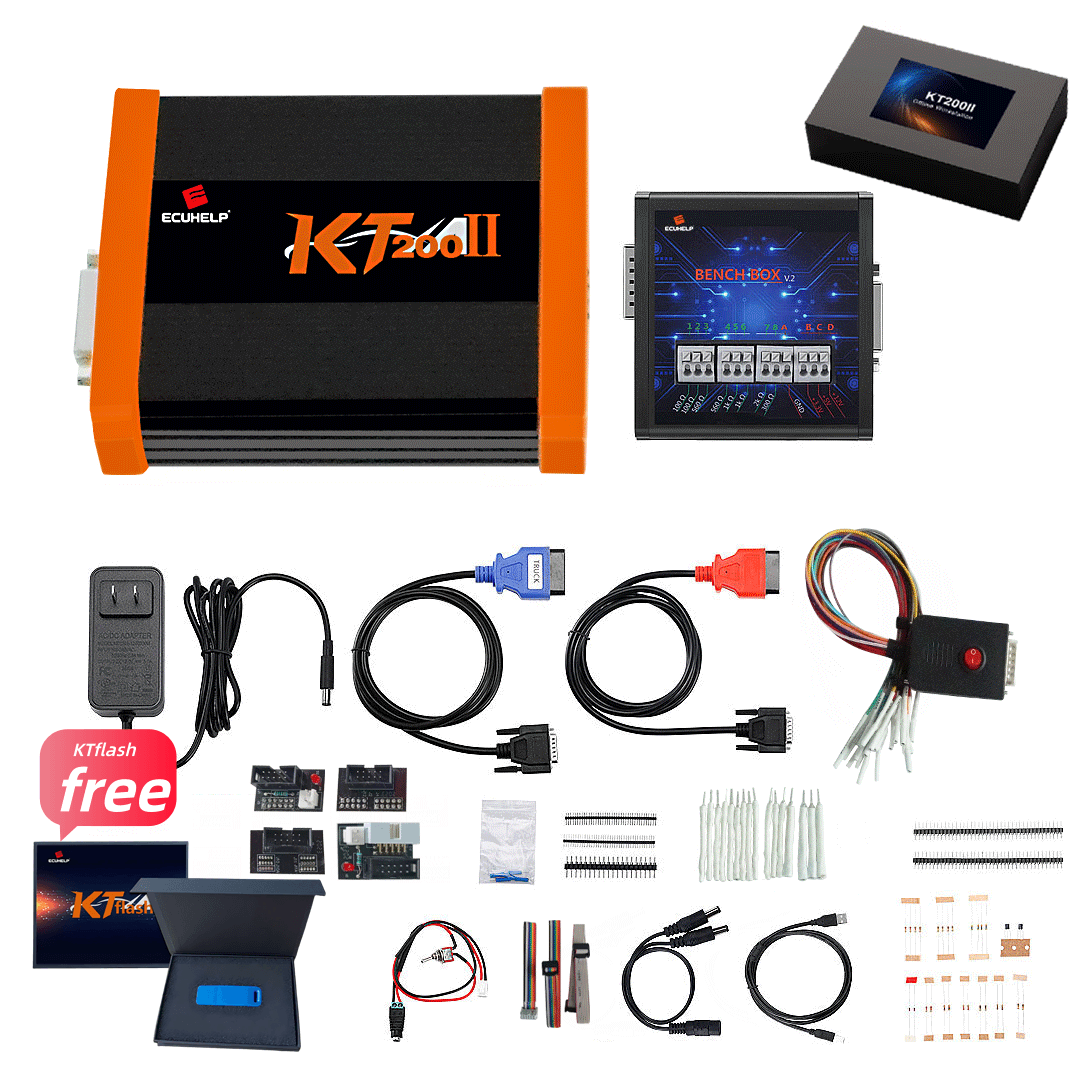
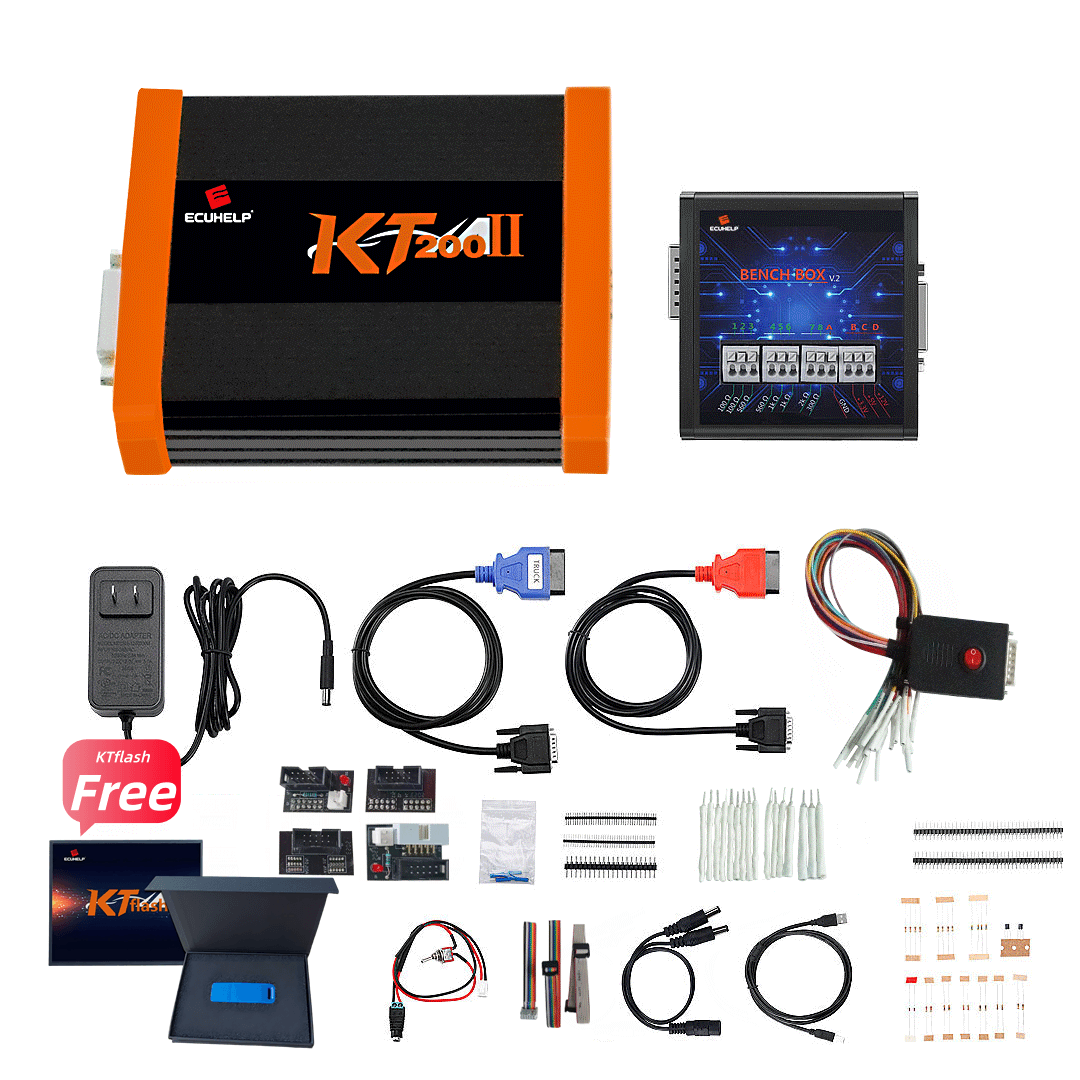
KT200II Full Version + Offline Dongle
The Full Version is designed for professional workshops.
- KT200II hardware
- Offline dongle
- Expanded programming capability
- Professional workshop solution
Recommended for:
- ECU programming businesses
- Repair workshops
- Tuning specialists
KT200II Ultimate Version
The Ultimate Version provides the complete programming solution.
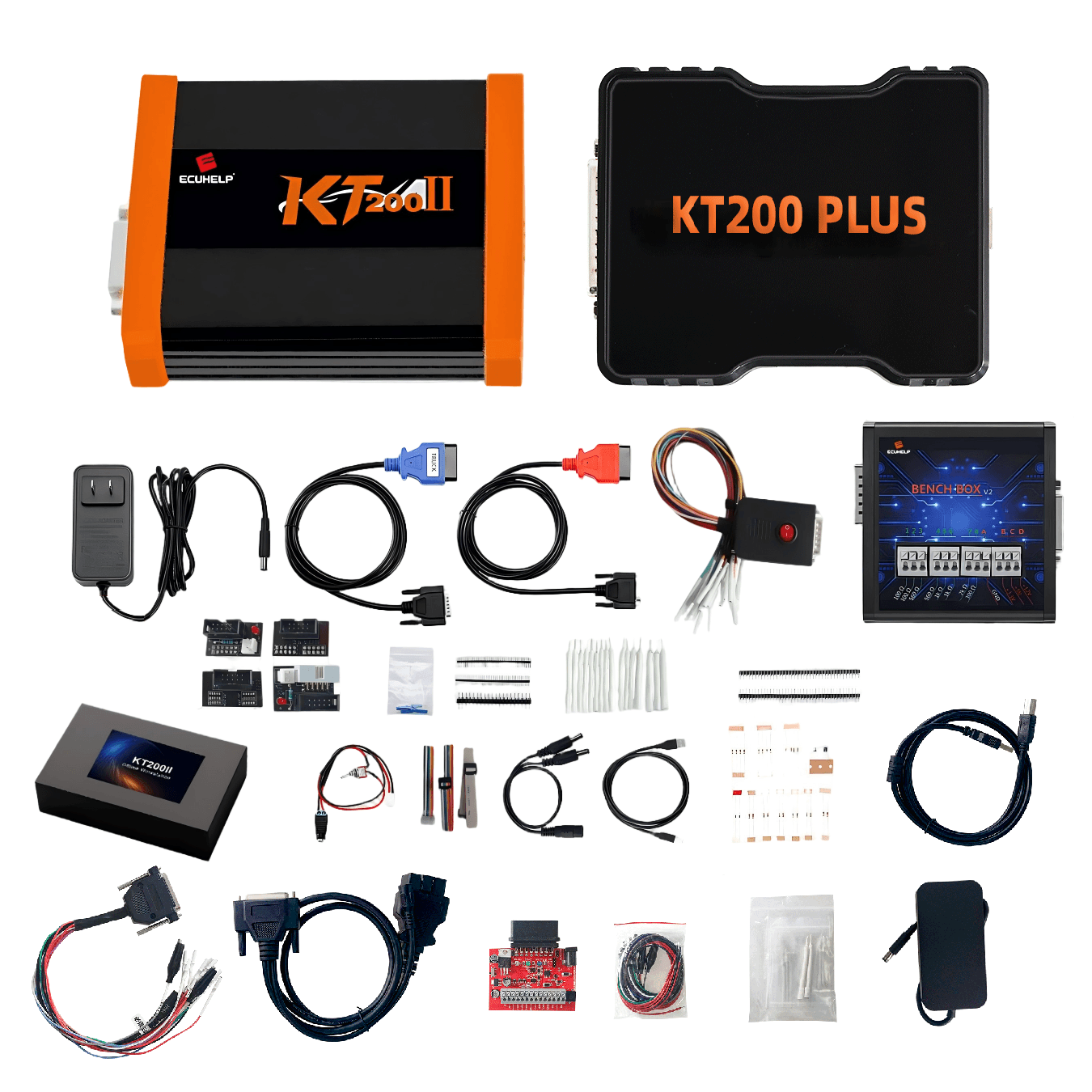
- KT200II Full Version
- KT200PLUS
- Advanced ECU programming package
KT200II Software, Support List and Operation Modes
A complete ECU programming workflow requires three important resources:
1. Check Compatibility
Visit: KT200II Support List
2. Select Correct Operation Mode
Choose the correct method:
- OBD
- Bench
- Boot
- JTAG
- BDM
3. Install Correct Software
KT200II SoftwareFrequently Asked Questions
Is KT200II an ECU programmer?
Yes. KT200II is a professional ECU and TCU read/write programming platform.
Can KT200II clone ECU modules?
Yes. KT200II supports ECU backup, reading, writing and cloning functions for supported applications.
Does KT200II support Bench and Boot programming?
Yes. KT200II supports multiple operation modes including OBD, Bench, Boot, JTAG and BDM.
How do I check if my vehicle is supported?
Use the official KT200II Support List before programming.
Final Thoughts
KT200II is more than a diagnostic tool.
It is a professional ECU and TCU programming platform designed for technicians who need reliable ECU reading, writing, cloning and repair capabilities.
By combining:
- Comprehensive support database
- Multiple programming modes
- Professional software platform
- Different hardware versions
KT200II provides a complete solution for modern ECU programming.





Comment (1)