
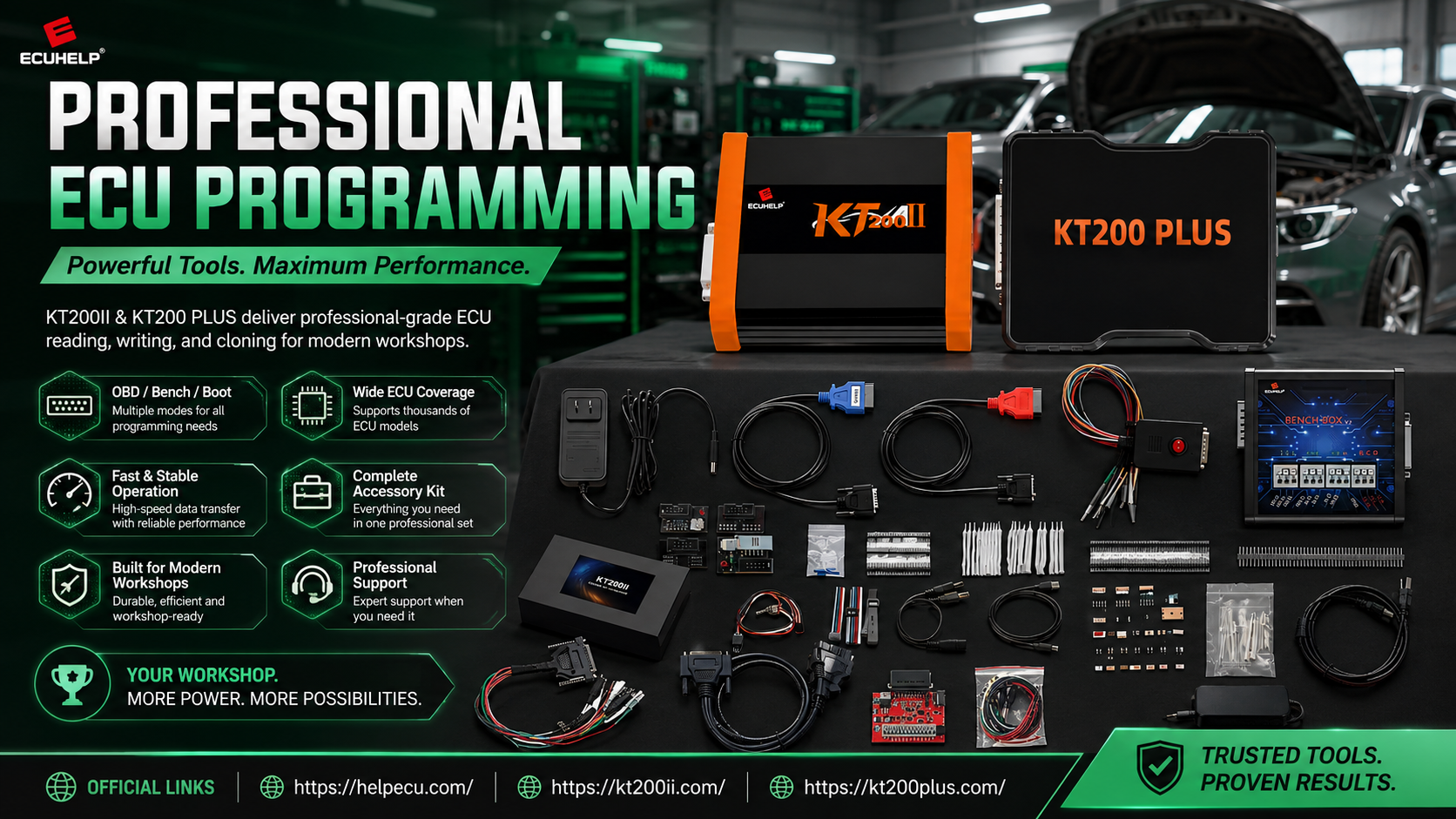
KT200II ECU Cloning Guide
KT200II ECU Cloning Guide: How Professionals Clone ECU Modules Safely
Modern vehicles rely heavily on electronic control units (ECUs) to manage engine performance, transmission operation and vehicle communication systems. When an ECU fails or requires replacement, professional technicians often need a reliable ECU cloning solution to transfer compatible data from the original module to another ECU.
KT200II ECU Programmer provides professional ECU reading, writing, backup and cloning functions for supported ECU and TCU applications. This guide explains the professional ECU cloning workflow and how technicians can prepare safer ECU replacement operations.
What Is ECU Cloning?
ECU cloning is the process of transferring necessary data from an original ECU to a replacement ECU so that the new controller can operate correctly with the vehicle system.
Unlike simple software writing, ECU cloning may involve multiple memory areas depending on the ECU type, including Flash, EEPROM and other supported data regions.
| ECU Data Area | Function |
|---|---|
| Flash Memory | Contains main software and calibration information. |
| EEPROM | Stores configuration data and vehicle-related information. |
| Microcontroller Data | Required for specific advanced ECU operations. |
| Configuration Data | Helps maintain compatibility after ECU replacement. |
Why Choose KT200II for ECU Cloning?
A professional ECU cloning process requires stable communication, correct protocol selection and reliable original data management.
KT200II supports multiple programming methods depending on ECU application:
| Programming Mode | Application |
|---|---|
| OBD | Suitable for supported vehicle-installed ECU operations. |
| Bench | Direct ECU connection for backup, programming and replacement preparation. |
| Boot | Advanced ECU access for supported processors and recovery operations. |
| JTAG / BDM | Professional-level processor communication for specific ECU families. |
Before starting any cloning operation, technicians should check ECU compatibility through the official KT200II support database.
Professional KT200II ECU Cloning Workflow
Step 1: Identify the Original ECU
The first step of ECU cloning is accurate identification. Technicians should record:
- Vehicle manufacturer and model
- Engine or transmission information
- ECU manufacturer
- Hardware number
- Software number
- Processor information
Similar ECU housings do not always mean identical internal data. Correct identification helps prevent incompatible cloning operations.
Step 2: Create Complete Original Backup
Before modifying or transferring ECU data, always create a complete backup of the original controller.
| Backup Item | Purpose |
|---|---|
| Original Flash | Backup of ECU software and calibration. |
| EEPROM | Preserve vehicle-specific configuration information. |
| Identification Data | Used for ECU comparison and verification. |
A complete backup provides an important recovery reference if unexpected issues occur during programming.
Step 3: Prepare the Replacement ECU
Before writing data to a donor ECU, verify that the replacement controller matches the original ECU requirements.
| Check Point | Verification |
|---|---|
| Hardware Compatibility | Confirm ECU hardware family compatibility. |
| Software Compatibility | Verify software version and calibration information. |
| Memory Structure | Confirm required memory areas are supported. |
Common ECU Cloning Mistakes
Using an Incorrect Donor ECU
The replacement ECU should not be selected only by appearance. Hardware and software information must be compared before programming.
Skipping Original Backup
Without original ECU data, recovery and troubleshooting become more difficult.
Writing Without File Verification
Before writing, confirm that the selected file matches the target ECU hardware, software and memory structure.
Ignoring Checksum Requirements
Some ECU writing operations require checksum correction. Technicians should confirm checksum handling before final programming.
KT200II ECU Cloning Application Examples
| Application | Professional Usage |
|---|---|
| Failed ECU Replacement | Transfer compatible data to replacement ECU. |
| Workshop ECU Repair | Backup and restore customer ECU information. |
| Performance Calibration | Manage original and modified ECU files. |
| ECU Upgrade Projects | Prepare compatible controller replacements. |
KT200II ECU Cloning Best Practices
- Always save original ECU data before programming.
- Confirm ECU compatibility before selecting files.
- Use stable power supply during ECU operations.
- Follow the correct connection diagram.
- Keep original and modified files separately.
- Verify ECU communication after programming.
Buy Genuine KT200II ECU Programmer
For professional ECU cloning, ECU repair and programming applications, choose the genuine KT200II ECU Programmer from ECUHELP official store.
Purchase KT200II ECU Programmer:
https://helpecu.com/product/kt200ii-ecu-programmer/
Learn more about KT200II:
KT200II Official ECU Programmer Guide
Conclusion
ECU cloning requires accurate identification, reliable backup and correct programming procedures. A professional workflow helps technicians reduce risks and improve ECU replacement efficiency.
With multiple programming modes, professional software support and advanced ECU operations, KT200II ECU Programmer provides a complete solution for modern ECU cloning and repair workshops.




