Heavy-Duty Diesel ECU Programming: A Practical Guide for Technicians
Heavy-Duty Diesel ECU Programming: A Practical Guide for Technicians
Heavy-duty diesel vehicles rely on electronic control units to manage engine operation, fuel injection, torque delivery, emissions-related systems and communication with other vehicle modules. When a truck or commercial vehicle requires ECU repair, replacement or supported software programming, technicians must identify the correct controller and select an appropriate programming procedure.
Heavy-duty diesel ECU programming can involve different hardware platforms, processors, memory structures and communication protocols. A procedure suitable for one engine controller may not be appropriate for another, even when both controllers are installed in vehicles from the same manufacturer.
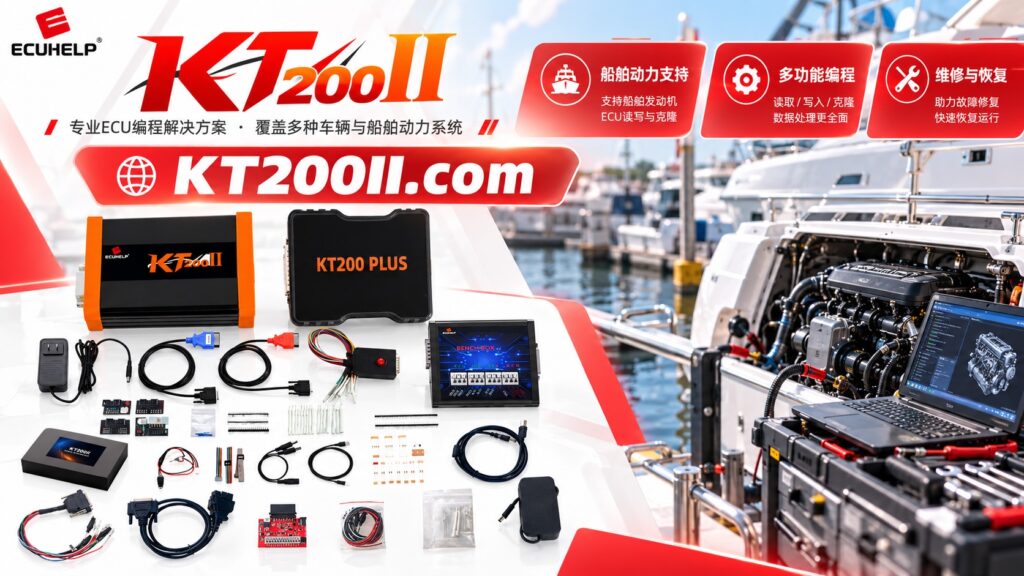
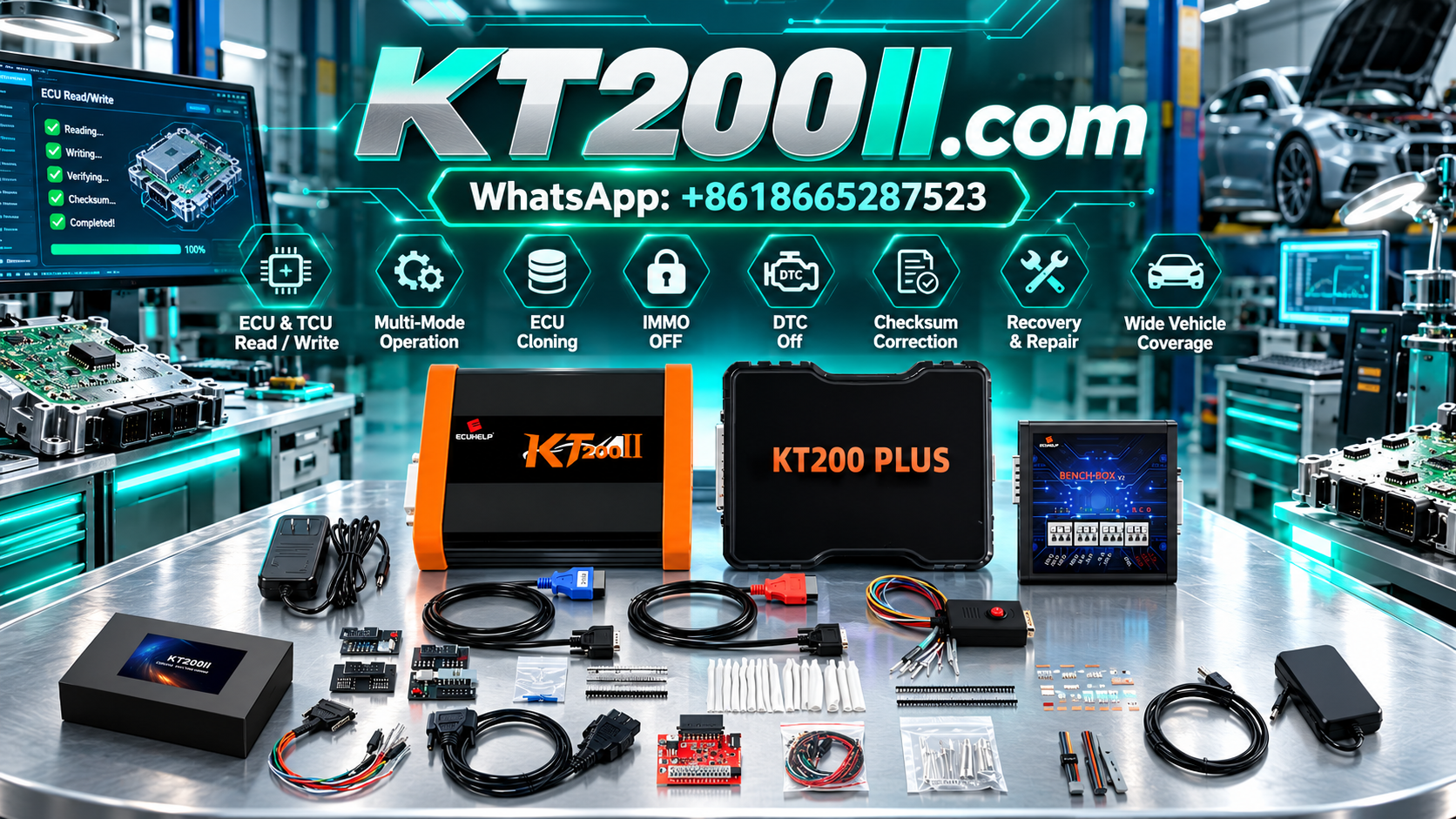
KT200II is an ECU and TCU programming solution for compatible applications. This guide explains the key considerations involved in heavy-duty diesel ECU programming, from controller identification and data backup to file verification and post-programming diagnostics.
1. Understanding Heavy-Duty Diesel Engine ECUs
A diesel engine control unit processes information from sensors and controls various engine functions according to the engine design and manufacturer-specific software.
Depending on the vehicle and engine platform, the ECU may manage:
- Fuel injection timing and quantity.
- Engine torque management.
- Turbocharger and boost control where equipped.
- Engine temperature monitoring and protection strategies.
- Idle speed and engine operating conditions.
- Communication with transmission and other vehicle control modules.
- Emissions-related functions and associated monitoring systems.
The available functions vary by engine generation, controller hardware and software configuration.
When an ECU requires programming, technicians must determine whether the job involves reading supported memory regions, writing compatible software, preserving original data or following a documented controller replacement procedure.
Accurate identification is essential because similar engine models may use different ECUs or software versions.
2. Identify the Exact Diesel ECU Before Programming
Controller identification should be completed before selecting a programming protocol or connecting a programming interface.
For a heavy-duty diesel vehicle, collect the following information where available:
- Vehicle manufacturer and model.
- Production year and engine model.
- Engine serial number where relevant.
- ECU manufacturer.
- Complete ECU part number.
- Hardware number and revision.
- Software identification and calibration reference.
- Processor or MCU family where relevant.
Photograph the ECU identification label before removing the controller, when practical.
Use the information to compare the controller against the applicable programming documentation and support list. Do not select a protocol based solely on the vehicle brand, engine displacement or external appearance of the ECU.
For commercial vehicle applications, distinguish between the engine ECU and other modules, such as the transmission controller, body controller or aftertreatment-related controller. Each may require different programming procedures.
3. Verify ECU Protocol and Operation Support
Heavy-duty diesel vehicles use a range of electronic control platforms. The available programming method depends on the specific ECU hardware, software architecture and supported protocol.
Before starting, confirm three separate requirements:
- The exact controller is supported.
- The intended programming method is available.
- The specific Read, Write or other required operation is supported.
ECU identification does not automatically mean that every memory operation is available. Similarly, support for reading one memory region does not guarantee support for writing that region or accessing additional memory.
When evaluating KT200II for a heavy-duty diesel application, check the KT200II Support List and verify the exact controller and intended operation.
If the required operation is not clearly documented, confirm compatibility before beginning the repair.
4. OBD, Bench and Specialized Programming Methods
Different diesel ECUs may support different programming access methods. Choosing the appropriate method is important for both efficiency and controller safety.
OBD Programming
When supported, OBD programming communicates with the installed ECU through the vehicle's diagnostic connector.
This approach may be convenient because the controller does not need to be removed for operations supported through the vehicle interface.
However, not every ECU supports every Read or Write function through OBD. Verify the available operations for the exact controller before starting.
Bench Programming
Bench programming connects directly to a removed ECU using the specified wiring arrangement.
Depending on the controller and protocol, the connection may require power, ground, ignition or wake-up signals and designated communication connections.
Before applying power, verify the connector orientation, terminal assignments and electrical requirements for the exact ECU. Similar connectors do not guarantee identical pin assignments.
Boot and Other Specialized Methods
Some controllers require specialized access methods for particular memory operations or documented recovery procedures.
These methods are controller-dependent and may require additional connections or specific technical procedures.
Do not assume that a specialized programming method supported by one diesel ECU is also supported by another ECU using a similar processor.
For further information about supported programming approaches, review the KT200II Operation Modes page.
5. Check Power Supply Stability During Programming
Stable electrical power is important when reading or writing heavy-duty diesel ECUs. An unstable supply can interrupt communication, prevent programming from completing or complicate troubleshooting.
Before beginning a programming operation, check:
- Battery condition when working through the vehicle.
- Specified supply voltage for the ECU.
- Power supply capacity.
- Correct power polarity.
- Ground connection integrity.
- Required ignition or wake-up signals.
- Condition of the programming cables and connectors.
For vehicle-side programming, follow the manufacturer's requirements for battery support and electrical system stability.
For Bench programming, use a suitable regulated power supply that meets the exact controller's requirements.
Do not increase the supply voltage to force communication. If the ECU does not respond, investigate the power supply, grounding, wiring and protocol selection.
Avoid disconnecting the controller or interrupting the programming software while a Write operation is active unless the documented procedure specifically requires it.
6. Preserve Original Diesel ECU Data
When the selected protocol supports the necessary Read operations, preserving original ECU data before making changes is strongly recommended.
An original backup can provide a reference for supported repairs, file comparisons and certain ECU replacement procedures.
Depending on the controller, relevant memory regions may include Flash, EEPROM or other controller-specific data areas.
Before reading the ECU, establish which memory regions are required for the intended repair.
Record the following information for each supported operation:
- ECU part number and software identification.
- Selected programming protocol.
- Memory region being read.
- Read operation completion status.
- File name and file size.
- Backup storage location.
Keep original files unchanged and separate from working or modified files.
Do not assume that reading Flash alone creates a complete backup of the controller. Record exactly which memory regions were successfully retrieved.
Recommended File Organization
DIESEL_ECU_PROGRAMMING
|
|-- 01_VEHICLE_INFORMATION
|-- 02_ECU_IDENTIFICATION
|-- 03_ORIGINAL_BACKUP
|-- 04_WORKING_FILES
|-- 05_VERIFIED_TARGET_FILES
|-- 06_PROGRAMMING_LOGS
|-- 07_FINAL_DIAGNOSTICS
This structure helps technicians maintain clear records for each repair and reduces the risk of confusing original data with modified files.
7. Verify Diesel ECU Files Before Writing
A target file must be appropriate for the controller and intended application before it is written to an ECU.
Before programming, verify:
- ECU part number and hardware revision.
- Software identification.
- Engine application and controller configuration.
- Target memory region.
- File format and size.
- File source and modification history.
- Checksum requirements where applicable.
Two files with identical sizes may contain different software or calibration data. A valid checksum does not independently establish that a file is compatible with the target ECU.
When replacing a controller, also verify that the replacement hardware and software are appropriate for the vehicle and that the documented procedure supports the intended data transfer.
For commercial diesel applications, incorrect controller data can affect engine operation, vehicle reliability and emissions-system functionality. Use verified files and follow the applicable manufacturer requirements.
8. Understand Diesel ECU Calibration and Emissions Systems
Diesel engine calibration can influence fuel delivery, torque management, boost control and other engine operating parameters. Modern commercial vehicles may also integrate the ECU with emissions-related systems and other vehicle modules.
When working with calibration data, technicians should distinguish between:
- Software or memory programming.
- Supported calibration changes.
- Vehicle-specific configuration.
- Diagnostic procedures and fault correction.
- Required emissions-system monitoring and service functions.
These are different activities and may require different tools or procedures.
Programming should not be treated as a substitute for diagnosing a mechanical fault, sensor problem, wiring defect or emissions-system malfunction.
Follow applicable emissions regulations and manufacturer service requirements. Do not disable legally required emissions controls or monitoring systems as a workaround for an unresolved fault.
9. Troubleshoot Common Heavy-Duty Diesel ECU Programming Problems
The ECU Cannot Be Identified
Possible causes include incorrect protocol selection, unstable power, poor grounding, communication wiring problems or an unsupported controller.
Verify the controller identification and connection diagram before trying another supported method.
The ECU Is Identified but Cannot Be Read
Identification and memory reading are separate functions. Confirm that the selected protocol supports the required Read operation and memory region.
Communication Stops During Writing
Record the exact error message and the stage at which the operation stopped. Investigate power stability, communication connections and protocol requirements before attempting another Write operation.
The Write Operation Fails
Check file compatibility, target memory region, protocol selection and the electrical setup. Avoid repeatedly running the same failed operation without investigating the underlying cause.
The ECU Does Not Communicate After an Interrupted Operation
Verify the external power supply and communication connections first. If the controller remains unresponsive, consult the documented recovery procedure for the exact ECU.
Recovery options depend on the controller architecture, the stage of failure and the programming methods supported by the equipment.
10. Verify the Vehicle After Diesel ECU Programming
After a supported Write operation, review the programming software's reported result and perform the appropriate post-programming checks.
Depending on the vehicle and repair, these may include:
- Confirming ECU identification where supported.
- Checking communication with the engine controller.
- Verifying the intended memory operation where possible.
- Running a diagnostic scan.
- Reviewing relevant diagnostic trouble codes.
- Checking required coding or adaptation procedures.
- Verifying communication with related vehicle modules.
- Performing appropriate engine and vehicle functional checks.
For commercial vehicles, additional manufacturer-specific checks may be necessary after ECU replacement or programming.
A successful Write operation does not automatically establish that the engine, transmission and related systems are functioning correctly.
Record the final results and investigate any remaining faults before returning the vehicle to service.
11. Choosing KT200II for Compatible Commercial Vehicle Applications
KT200II is designed for ECU and TCU programming operations on compatible controllers. When evaluating the tool for heavy-duty diesel work, focus on the exact controller families and operations your workshop needs to support.
Before starting a programming job, confirm:
- The exact diesel ECU or TCU is supported.
- The intended Read or Write operation is available.
- The correct programming method is documented.
- The required cables and adapters are available.
- Original data has been preserved where supported.
- The target file is compatible with the controller.
- Required diagnostic and post-programming checks are understood.
Do not assume that every truck, bus, agricultural vehicle or industrial diesel controller is supported simply because it belongs to a commercial vehicle category. Compatibility must be verified for the actual controller and operation.
Review the KT200II Support List and KT200II Operation Modes before proceeding.
For product details, visit the KT200II Product Page.
Heavy-Duty Diesel ECU Programming Checklist
- Vehicle and engine identification recorded.
- Exact ECU part number confirmed.
- Hardware and software information checked.
- Required programming operation verified as supported.
- Correct OBD, Bench or specialized method selected.
- Connection diagram and electrical requirements reviewed.
- Power supply and communication connections checked.
- Original data preserved where supported.
- Target file compatibility verified.
- Checksum requirements reviewed where applicable.
- Programming results recorded.
- Post-programming diagnostics completed.
- Relevant vehicle functions verified.
Frequently Asked Questions
Can KT200II program every heavy-duty diesel ECU?
No universal coverage should be assumed. Supported controllers and operations depend on the exact ECU, selected protocol and software implementation. Check the current support information before starting.
Can a truck ECU be programmed through OBD?
Only when the exact controller and intended operation are supported through OBD. Some applications require Bench or another supported programming method.
Should I back up a diesel ECU before writing?
When the selected protocol supports the necessary Read operations, preserving original data is strongly recommended. Record the memory regions successfully read and keep the original files unchanged.
Why does a diesel ECU fail to communicate during programming?
Possible causes include unstable power, incorrect wiring, an unsupported protocol, file-related problems or a controller fault. Record the exact error and investigate the relevant conditions before repeating the operation.
Does successful ECU programming guarantee correct engine operation?
No. Additional diagnostics, configuration, adaptation or mechanical repairs may be required. Verify the controller and related vehicle systems after programming.
Can I use a file from another truck with the same engine?
Not without verifying compatibility. ECU hardware, software versions, vehicle configuration and emissions-related requirements can differ even when the engine family is similar.
KT200II Technical Resources
Use these resources to review available programming information and supported applications.
- KT200II Product Page — review product information.
- KT200II Operation Modes — explore supported programming methods.
- KT200II Software — find software-related information.
- KT200II Support List — check ECU and TCU coverage.
- KT200II Technical Blog — explore additional ECU programming guides.
Conclusion
Heavy-duty diesel ECU programming requires accurate controller identification, confirmed protocol support, stable electrical connections and careful file management.
Before using KT200II, verify that the exact diesel ECU or TCU and the intended operation are supported. Preserve original data where possible, confirm target file compatibility and follow the controller-specific programming procedure.
After programming, review the reported result and complete the relevant diagnostic and functional checks. A structured workflow helps commercial vehicle workshops manage supported ECU programming tasks more consistently while reducing avoidable errors.
For more information about ECU and TCU programming equipment, visit the KT200II Product Page or the ECUHELP official store.