
KT200II OBD Programming Guide
KT200II OBD Programming Guide: Read and Write ECU Through Vehicle Diagnostic Port
OBD programming is one of the most common methods used by automotive technicians for ECU and TCU service operations.
Instead of removing the control unit from the vehicle, OBD programming allows communication through the vehicle diagnostic connector when the ECU protocol supports this method.
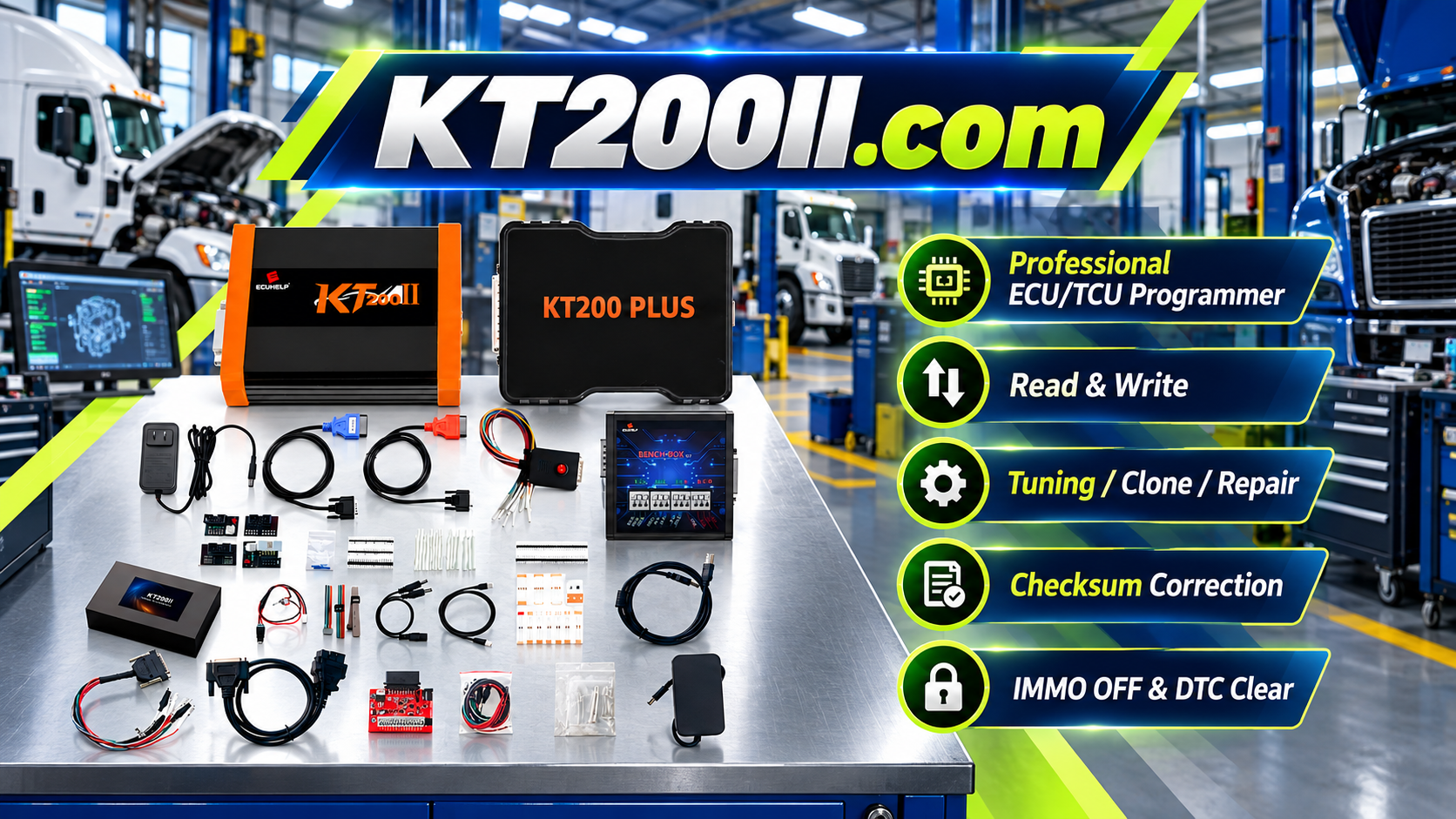
The KT200II ECU Programmer supports professional ECU and TCU programming workflows, including supported OBD operations, ECU reading, writing, backup and service procedures. :chatgpt-content-reference{index="1"}
What Is OBD ECU Programming?
OBD ECU programming is the process of communicating with a vehicle control module through the On-Board Diagnostics connector.
The OBD connector provides access to vehicle communication networks, allowing compatible programming tools to exchange data with supported ECUs and TCUs.
OBD programming is commonly used for:
- ECU reading
- ECU writing
- Software updates
- ECU service operations
- Supported tuning workflows
Advantages of OBD Programming
Compared with direct ECU connection methods, OBD programming provides several advantages when supported.
- No ECU removal required
- Faster workshop operation
- Convenient vehicle-side access
- Suitable for many common applications
However, not every ECU supports OBD communication. The available operation depends on ECU type, protocol and vehicle application. :chatgpt-content-reference{index="2"}
KT200II OBD Programming Workflow
Step 1: Identify Vehicle Information
Before starting an OBD programming operation, technicians should confirm vehicle details.
- Vehicle brand
- Vehicle model
- Production year
- Engine type
- Transmission type
Correct vehicle identification helps prevent selecting an incorrect ECU protocol.
Step 2: Identify ECU Information
Vehicle information alone is not enough.
Technicians should confirm:
- ECU manufacturer
- ECU type
- Hardware number
- Software number
- Processor information
Different ECU versions on the same vehicle model may require different programming procedures.
Step 3: Check KT200II Support Information
Before operation, technicians should confirm:
- ECU support status
- Available OBD function
- Read/write availability
- Required software version
KT200II provides a supported vehicle database where users can check ECU type, connection method and available operations before programming. :chatgpt-content-reference{index="3"}
Step 4: Create Original ECU Backup
Professional technicians should save original ECU data before programming whenever supported.
Original backup helps with:
- Recovery
- Data comparison
- ECU replacement
- Future repair
Backup is an important part of safe ECU programming workflow. :chatgpt-content-reference{index="4"}
Step 5: Perform OBD Read Operation
After confirming compatibility, technicians can read ECU data through the vehicle diagnostic connector.
During reading:
- Maintain stable voltage
- Do not disconnect communication
- Save original files correctly
Step 6: Write Supported ECU Data
After preparing the correct file, technicians can perform supported writing operations.
Before writing:
- Verify file compatibility
- Confirm ECU information
- Check communication stability
OBD Programming vs Bench Programming
| Method | Connection | Main Application |
|---|---|---|
| OBD | Vehicle diagnostic connector | Supported vehicle-side programming |
| Bench | Direct ECU connection | Workshop ECU service and programming |
| Boot | Advanced ECU access | Selected ECU recovery and memory operations |
The correct method depends on ECU hardware, protocol and supported application. :chatgpt-content-reference{index="5"}
Common OBD Programming Problems
ECU Cannot Communicate
Possible reasons:
- Incorrect ECU selection
- Unsupported OBD protocol
- Low vehicle voltage
- Communication interruption
Programming Stops During Operation
Possible causes:
- Power instability
- Wrong file
- Network interruption
ECU Does Not Work After Programming
Recommended checks:
- Review original backup
- Check programming records
- Confirm ECU compatibility
- Use appropriate recovery procedure
How to Improve OBD Programming Success Rate
- Always verify ECU information
- Check support database first
- Save original data
- Use stable power supply
- Keep software updated
- Record programming history
KT200II Operation Modes
KT200II supports different operation methods depending on ECU and TCU requirements.
- OBD Mode
- Bench Mode
- Boot Mode
- JTAG Mode
- BDM Mode
Each mode is designed for different ECU communication requirements. :chatgpt-content-reference{index="6"}
KT200II Technical Resources
Frequently Asked Questions
Does KT200II support OBD programming?
KT200II supports OBD operations for supported vehicles and ECU applications.
Is OBD programming safer than Bench programming?
OBD programming is more convenient, but safety depends on correct compatibility checking, stable power and proper procedures.
Do all ECUs support OBD?
No. Some ECUs require Bench, Boot or other supported communication methods.
Conclusion
OBD programming provides a convenient way for professional technicians to access supported ECU and TCU systems through the vehicle diagnostic connector.
A successful OBD programming workflow requires correct ECU identification, compatibility checking, original backup and stable communication.
KT200II provides professional ECU and TCU programming solutions for workshops and automotive electronics specialists worldwide.




