
KT200II ECU Clone Guide
KT200II ECU Clone Guide: How Professional Technicians Replace and Transfer ECU Data
ECU replacement is a common requirement in modern automotive repair. When an engine control unit fails or requires replacement, technicians often need to transfer important data from the original ECU to another compatible unit.
This process is commonly known as ECU cloning.
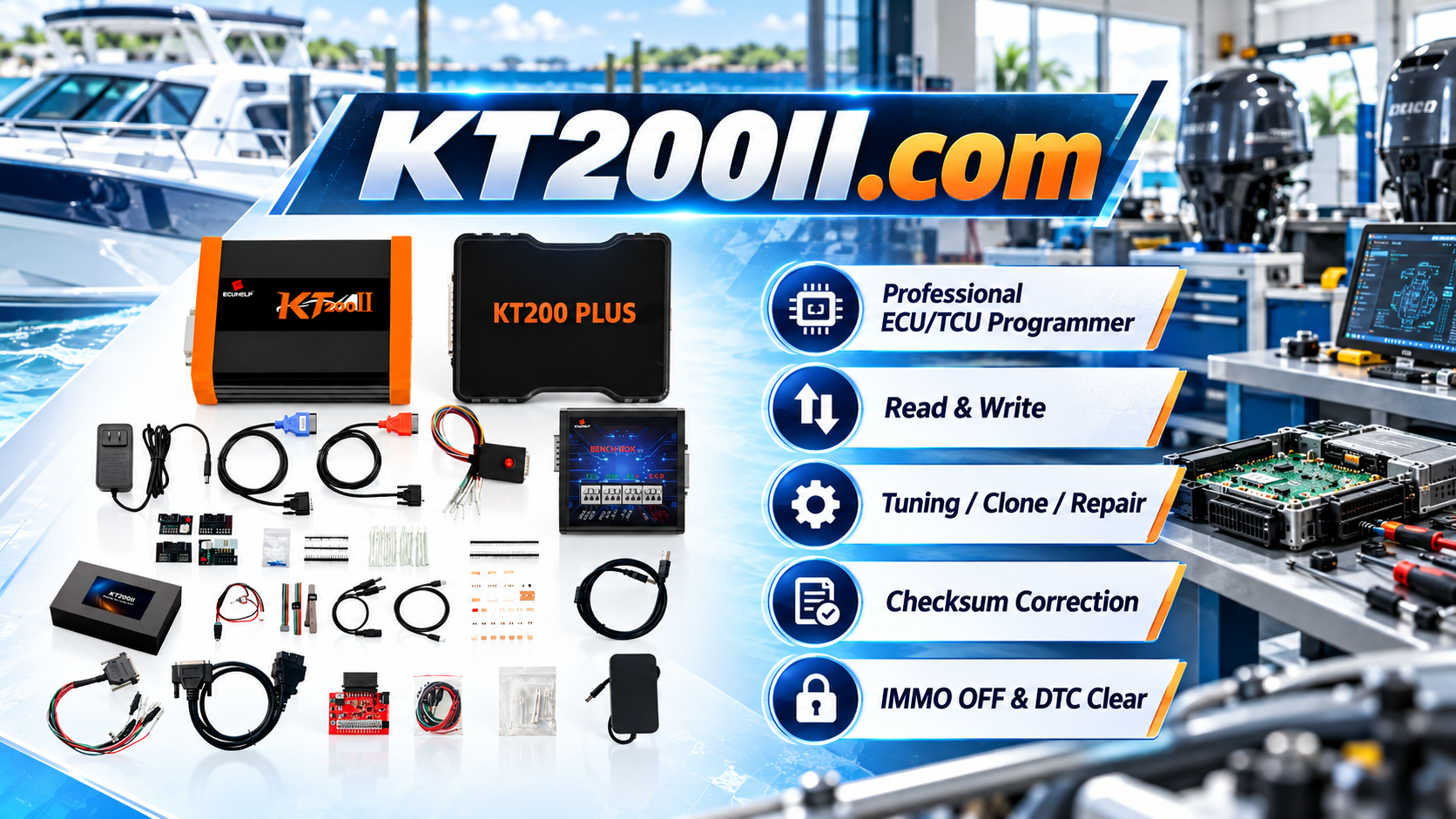
The KT200II ECU Programmer provides professional ECU and TCU programming solutions for supported applications, including ECU reading, writing, backup, cloning and recovery workflows.
This guide explains how ECU cloning works, why original data backup is important and how professional technicians create a reliable cloning workflow.
What Is ECU Cloning?
ECU cloning is the process of transferring required ECU data from an original control unit to a compatible replacement ECU.
The goal is to allow the replacement ECU to operate correctly in the vehicle without replacing all vehicle configuration information.
ECU cloning is commonly used when:
- The original ECU is damaged
- A replacement ECU is installed
- The ECU hardware needs replacement
- The vehicle requires electronic module repair
Why ECU Backup Is the First Step
Before performing any cloning operation, professional technicians should create an original ECU backup whenever supported.
Original ECU data may contain:
- Flash memory data
- EEPROM information
- Configuration parameters
- Vehicle-specific data
The original backup provides protection and allows technicians to compare data before and after programming.
KT200II ECU Clone Workflow
Step 1: Identify Original ECU Information
Before cloning, technicians should confirm the original ECU details.
- Vehicle brand
- Vehicle model
- Engine type
- ECU manufacturer
- Hardware number
- Software version
Correct ECU identification is essential because similar vehicles may use different ECU versions.
Step 2: Check Replacement ECU Compatibility
The replacement ECU should be compatible with the original unit.
Important checks include:
- Hardware compatibility
- Software compatibility
- Memory type
- Supported programming method
Step 3: Read Original ECU Data
The next step is reading the original ECU data.
Depending on ECU type, technicians may need to access:
- Flash memory
- EEPROM
- Additional supported memory areas
The original files should be saved securely before any writing operation.
Step 4: Prepare Replacement ECU
After confirming compatibility, technicians prepare the replacement ECU for programming.
This may include:
- Reading replacement ECU information
- Checking memory condition
- Preparing required data transfer
Step 5: Transfer ECU Data
The required data is transferred from the original ECU to the replacement ECU according to the supported procedure.
After programming, technicians should verify:
- ECU communication
- Vehicle operation
- Error status
- Programming completion
KT200II ECU Programming Modes for Cloning
| Mode | Application |
|---|---|
| OBD Mode | Vehicle-side ECU programming |
| Bench Mode | Direct ECU cloning outside vehicle |
| Boot Mode | Advanced ECU memory access |
| JTAG / BDM | Advanced processor-level operations |
The required programming mode depends on ECU type, communication protocol and supported application.
ECU Clone vs ECU Replacement
ECU Replacement
ECU replacement means installing another control unit and completing required programming procedures.
ECU Clone
ECU cloning transfers required data from the original ECU to a compatible replacement unit.
Cloning can help technicians maintain original vehicle configuration when supported.
Common ECU Cloning Mistakes
Using Incompatible Replacement ECU
The replacement ECU must match the required hardware and software conditions.
No Original Backup
Without original data, recovery options may become limited.
Incorrect Memory Transfer
Different ECU families may require different data transfer procedures.
Ignoring Verification
After cloning, technicians should always confirm communication and vehicle operation.
ECU Clone Applications
Professional workshops use ECU cloning for:
- Engine ECU replacement
- ECU repair services
- Vehicle electronic maintenance
- Replacement module preparation
- Automotive programming services
Professional ECU Clone Best Practices
- Always identify ECU correctly
- Create original backup files
- Confirm replacement compatibility
- Use correct programming mode
- Maintain stable power supply
- Keep programming records
KT200II Technical Resources
Related pages:
Frequently Asked Questions
What is ECU cloning?
ECU cloning is the process of transferring required ECU data from an original module to a compatible replacement ECU.
Why is ECU backup important before cloning?
Backup protects original vehicle data and provides recovery options during programming.
Can KT200II clone all ECUs?
ECU cloning capability depends on ECU type, hardware version, protocol and supported application.
Conclusion
ECU cloning is an important service for professional automotive electronics workshops.
A safe cloning process requires accurate ECU identification, original data backup, compatible replacement modules and correct programming procedures.
KT200II provides professional ECU and TCU programming solutions for technicians who need reliable ECU reading, writing, cloning and repair workflows on supported applications.




