
KT200II ECU File Management Guide
KT200II ECU Programming File Management Guide: How Technicians Organize ECU Data Safely
Professional ECU programming is not only about reading and writing control units. Managing ECU files correctly is an important part of a reliable automotive electronics workflow.
Every ECU programming job may involve original files, modified files, backup data, recovery files and programming records. Without proper organization, technicians can easily select the wrong file or lose important customer data.
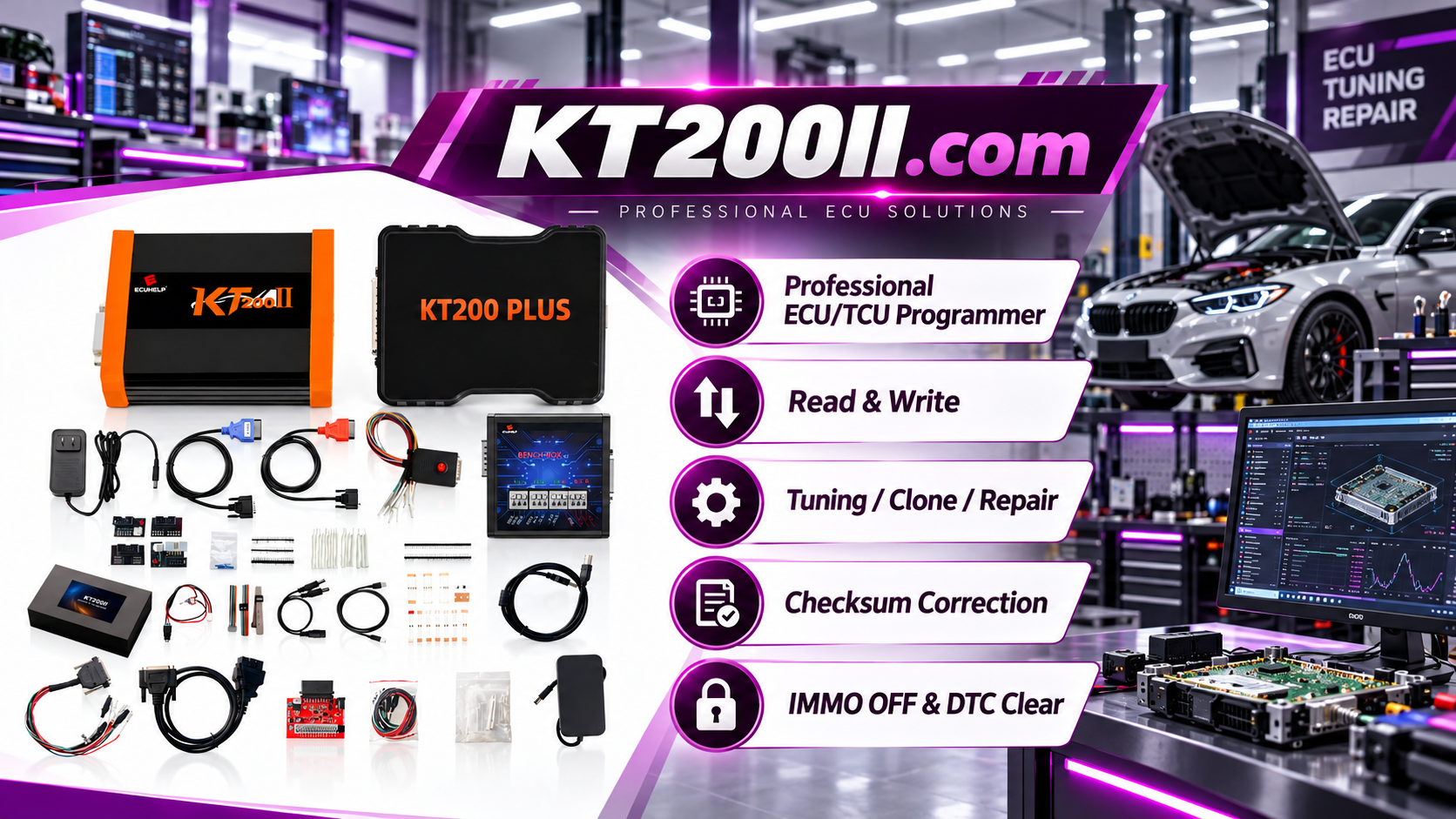
The KT200II ECU Programmer supports professional ECU and TCU programming workflows including reading, writing, backup, cloning and recovery operations on supported applications.
Why ECU File Management Matters
ECU data is unique to each vehicle and control module. Before changing any ECU information, professional technicians should protect the original data and maintain clear records.
Good ECU file management helps:
- Protect original vehicle data
- Reduce programming mistakes
- Improve ECU cloning workflow
- Support recovery operations
- Speed up future repairs
Types of ECU Files in Professional Workflows
1. Original ECU Backup File
The original ECU file is the most important file in any programming operation.
It should be created before:
- ECU writing
- ECU tuning
- ECU cloning
- Repair operations
Original files should never be overwritten or modified directly.
2. Modified ECU File
A modified file contains changes made for a specific programming purpose.
Examples include:
- Calibration changes
- Software modifications
- Repair data adjustments
Modified files should always be stored separately from original backups.
3. Final Programmed File
After successful writing, technicians should keep a record of the final programmed data.
This helps with:
- Future service
- Customer records
- Vehicle history tracking
KT200II Professional ECU File Workflow
Step 1: Create a Vehicle Project Folder
Each ECU job should have its own folder.
Recommended structure:
Vehicle Project

├── Vehicle Information

├── ECU Identification

├── Original Backup

├── Modified Files

├── Final Programmed Files

└── Programming Records
Step 2: Save ECU Identification Information
Before programming, record complete ECU information.
- Vehicle brand
- Vehicle model
- VIN information
- ECU manufacturer
- Hardware number
- Software number
- Programming mode
The correct ECU identification helps technicians select the correct protocol and file.
Step 3: Save Original Data Before Writing
Before performing a write operation, always save the original ECU data when supported.
KT200II supports different programming workflows depending on ECU type, including OBD, Bench, Boot, JTAG and BDM operations on supported applications. :chatgpt-content-reference{index="0"}
Step 4: Verify Files Before Programming
Before writing ECU data, check:
- Correct ECU type
- Correct hardware version
- Correct software version
- Correct file source
- Checksum status where applicable
A file that belongs to a similar vehicle does not always mean it is compatible.
ECU File Management for ECU Cloning
ECU cloning requires careful handling of original and replacement ECU data.
A professional cloning workflow usually includes:
- Read original ECU data
- Save original backup
- Identify replacement ECU
- Prepare required data
- Write supported information
- Verify communication
Organized files make ECU cloning safer and easier to repeat.
ECU File Management for ECU Tuning
Tuning technicians often manage multiple versions of ECU files.
Recommended structure:
- Original stock file
- Stage modification files
- Customer-approved file
- Final programmed file
Clear version management prevents accidentally writing an incorrect calibration file.
Common ECU File Management Mistakes
Overwriting Original Files
Never save modified files over original ECU backups.
Using Unclear File Names
Avoid names such as:
new.bin
final.bin
test.bin
Use detailed names containing vehicle and ECU information.
Losing Programming Records
A professional workshop should record every important programming operation.
Recommended ECU File Naming Method
Example:
BMW_F30_EDC17C50_Original_2026-10-14.bin

BMW_F30_EDC17C50_Modified_Stage1.bin

BMW_F30_EDC17C50_Final_Write.bin
Clear file names make future identification much easier.
KT200II Workshop File Management Checklist
- Vehicle information saved
- ECU identification recorded
- Original backup created
- File compatibility checked
- Programming method confirmed
- Final result recorded
Related KT200II Technical Resources
Frequently Asked Questions
Why should ECU original files be saved?
Original files provide backup protection and help with recovery, cloning and future repairs.
Should modified ECU files replace original files?
No. Original and modified files should always be stored separately.
Does every ECU require the same file structure?
No. File requirements depend on ECU type, memory structure and programming operation.
Conclusion
Professional ECU programming requires professional file management.
By organizing original backups, modified files and programming records, technicians can create safer and more efficient ECU workflows.
KT200II provides professional ECU and TCU programming solutions for automotive electronics technicians, repair workshops and ECU specialists worldwide.




