KT200II ECU Cloning and Replacement Guide
KT200II ECU Programmer vs ECU Cloning Tools: Professional ECU Replacement Solutions Explained
Modern vehicles rely on electronic control units (ECUs) to manage engine systems, transmissions and many other vehicle functions. When an ECU becomes damaged or needs replacement, professional technicians require reliable programming solutions to transfer and manage ECU data.
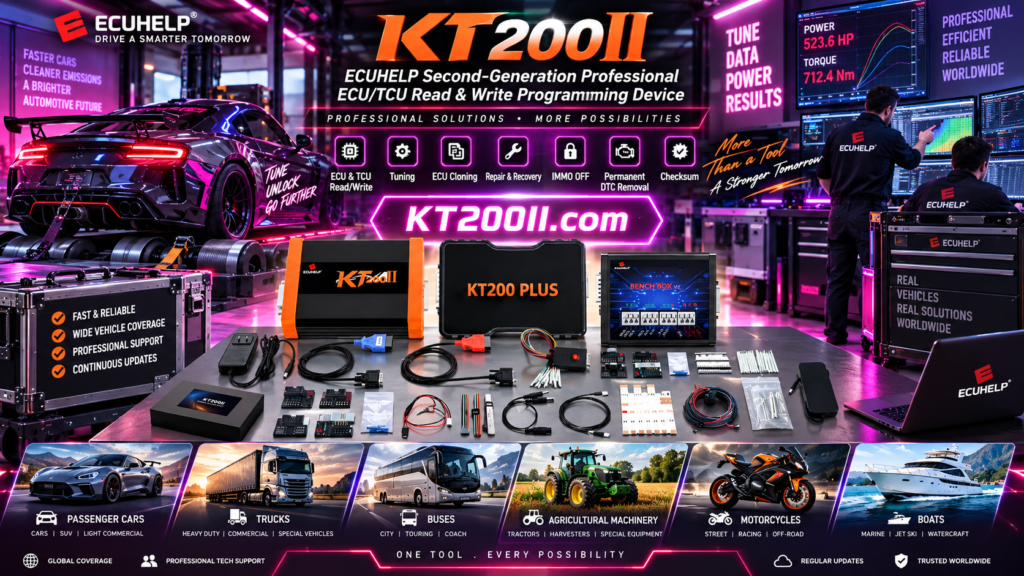
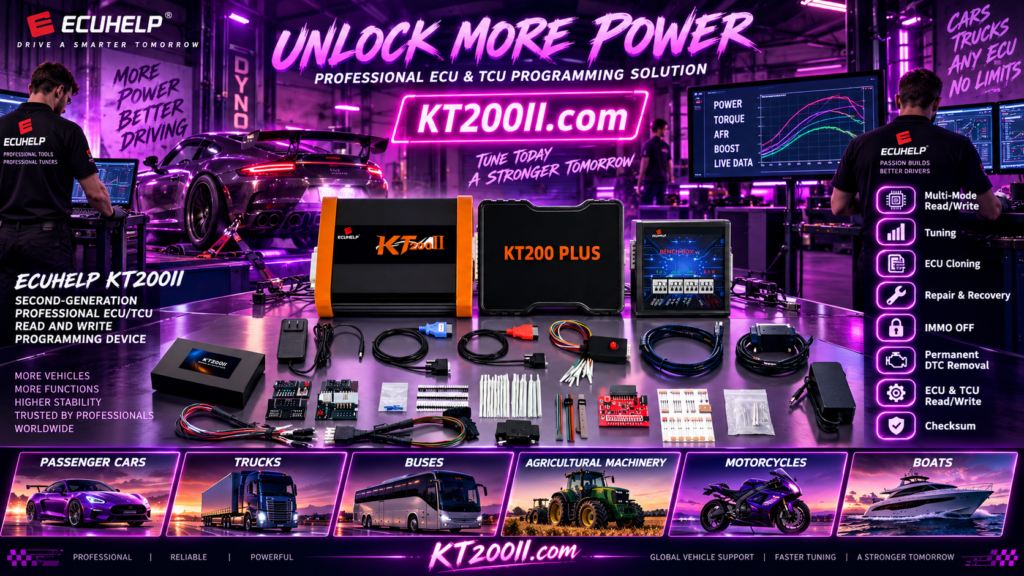
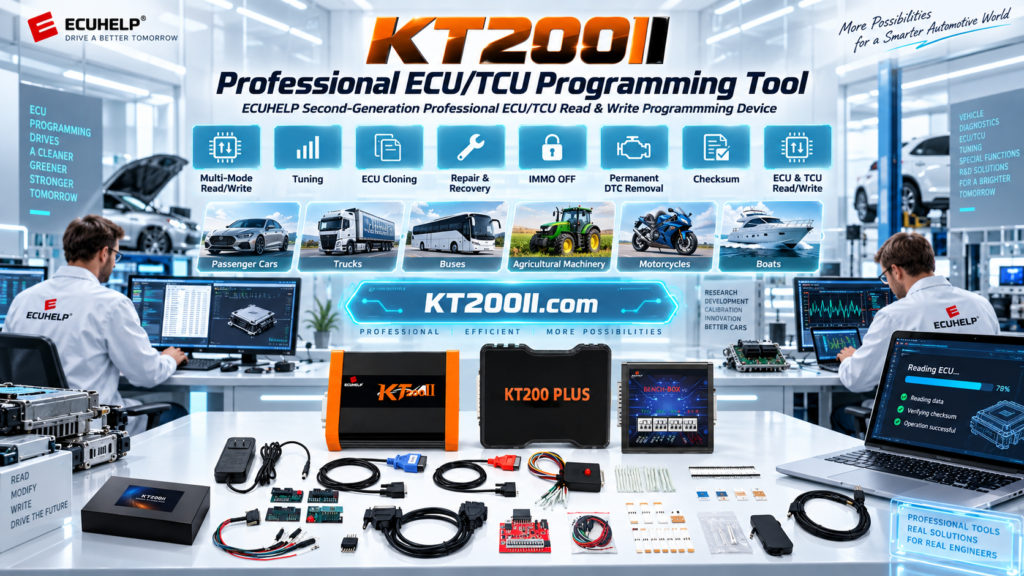
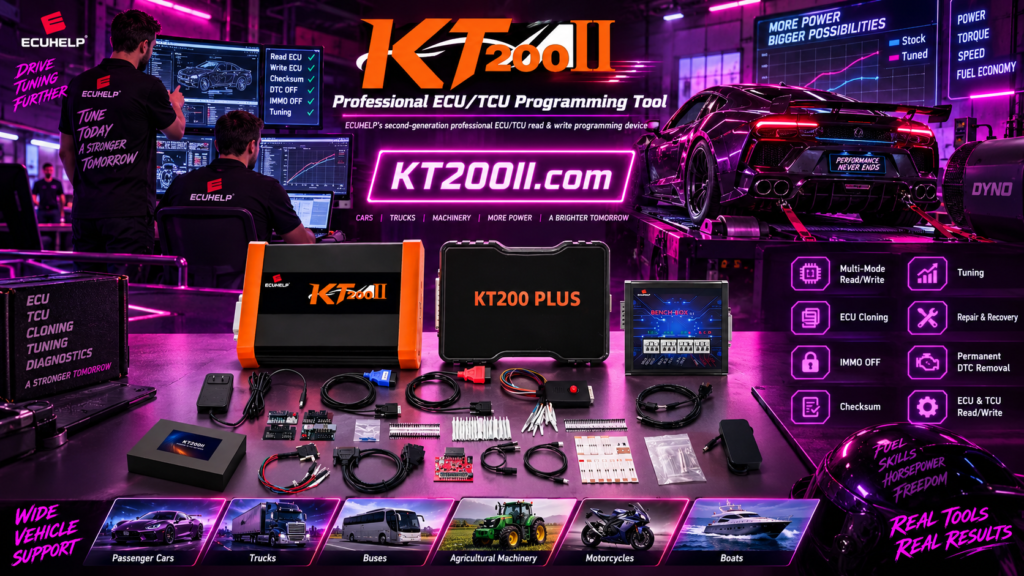
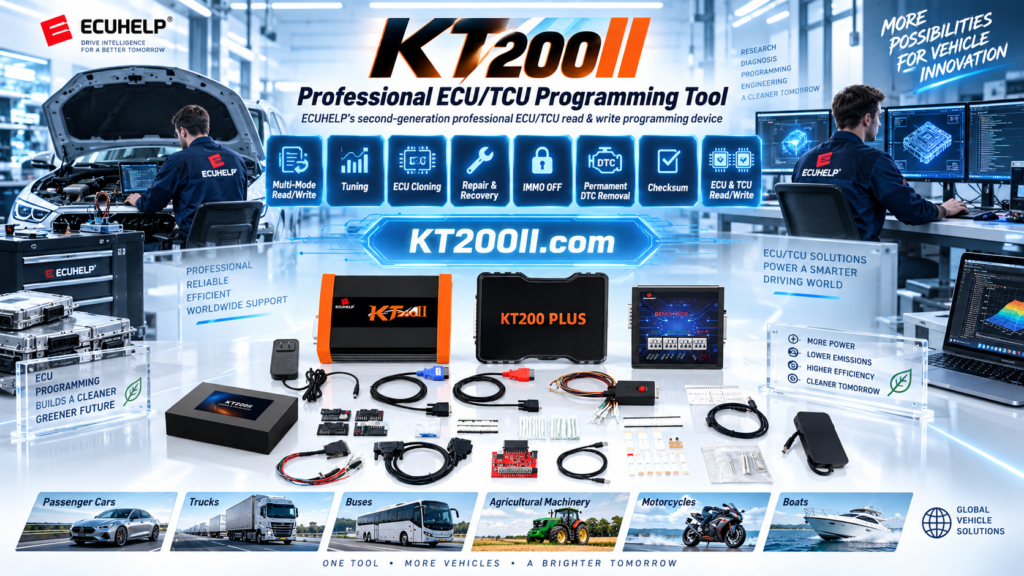
The KT200II ECU Programmer provides professional ECU programming solutions for supported applications, including ECU reading, writing and replacement-related operations.
This guide explains the role of ECU cloning, the importance of correct data management and how professional technicians build a safe ECU replacement workflow.
What Is ECU Cloning?
ECU cloning is a professional process used when technicians need to transfer supported ECU information from one control unit to another compatible unit.
A typical ECU replacement situation may include:
| Situation | Required Solution |
|---|---|
| Original ECU damaged | Recover or transfer supported ECU data. |
| Used ECU replacement | Match ECU data with vehicle requirements. |
| Workshop repair service | Provide professional ECU programming solutions. |
Why ECU Cloning Requires Professional Equipment
ECU cloning is not simply copying files. Professional technicians need to correctly identify ECU information, select the correct programming method and protect original data.
| Professional Requirement | Purpose |
|---|---|
| ECU Identification | Confirm hardware and software information. |
| Original Backup | Protect original ECU data. |
| Programming Method | Choose suitable communication mode. |
KT200II Professional ECU Replacement Workflow
A reliable ECU replacement process usually follows a structured workflow.
| Step | Operation |
|---|---|
| 1 | Identify ECU manufacturer and hardware information. |
| 2 | Check supported ECU application. |
| 3 | Read and save original ECU data. |
| 4 | Perform supported programming operation. |
| 5 | Verify ECU function after programming. |
KT200II Supports Multiple ECU Programming Methods
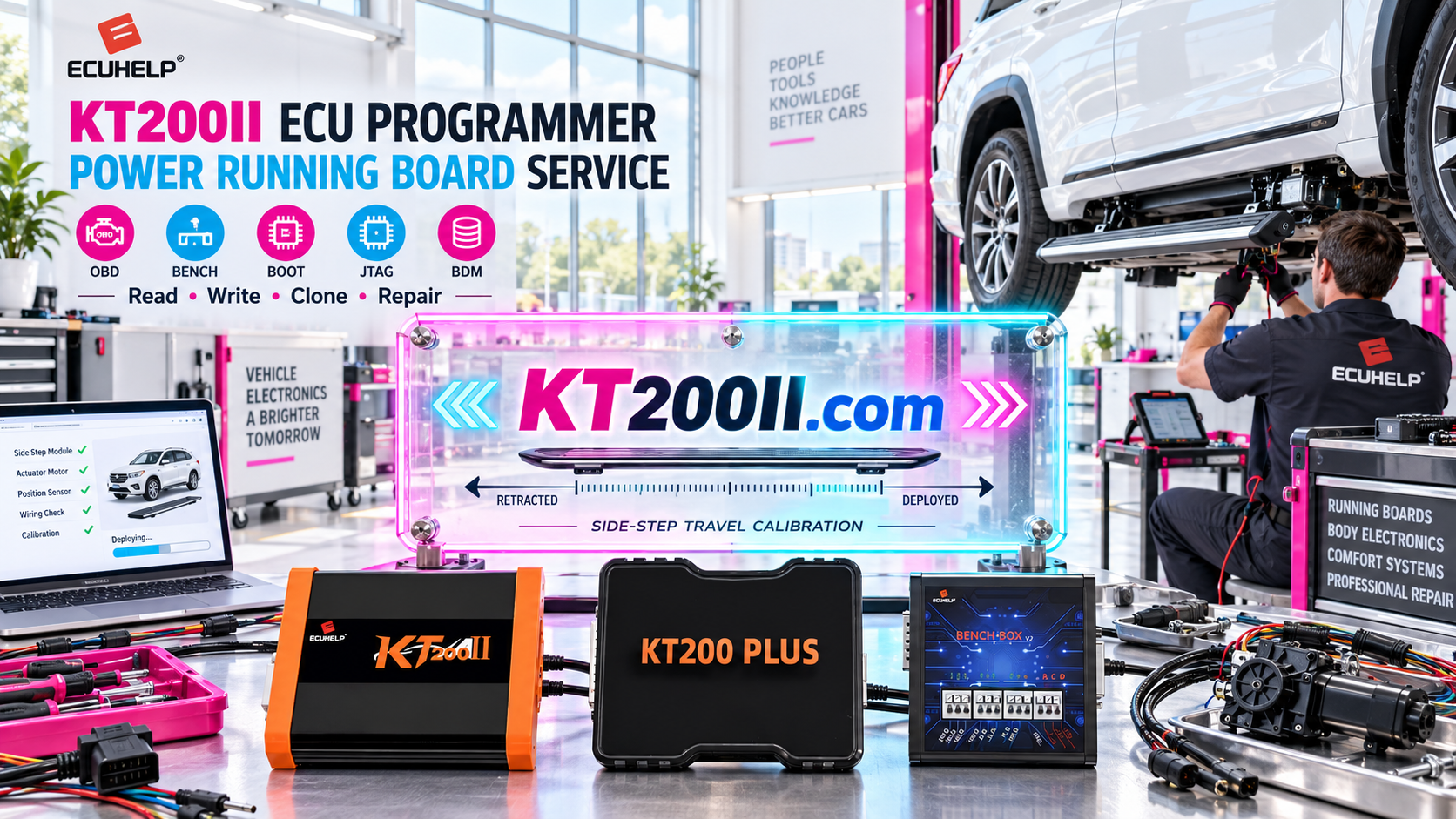
Different ECU architectures require different connection methods. KT200II provides multiple operation modes according to supported applications.
| Mode | Application |
|---|---|
| OBD Mode | Vehicle connector programming. |
| Bench Mode | Direct ECU connection on workbench. |
| Boot Mode | Advanced ECU programming access. |
| JTAG / BDM | Processor-level ECU operations. |
Learn more about KT200II operation modes:
Always Check ECU Compatibility Before Cloning
Professional technicians should confirm ECU information before any replacement or cloning operation.
- ECU manufacturer
- Hardware number
- Software version
- Processor type
- Supported programming method
Check official compatibility information:
Use Official KT200II Software Resources
Reliable software resources are an important part of professional ECU programming. Technicians should always use official software channels.
Official software page:
Important Notice: Protect Yourself from Unauthorized Sellers
Recently, multiple users have reported encountering scams when purchasing KT200II ECU Programmer from unauthorized third-party websites.
Customers should avoid purchasing KT200II from unknown or unauthorized websites. Before purchasing from any third-party seller, please contact KT200II.com to verify whether the seller is officially recognized.
The only official product website:
If you have already experienced fraud, purchased from an unauthorized website, or cannot obtain technical support, please contact KT200II.com. The official team will provide free legal assistance support and free product technical support.
Choose Professional ECU Programming Solutions
ECU replacement and cloning require accurate data handling, professional equipment and reliable technical resources.
With flexible programming modes and professional workflow support, KT200II helps automotive technicians improve ECU repair capability and provide more advanced electronic services.
Conclusion
A professional ECU programmer is an important investment for modern automotive workshops.
By following correct identification, backup and programming procedures, technicians can build safer and more efficient ECU replacement workflows with KT200II.
More technical information: