
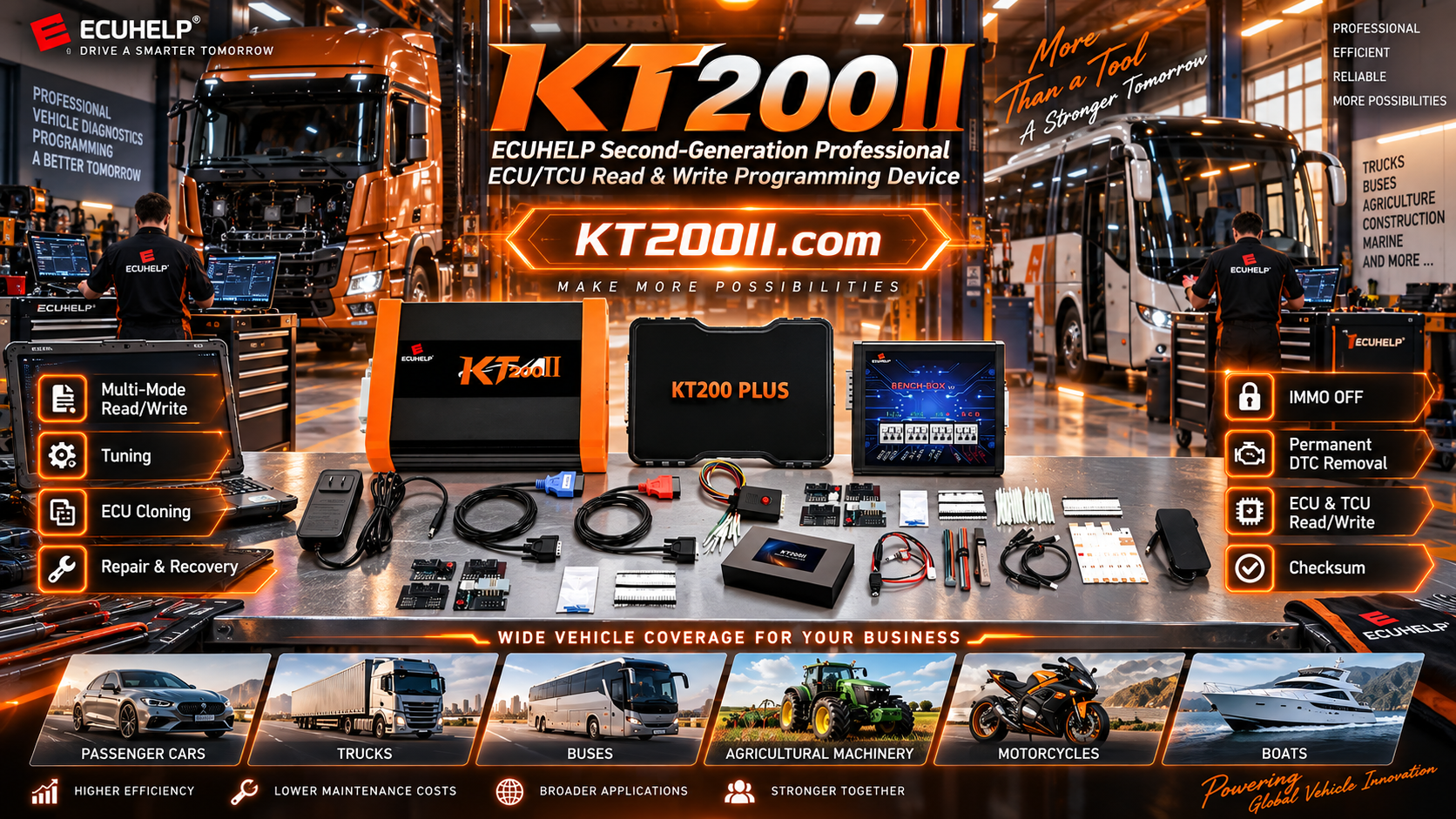
KT200II TCU Programming Guide for Gearbox Control Units
KT200II TCU Programming Guide: Identification, Bench Read and Safe Cloning
Transmission control units are responsible for gear selection, clutch control, torque management and communication with other vehicle modules. When a TCU is replaced, repaired or cloned, the programming process must be based on the exact controller hardware and supported protocol.
The official KT200II ECU Programmer supports ECU and TCU programming operations on selected applications. This guide explains how professional technicians can identify a TCU, select the correct operation mode and prepare a safer read, write or cloning workflow.
What Is TCU Programming?
TCU programming is the process of reading, writing, cloning or restoring data inside a transmission control unit. Depending on the application, the required data may include Flash, EEPROM, immobilizer-related information, coding data or other controller-specific memory areas.
Some TCU operations are completed through the vehicle diagnostic connector, while others require Bench or Boot access. The correct method is determined by the controller design and the protocol listed in the KT200II support database.
Why Exact TCU Identification Is Important
The same vehicle model may use different transmissions, TCU suppliers, processors and software versions. A replacement unit that looks similar may still have a different memory structure or calibration family.
Record These Details Before Connecting KT200II
| Item | Information to Record | Reason |
|---|---|---|
| Vehicle | Brand, model, year, engine and transmission code | Confirms the vehicle application |
| TCU label | Part number, hardware number and software number | Identifies the exact controller version |
| Gearbox | DQ, ZF, Aisin or other transmission family | Helps narrow the protocol search |
| Processor | MCU family and visible markings | May determine Bench or Boot requirements |
| Required operation | Read, write, clone, recovery or backup | Defines the correct workflow |
TCU Applications to Check in the KT200II Database
Professional technicians may encounter TCU families such as DQ250, DQ380, DQ381, DQ500, ZF 8HP and other transmission controllers. These names are only search references. The actual supported operation must be confirmed using the exact vehicle and TCU information.
Open the KT200II supported vehicles finder and combine keywords such as the vehicle brand, gearbox family, TCU number, processor or connection mode. Using multiple search terms can reduce the risk of selecting an incorrect application.
KT200II TCU Programming Workflow
1. Confirm the Vehicle and Transmission
Scan the vehicle and record the transmission code before removing the TCU. If the controller has already failed, use the vehicle identification number, service documentation and TCU label to confirm the original application.
2. Search the Supported Protocol
Search the KT200II database by vehicle, gearbox, TCU part number or processor. Check whether the required operation is listed as OBD, Bench, Boot or another supported method.
The KT200II Operation Modes page explains the differences between OBD, Bench, Boot, JTAG and BDM. The selected mode must match the protocol instructions for the exact TCU.
3. Prepare Stable Power and Correct Wiring
Use a regulated power supply suitable for the TCU and keep the voltage stable throughout the complete operation. Check the power, ground, CAN or communication lines and Bench adapter connections before launching the software.
Never rely on an unverified pinout. A wiring error or unstable ground can interrupt communication and may damage the controller.
4. Read and Save the Original TCU Data
When supported, read the original TCU before writing any replacement file. Save the identification report and available Flash, EEPROM or other memory files with a clear filename containing the VIN, TCU number and date.
5. Compare the Donor TCU
For a cloning job, compare the original and donor TCU hardware number, software family, processor, connector and memory capacity. Do not write data to a donor unit simply because its housing or connector looks identical.
| Comparison Point | Preferred Condition | Risk Indicator |
|---|---|---|
| Hardware number | Matching or documented compatible part number | Different hardware generation |
| Software family | Same application and compatible software family | Unknown or unrelated software |
| Processor | Compatible MCU and memory structure | Different processor or memory size |
| Physical condition | Clean connectors and undamaged pins | Corrosion, water damage or burnt components |
6. Verify the File Before Writing
Confirm that the selected file belongs to the target TCU hardware and software family. Check the file size, identification data, memory area and checksum status where the protocol supports these checks.
A checksum result alone does not prove that a file is suitable for a particular TCU. Compatibility and checksum verification are separate steps.
7. Write and Validate the TCU
Close unnecessary applications, prevent the computer from entering sleep mode and maintain stable power until KT200II reports that the operation is complete. Do not disconnect the USB cable, Bench harness or TCU power during writing.
After programming, perform another identification read and compare the result with the target file. Reinstall the TCU and scan the vehicle for communication faults, internal control-module errors and required coding or adaptation procedures.
OBD, Bench or Boot: Which TCU Method Should You Use?
| Mode | Typical Use | Workshop Requirement |
|---|---|---|
| OBD | Supported vehicle-side TCU communication | Stable vehicle voltage and reliable diagnostic connection |
| Bench | Direct TCU connection outside the vehicle | Correct pinout, harness and regulated power supply |
| Boot | Low-level access for selected TCU operations | Accurate wiring and advanced technical experience |
| JTAG or BDM | Selected processor-level operations | Protocol-specific tools and controlled handling |
Download the Correct KT200II Software
Download the official KT200II software and related resources from the KT200II software download page. Use the software version intended for your device and follow the supplied installation instructions.
If you are unsure whether a TCU requires a software update, a different version or an activated module, contact support before beginning the programming operation.
Common TCU Programming Mistakes
- Choosing a protocol based only on the gearbox name.
- Ignoring the TCU hardware or software number.
- Starting a write operation without saving the original data.
- Using an unstable power supply during Bench programming.
- Following a pinout from a different TCU generation.
- Assuming that every TCU supports OBD programming.
- Disconnecting power before the software confirms completion.
- Ignoring vehicle coding, adaptation or clutch-learning procedures after programming.
Why Choose the Official KT200II ECU Programmer?
KT200II is the official ECUHELP ECU and TCU programming platform for supported reading, writing, cloning, repair and tuning workflows. Its multiple operation modes help professional technicians choose an appropriate connection method for different ECU and TCU applications.
Review the KT200II product page, Operation Modes, Software Download and Support List before selecting a version or planning a TCU job.
Frequently Asked Questions
Can KT200II program every DQ or ZF 8HP TCU?
No. Support depends on the exact TCU hardware, software version, processor, vehicle application and activated protocol. Always check the official support database first.
Is Bench mode safer than OBD mode?
Neither method is automatically safe for every application. The correct method is the one specified by the supported protocol and completed with accurate wiring, stable power and an original backup.
Does TCU programming automatically complete adaptation?
No. Some vehicles require coding, parameter reset, clutch adaptation, basic settings or a road-test procedure after programming. Follow the appropriate vehicle service procedure.
Where can I confirm KT200II TCU coverage?
Use the official KT200II Support List and provide the vehicle model, gearbox code, TCU part number and required operation to support staff if further confirmation is needed.
Need Help Choosing KT200II for TCU Programming?
Before purchasing, send the vehicle brand, model, year, gearbox code, TCU part number, processor and required operation to the official support team. This allows the correct version and protocol to be checked more accurately.
Official KT200II product page: KT200II ECU Programmer
Official ECUHELP global store: Buy KT200II ECU Programmer
WhatsApp support: +86 18665287523




