
KT200II OBD vs Bench Programming Guide
KT200II OBD vs Bench Mode: Which ECU Programming Method Is Better?
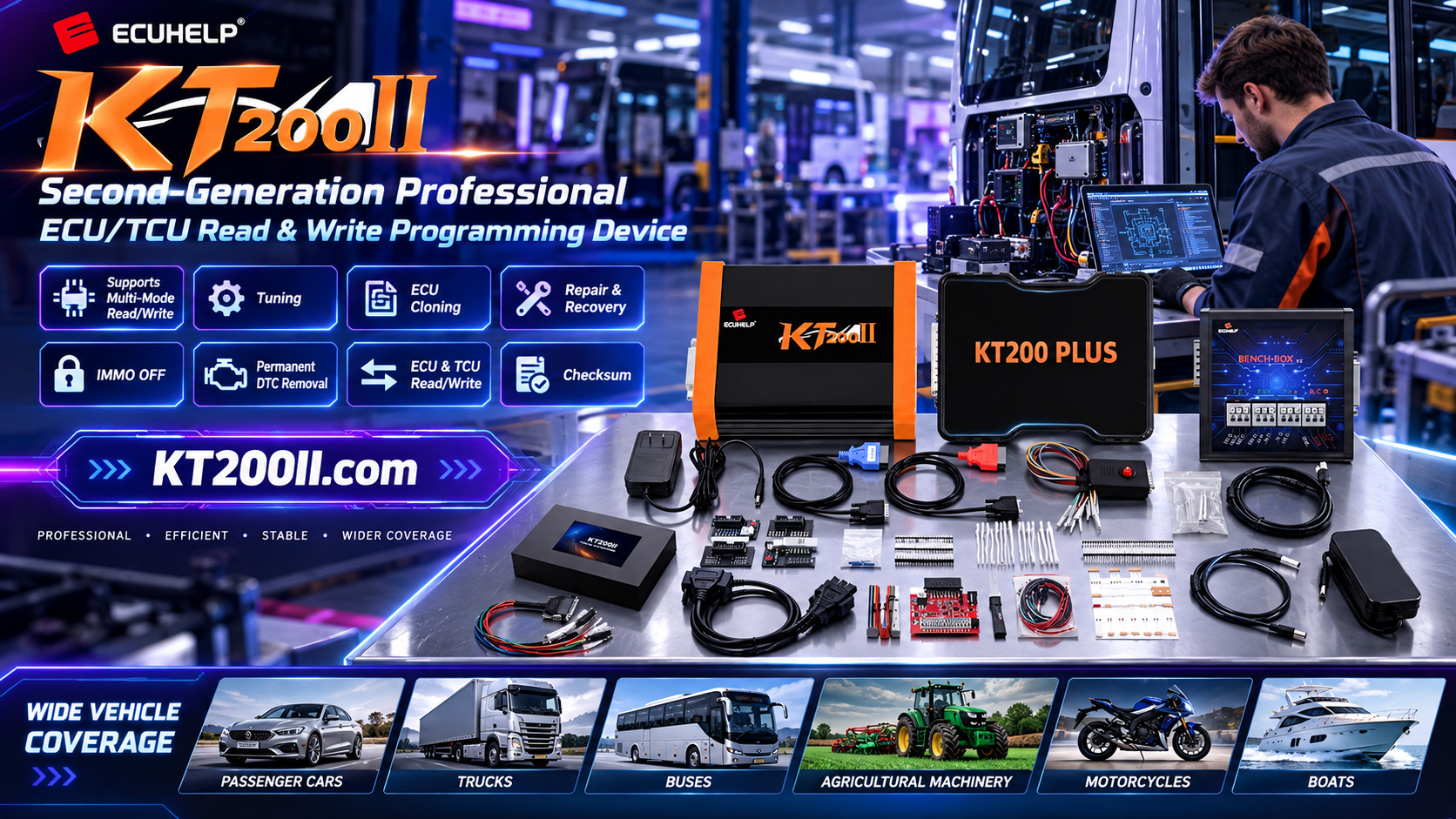
OBD and Bench are two of the most common methods used with the KT200II ECU Programmer. OBD programming is convenient because the ECU can often remain installed in the vehicle, while Bench programming provides direct access to a removed ECU or TCU in a controlled workshop environment.
Neither method is automatically better for every job. The correct choice depends on the supported ECU, required operation, power condition, vehicle access and workshop workflow.
OBD vs Bench at a Glance
| Comparison Point | OBD Mode | Bench Mode |
|---|---|---|
| Connection | Vehicle diagnostic socket | Direct ECU or TCU connection |
| ECU removal | Usually not required when supported | Usually required or uses a controlled bench setup |
| Workshop speed | Fast for supported vehicle-side jobs | More preparation, but repeatable for removed modules |
| Typical use | Supported read, write and service operations | Backup, cloning, replacement ECU and direct programming work |
| Main risk | Vehicle battery or communication interruption | Incorrect pinout, power or bench wiring |
| Best preparation | Stable vehicle power and correct ignition state | Verified pinout, regulated supply and secure harness |
When OBD Mode Is a Good Choice
OBD mode is often efficient when the vehicle is accessible, the ECU is responsive and the exact protocol supports vehicle-side programming. It can reduce removal time and is convenient for routine services on supported vehicles.
Advantages
- Quick vehicle-side connection
- No ECU removal in supported cases
- Convenient for routine workshop operations
Before Starting
- Check vehicle and ECU support
- Connect a stable support supply
- Turn off unnecessary electrical loads
When Bench Mode Is a Better Choice
Bench mode is useful when the ECU has been removed, when a replacement module must be prepared, or when a direct connection is required by the protocol. It is also commonly used for controlled backups, cloning and selected repair workflows.
Advantages
- Direct ECU or TCU access
- Controlled workshop environment
- Useful for replacement and cloning work
Before Starting
- Confirm the exact ECU label
- Verify power and communication pins
- Use a regulated bench power supply
How to Select the Correct Method
- Identify the controller: Record the ECU or TCU manufacturer, hardware number, software number and processor.
- Search the database: Use the KT200II Support List to check vehicle, controller, operation and connection details.
- Check the operation: Confirm whether the job requires reading, writing, cloning, tuning, repair or recovery.
- Review the procedure: Read the KT200II Operation Modes guide before choosing OBD or Bench.
- Prepare the power: Ensure stable voltage and a secure ground for the selected method.
- Save the original: Read and protect the original data whenever the protocol supports it.
Important: A vehicle may support OBD for one operation and Bench or Boot for another. Never choose a method only because it is faster. Follow the exact ECU protocol documentation.
Workshop Efficiency Comparison
OBD can reduce labor time when the vehicle and ECU are fully supported. Bench programming may take longer to prepare, but it can be more efficient for repeated replacement-module, cloning or repair work because the ECU can be tested away from the vehicle.
For a busy workshop, the best strategy is to use both methods according to the job. OBD is convenient for suitable vehicle-side operations, while Bench provides a controlled alternative when direct ECU access is required.
Use Official KT200II Resources
Download official software from the KT200II Software Download page and read additional procedures in the KT200II Technical Blog. For product specifications and version information, visit the KT200II product page.
Buy the Official KT200II ECU Programmer
Purchase the genuine KT200II ECU Programmer from the official HELPECU global store. Select the version according to your vehicle coverage and required ECU or TCU operations.
For compatibility and connection questions, contact ECUHELP on WhatsApp: +86 18665287523.




