
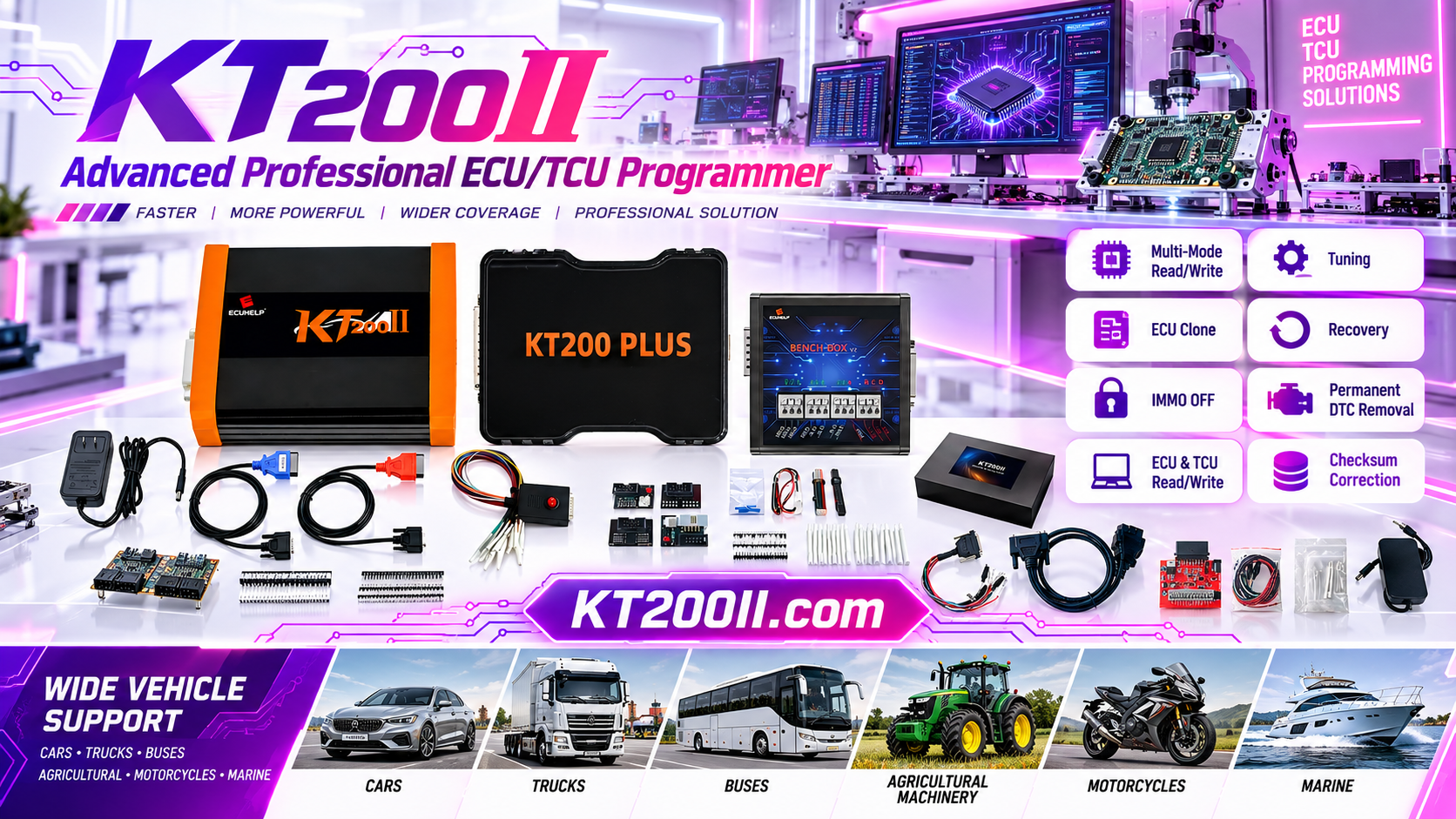
KT200II ECU Programming Post-Write Validation and Customer Handover Guide
KT200II OFFICIAL TECHNICAL GUIDE
KT200II ECU Programming Post-Write Validation and Customer Handover Guide
A practical workshop procedure for validating ECU communication, vehicle functions and service records after a successful write operation.
Finishing an ECU write operation does not mean the repair job is complete. A professional technician should validate the control unit, confirm vehicle communication, check diagnostic status and document the final result before returning the vehicle or replacement module to the customer.
This KT200II ECU programming validation workflow can be used after supported OBD, Bench, Boot, JTAG or BDM operations. The exact checks depend on the vehicle, ECU or TCU, software version and selected protocol.
Why Post-Write Validation Matters
A software message such as “completed” confirms that the selected operation reached an end state, but it does not replace a complete vehicle or module inspection. The ECU may require an ignition cycle, a network wake-up period, adaptation, coding or a diagnostic scan before its final condition can be confirmed.
| Validation Area | What It Confirms | Record in the Job File |
|---|---|---|
| ECU identification | The intended software and hardware identity is present. | Final software number, hardware number and ECU identification. |
| Communication | The ECU or TCU responds normally after the operation. | Connection mode, diagnostic tool and communication result. |
| Diagnostic status | Current and historical DTCs are separated correctly. | Pre-scan and post-scan results, including codes that remain. |
| Vehicle functions | Relevant systems operate according to the repair scope. | Functional test results and any required adaptation. |
| Customer handover | The customer receives a clear record of completed work. | Final file name, date, technician and service notes. |
Step 1: Allow the ECU to Complete Its Restart Sequence
After a supported write operation, follow the software instruction for ignition switching, module reset or power stabilization. Do not immediately disconnect the vehicle battery, ECU connector or bench power unless the procedure specifically requires it.
Some vehicles need time to wake up related control units or complete a network initialization sequence. Keep the workstation connected and observe the software status before beginning the final scan.
Step 2: Read the ECU Identification Again
Reconnect to the ECU or TCU using the documented method and read the identification data. Compare the final software and hardware information with the job record and the file that was written.
If the final identification does not match the expected result, stop the handover process. Check whether the selected file, protocol, ECU family and operation were correct before performing any additional action.
Step 3: Perform a Post-Programming Diagnostic Scan
Run a complete diagnostic scan when the vehicle procedure permits it. Compare the post-write result with the original scan and separate pre-existing faults from faults that appeared after programming.
- Record all modules that communicate successfully.
- Identify DTCs that were present before programming.
- Check for new communication, checksum or configuration faults.
- Follow the manufacturer procedure before clearing any code.
- Save the final scan report with the programming file.
KT200II supports professional ECU and TCU programming through several operation modes. The availability of a specific diagnostic or service function depends on the exact supported vehicle and protocol. Check the KT200II Supported ECU List before starting a new job.
Step 4: Check Functions Related to the Repair
Perform only the functional checks that are relevant to the service. For an engine ECU, this may include starting behavior, communication with related modules, live data and the absence of new warning conditions. For a TCU, it may include communication, gear-selection status and the manufacturer's required adaptation procedure.
Do not use a generic road test as a substitute for the manufacturer's service checklist. Some systems require static checks, relearn procedures or additional coding before normal vehicle operation can be confirmed.
Step 5: Verify the File and Checksum Record
Keep the original file, the final written file and any modified working file separately. If the selected protocol provides checksum correction or verification, record the software result in the job notes.
| File | Recommended Use | Protection Rule |
|---|---|---|
| Original read file | Reference and recovery source. | Never overwrite or edit the master copy. |
| Working file | External editing, calibration or preparation where authorized. | Use a new version name for every change. |
| Final written file | Record of the data sent to the ECU. | Store with the final identification and date. |
Step 6: Create a Professional Handover Record
A clear handover record helps the workshop explain what was checked and gives the customer a reliable service history. The record should be concise but complete.
- Vehicle and customer job reference.
- ECU or TCU identification before and after programming.
- KT200II version, software version and operation mode.
- Original file and final file names.
- Pre-scan and post-scan results.
- Adaptation, coding or relearn procedures completed.
- Remaining faults or recommendations, if any.
- Technician name, date and customer confirmation.
Common Post-Write Problems
| Symptom | Possible Reason | Recommended Response |
|---|---|---|
| ECU identification cannot be read | Incorrect mode, unstable connection or incomplete restart. | Wait for the documented restart sequence and recheck the exact protocol. |
| New communication DTCs appear | Network state, coding, power or compatibility issue. | Compare with the pre-scan and follow the vehicle service procedure. |
| Vehicle starts but warning remains | Adaptation, coding or unrelated stored fault. | Investigate the relevant system before clearing or delivering the vehicle. |
| Final file is unclear | Poor naming or multiple working copies. | Separate original, working and final files and update the job record. |
Review the Official KT200II Resources
Before programming, review the KT200II product page, Operation Modes guide, Software Download page and Supported ECU List.
For more technical articles, visit the KT200II official blog.
Need an Official KT200II ECU Programmer?
Order from the official ECUHELP global store: Buy KT200II ECU Programmer.
For vehicle compatibility and post-write support, contact ECUHELP on WhatsApp: +86 18665287523.
KT200II functions depend on the supported vehicle, ECU or TCU, software version and selected operation mode. Always use the current official support information and follow the applicable manufacturer service procedures.




