
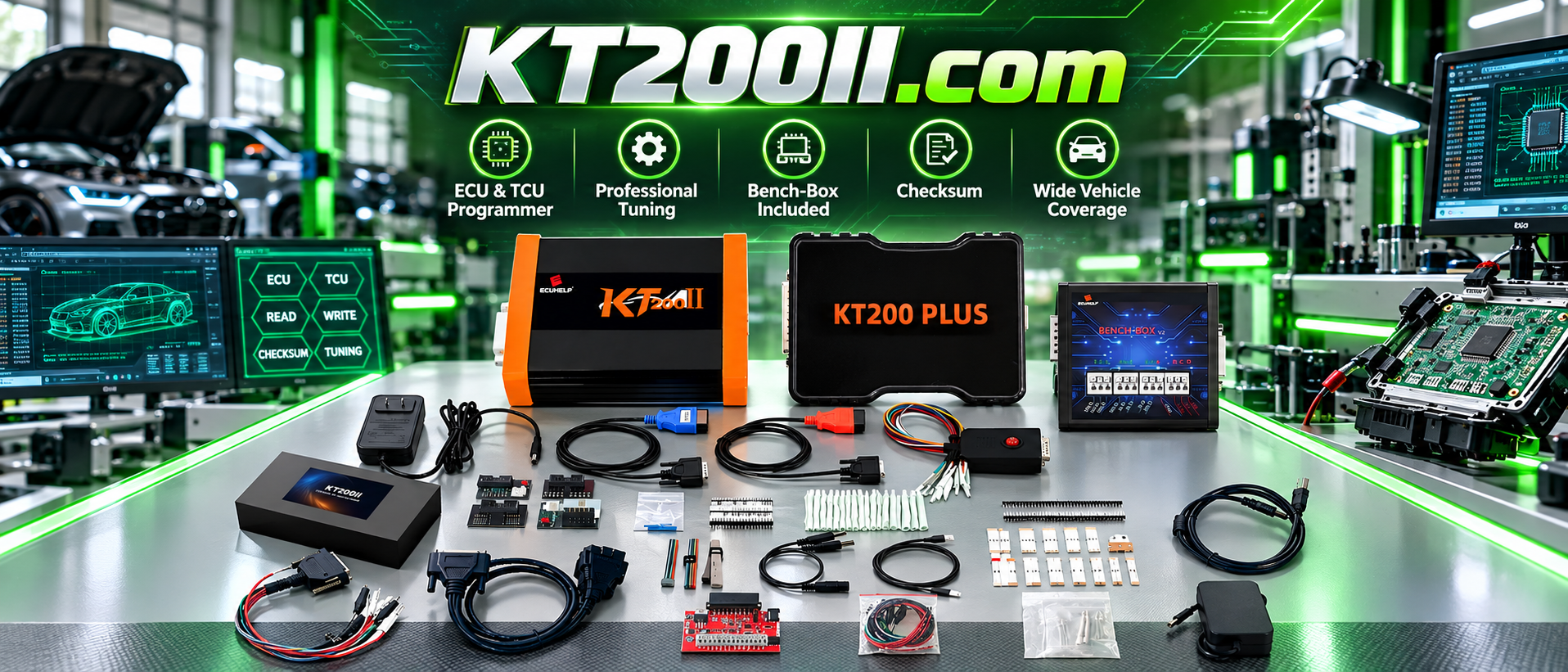
KT200II ECU Clone Workflow Guide
KT200II ECU Clone Guide: How to Transfer Data to a Replacement ECU
Modern vehicles rely on electronic control units (ECUs) to manage engine operation, transmission systems, emissions, and many other vehicle functions. When an ECU becomes damaged or needs replacement, technicians often need to transfer the original ECU information into another compatible unit.
This process is commonly known as ECU cloning.
The KT200II ECU Programmer provides professional ECU programming solutions for supported applications, including ECU reading, writing, backup, cloning and recovery operations.
This guide explains how ECU cloning works and the professional workflow technicians should follow when replacing ECU modules.
What Is ECU Clone?
ECU clone is the process of copying important data from an original ECU and transferring it to another compatible ECU.
After successful cloning, the replacement ECU contains the required information from the original module, allowing it to work with the vehicle system.
ECU cloning is commonly used when:
- The original ECU is damaged
- A replacement ECU is installed
- The original module has hardware problems
- Vehicle data needs to be transferred
- ECU repair services are required
Why ECU Cloning Is Important for Vehicle Repair
Modern ECUs store important vehicle information. Simply replacing an ECU may not be enough because the replacement unit may not contain the correct data.
Professional ECU cloning helps technicians:
- Reduce ECU replacement time
- Preserve original vehicle configuration
- Transfer required ECU data
- Restore vehicle communication
- Provide advanced repair services
ECU Clone vs ECU Programming
| Operation | Purpose |
|---|---|
| ECU Programming | Write software or calibration data into an ECU |
| ECU Clone | Transfer original ECU data to another compatible ECU |
| ECU Repair | Restore ECU operation after hardware or software problems |
Although related, ECU cloning and ECU programming are different procedures.
KT200II ECU Clone Workflow
Step 1: Identify Original ECU Information
Before cloning, technicians should confirm the ECU details.
- Vehicle brand and model
- Engine type
- ECU manufacturer
- Hardware number
- Software version
- Processor type
Correct ECU identification is essential because similar vehicles may use different ECU versions.
Step 2: Check KT200II Support Information
Before starting the operation, technicians should verify whether the ECU model is supported.
The KT200II Support List provides information about supported ECU types and available programming methods.
Step 3: Create Original ECU Backup
The original ECU data should be saved before any writing operation.
Depending on ECU type, available data may include:
| Data | Function |
|---|---|
| Flash | Main ECU software and calibration data |
| EEPROM | Configuration and stored vehicle information |
| Additional Memory Data | Required for selected ECU cloning operations |
Step 4: Select Correct Programming Mode
Different ECU types require different connection methods.
KT200II supports multiple operation modes for supported applications:
- OBD Mode
- Bench Mode
- Boot Mode
- JTAG Mode
- BDM Mode
More information: KT200II Operation Modes
Step 5: Transfer Data to Replacement ECU
After reading and saving original ECU data, technicians can prepare the replacement ECU.
The general cloning process includes:
- Connect original ECU
- Read and save original files
- Prepare compatible replacement ECU
- Write required data
- Verify ECU communication
KT200II ECU Clone Applications
ECU cloning can be required in many professional repair situations:
- Engine ECU replacement
- Vehicle accident repair
- Water damaged ECU replacement
- Electronic module repair
- Workshop ECU service
Common ECU Clone Mistakes
Using an Incorrect Replacement ECU
The replacement ECU should have compatible hardware and software characteristics.
No Original Backup
Always save original ECU data whenever possible before programming.
Unstable Power Supply
Voltage interruption during read or write operations may cause communication problems.
Wrong Connection Method
Selecting the wrong OBD, Bench or Boot method may prevent successful communication.
KT200II Software Resources
Professional technicians should always use official KT200II software resources and updated databases.
Software information:
Why Professional Technicians Use KT200II for ECU Clone
Professional ECU cloning requires more than simply writing data. A complete workflow requires:
- Accurate ECU identification
- Safe backup procedure
- Correct programming mode
- Reliable communication
- Final verification
KT200II provides a professional ECU and TCU programming platform for supported applications, helping technicians perform advanced ECU service operations.
Frequently Asked Questions
Can KT200II clone all ECUs?
No. ECU cloning depends on ECU hardware, software version, protocol and tool support. Always check the supported list before operation.
Is ECU clone the same as ECU tuning?
No. ECU cloning transfers existing ECU data, while ECU tuning modifies calibration parameters.
Should I backup ECU data before cloning?
Yes. Creating a complete backup is an important professional procedure before ECU cloning.
Conclusion
ECU cloning is an important service for modern automotive repair workshops. A correct workflow helps technicians replace damaged ECUs while preserving original vehicle information.
With professional read, write, backup and cloning capabilities on supported applications, KT200II helps automotive technicians perform safer ECU replacement procedures.
Explore more ECU programming knowledge through the KT200II Official Technical Blog .




