
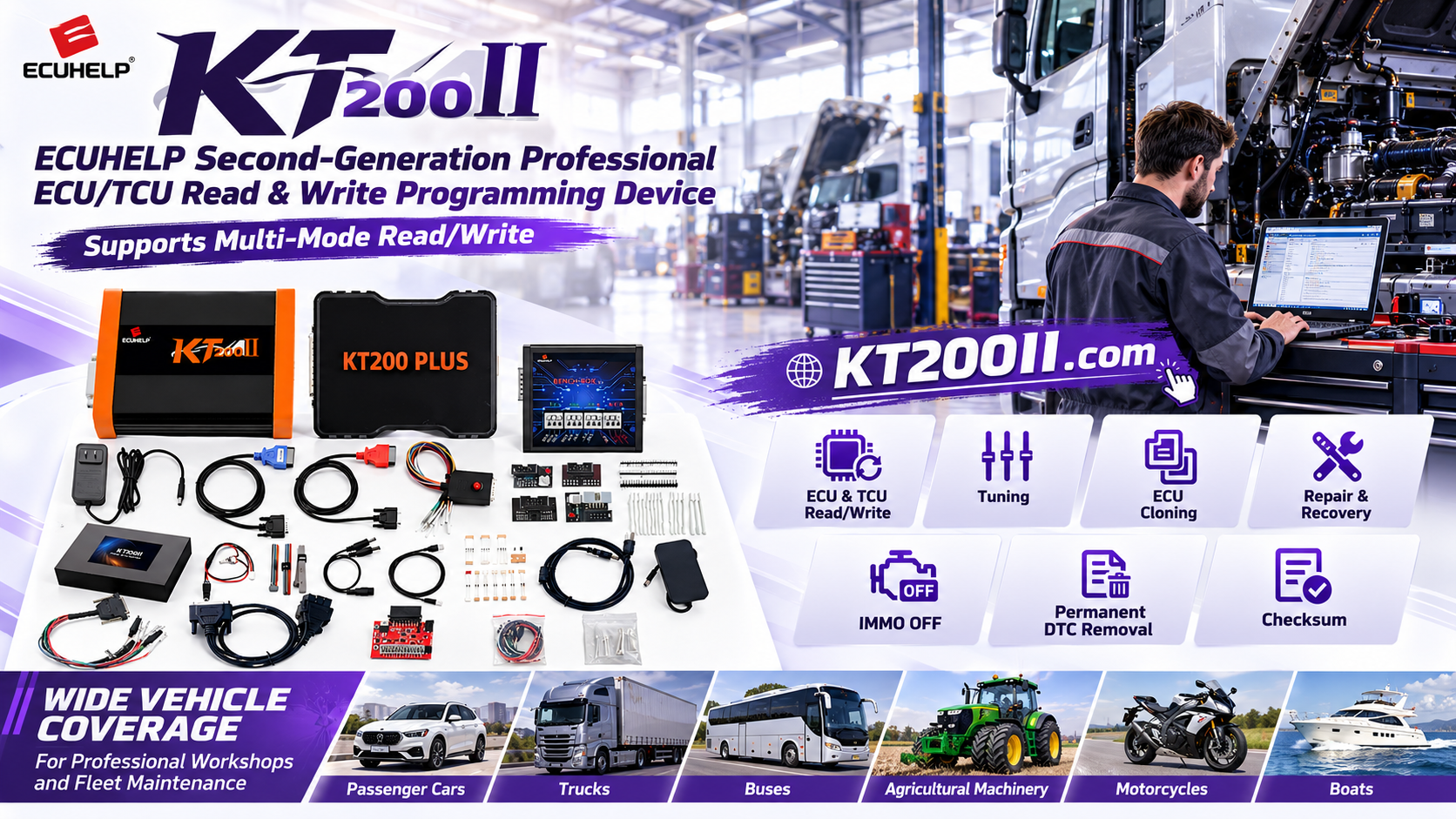
KT200II ECU Checksum Verification Guide
KT200II Official Technical Guide
KT200II ECU Checksum Verification Guide for Safe Programming
A practical guide to checking ECU data integrity before and after supported KT200II programming operations.
Checksum verification helps confirm that ECU data remains internally consistent after reading, editing or writing. It is an important part of a professional workflow, but checksum behavior depends on the exact ECU family, file structure and supported protocol. The official KT200II ECU Programmer should always be used according to the specific ECU support record.
What Is an ECU Checksum?
An ECU checksum is a calculated value used to help verify the integrity of specific data areas. When ECU data is modified, the checksum may need to be recalculated so that the control unit can validate the file correctly.
Checksum requirements are not identical for every ECU. Some protocols may calculate or correct the checksum during a supported operation, while others may require a specific procedure or external file preparation. Never assume that one checksum method applies to all vehicles.
Why Checksum Verification Matters
- Helps detect incomplete or corrupted data.
- Confirms that a modified file is suitable for the intended ECU operation.
- Reduces the risk of writing inconsistent data.
- Supports reliable ECU cloning and recovery documentation.
- Provides a clear comparison between original and final files.
Keep the first verified read unchanged.
Use a separate copy for authorized editing.
Record whether the file was checked or corrected.
Compare data after the write operation.
Before Editing: Confirm the Exact ECU
Before checking or correcting a checksum, identify the exact controller. Record:
- Vehicle brand, model, year and engine.
- ECU part number, hardware number and software number.
- ECU manufacturer and processor family.
- Memory area, file size and read method.
- Required operation, such as read, write, clone or recovery.
Search these details in the official KT200II Supported ECU List. The support database can be filtered by vehicle, ECU/TCU type, chip and read/write connection.
KT200II Checksum Verification Workflow
- Read the original data: Use the supported KT200II protocol and save the original file before making changes.
- Check the file structure: Confirm the file size, ECU identification and memory area.
- Create a working copy: Never edit or overwrite the master original file.
- Perform authorized editing: Modify only the data required for the approved service operation.
- Check checksum support: Confirm whether the selected KT200II protocol handles checksum calculation or correction.
- Save the final file: Use a clear file name that records the ECU, operation and checksum status.
- Write the supported data: Follow the software instructions and maintain stable power.
- Read back and compare: Verify the written data and save the operation log.
- Complete a functional test: Check ECU communication, diagnostic status and vehicle operation.
Choose the Correct Operation Mode
The official KT200II Operation Modes guide explains that different ECU platforms require different connection methods.
| Mode | Typical Use | Checksum Workflow Check |
|---|---|---|
| OBD | Vehicle-side programming where supported | Confirm the vehicle protocol and final write status |
| Bench | Direct ECU service and cloning | Verify module identity and read-back data |
| Boot | Advanced access for selected ECUs | Follow the exact processor and file procedure |
| JTAG or BDM | Direct access on selected ECU generations | Use only the supported interface and file format |
Common Checksum Mistakes
| Mistake | Better Practice |
|---|---|
| Assuming every ECU uses the same checksum method | Check the exact ECU support record and protocol notes |
| Editing the original file directly | Keep the original read-only and edit a working copy |
| Ignoring file size or memory area | Compare file structure before writing |
| Skipping read-back verification | Read the module after writing and save the result |
Use the Official KT200II Software and Resources
Download the appropriate online or offline package from the official KT200II Software Download page. Keep the software version, protocol and operation log with the checksum record.
- KT200II Product Information
- KT200II Operation Modes
- KT200II Software Download
- KT200II Supported ECU and TCU List
- KT200II Official Blog
Buy the Official KT200II ECU Programmer
KT200II is the official ECUHELP ECU and TCU programming solution for professional workshops. Check your exact ECU support and checksum requirements before selecting the Basic, Full or Ultimate version.
Buy KT200II from the Official Store
Technical support: WhatsApp +86 18665287523
Service notice: ECU checksum, tuning, cloning and programming operations must be performed only by trained technicians for lawful, authorized repair and diagnostic work. Always follow the supported protocol and applicable local regulations.




