Commercial Vehicle ECU Programming: A Practical Guide for Technicians
Commercial Vehicle ECU Programming: A Practical Guide for Technicians
Modern commercial vehicles rely on electronic control units to manage engine performance, emissions systems, transmission functions and communication between vehicle modules. When an ECU requires repair, replacement or software programming, accurate controller identification and the correct programming procedure are essential.
Truck and bus electronics can differ significantly between manufacturers, engine generations and vehicle configurations. A programming method that works for one controller may not support another, even when both are installed in vehicles from the same manufacturer.
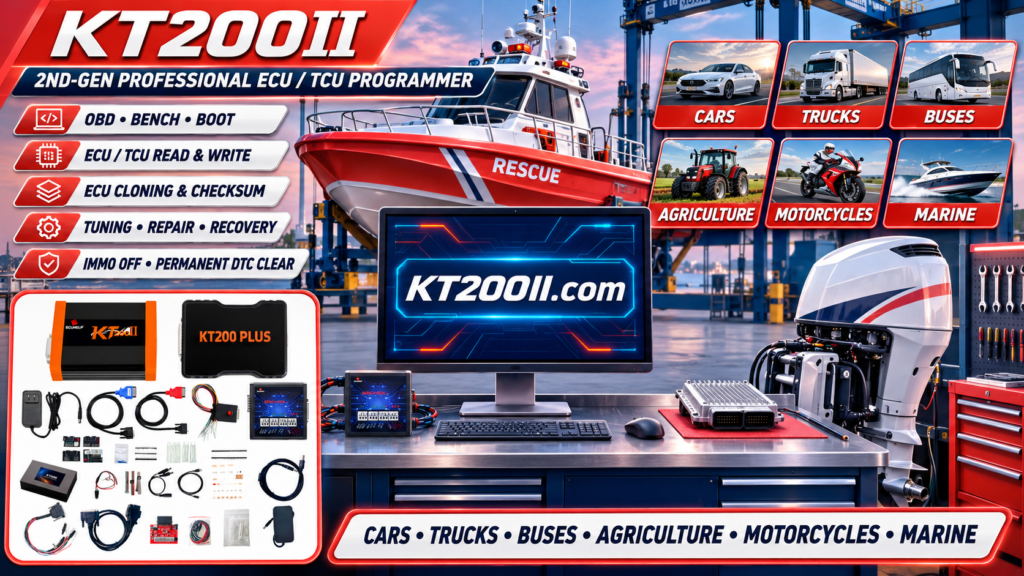
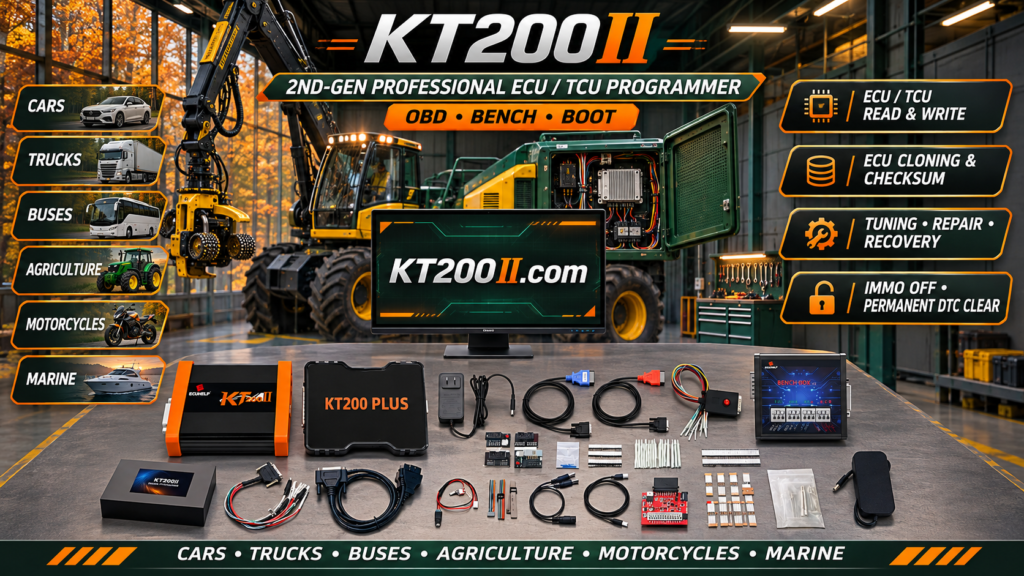
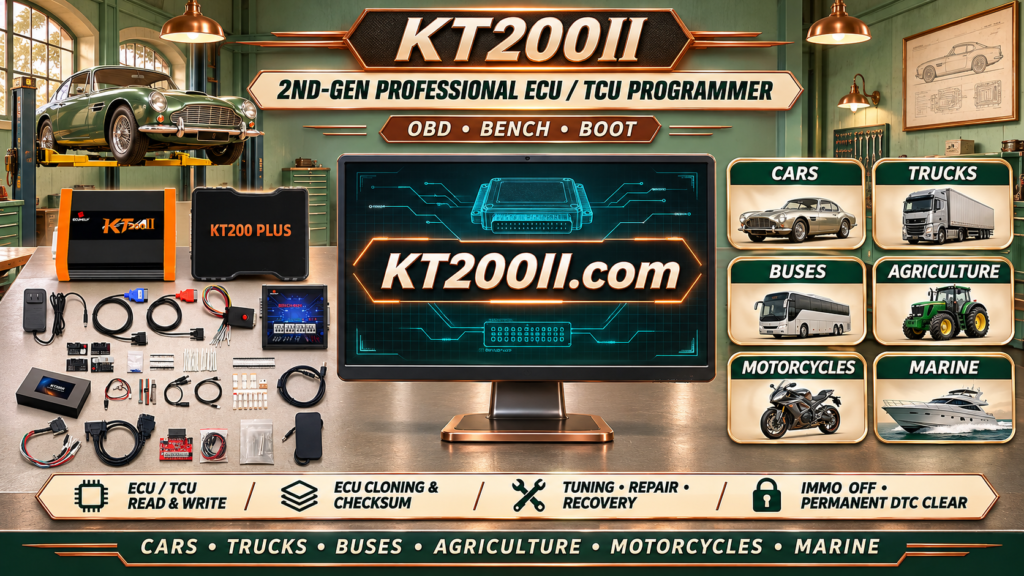
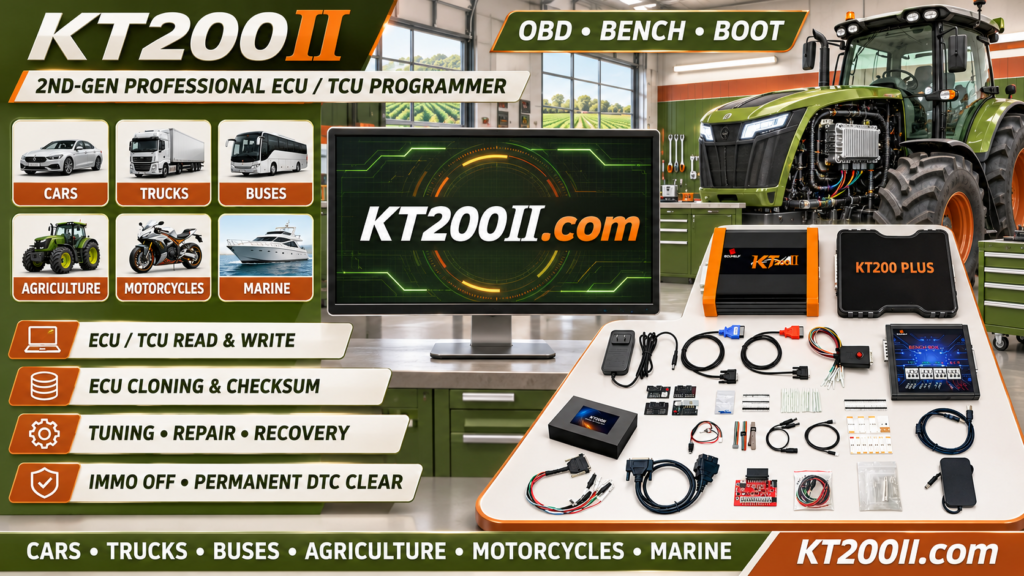
This KT200II guide explains how technicians can prepare for commercial vehicle ECU programming, verify controller compatibility and reduce common programming errors.
1. What Is Commercial Vehicle ECU Programming?
Commercial vehicle ECU programming involves reading or writing supported data in electronic control units installed in trucks, buses and other heavy-duty vehicles.
Depending on the controller and programming equipment, supported operations may include:
- Reading available ECU identification information.
- Retrieving supported memory regions for backup or analysis.
- Writing compatible software files.
- Performing certain supported controller replacement procedures.
- Investigating programming and communication problems.
The available operations depend on the ECU hardware, software version, communication protocol and programming tool. Not every controller supports every function.
Before starting a job, establish whether the required operation is supported for the exact controller rather than relying on a general statement about truck or bus coverage.
2. Identify the Commercial Vehicle ECU
Accurate identification is the first step in preparing a programming job. Commercial vehicles may use different ECUs depending on the engine, emissions configuration, production year and market specification.
Record the following information wherever available:
- Vehicle manufacturer and model.
- Production year and engine configuration.
- ECU manufacturer and complete part number.
- Hardware number and revision.
- Software identification or calibration reference.
- Controller type and intended programming operation.
Use the identification label and, where supported, electronic identification through the programming software.
Do not identify a controller solely by its housing or the vehicle model. Similar-looking ECUs may use different hardware, software and programming protocols.
3. Understand the Different Controllers in a Truck or Bus
A commercial vehicle may contain several electronic control units. Identifying which controller needs attention helps technicians select the correct equipment and programming procedure.
Depending on the vehicle architecture, these may include:
- Engine Control Unit (ECU): Manages engine operation and associated control functions.
- Transmission Control Unit (TCU): Manages supported electronic transmission functions.
- After-treatment controllers: May manage specific emissions-related functions, depending on the vehicle.
- Body and auxiliary controllers: Manage other vehicle systems and equipment.
These modules are not interchangeable. Each controller may have different electrical connections, software requirements and programming capabilities.
Before connecting a programmer, confirm the exact controller and the intended operation.
4. Check Controller Compatibility Before Programming
One of the most important steps in commercial vehicle ECU programming is confirming that the equipment supports the specific controller and function required.
Check the following:
- ECU manufacturer and complete part number.
- Hardware and software identification.
- Supported communication protocol.
- Availability of the required Read or Write operation.
- Supported programming mode.
- Required cables, adapters and electrical connections.
Support for a particular truck manufacturer does not automatically mean that every engine ECU or transmission controller is supported.
Likewise, successful ECU identification does not guarantee that every memory region can be read or written.
For KT200II compatibility information, consult the KT200II Support List and verify the exact controller and operation before beginning work.
5. OBD and Bench Programming for Commercial Vehicles
The appropriate programming method depends on the target ECU and the operation being performed.
OBD Programming
OBD programming uses the vehicle's diagnostic connector. For supported applications, it may allow technicians to identify a controller and perform selected programming operations without removing the ECU.
However, the diagnostic connector does not provide access to every programming function on every vehicle.
Bench Programming
Bench programming connects directly to a removed controller using documented electrical connections. Depending on the ECU, the setup may require power, ground, communication lines and additional startup signals.
Bench access may be appropriate for supported operations that are unavailable through the selected OBD procedure.
Boot or Specialized Access
Some controllers require specialized access methods for particular programming or recovery procedures. These methods are controller-specific and may require additional connections or preparation.
Do not assume that every commercial vehicle ECU supports all programming modes. Confirm the supported method and follow the correct wiring diagram for the exact controller.
For more information, visit the KT200II Operation Modes page.
6. Prepare the Electrical Setup Carefully
Stable electrical power and correct connections are important when programming a commercial vehicle ECU. An incorrect connection or interrupted power supply can cause communication problems or interrupt an active operation.
Before starting, verify:
- The documented voltage and current requirements.
- Correct power and ground connections.
- Connector orientation and pin assignments.
- Communication wiring for the selected protocol.
- Any required ignition or wake-up signals.
- The condition of the programming cables and adapters.
For Bench programming, use the wiring diagram for the exact ECU part number. Do not rely on a diagram for a similar controller without confirming that the pin assignments match.
For vehicle-based programming, check the relevant battery and electrical conditions according to the vehicle manufacturer's procedure.
7. Back Up Original ECU Data Where Supported
Preserving original ECU data can be valuable before a supported programming or replacement operation.
A backup may help technicians compare files, retain a reference to the original controller and prepare for certain supported repair procedures.
Recommended preparation includes:
- Record the ECU part number and available software identification.
- Perform supported Read operations before modifying data, where appropriate.
- Verify that each operation completed successfully.
- Identify the memory regions included in the backup.
- Save original files separately from modified working copies.
- Maintain an additional copy of important data.
A single Read operation does not necessarily retrieve every memory region. Confirm what the programming software has actually retrieved before treating the files as a complete backup.
8. Verify ECU Files Before Writing
Commercial vehicle ECUs may use different software versions and memory configurations, even within the same vehicle family.
Before writing a file, check:
- The target ECU's hardware and software identification.
- The compatibility of the file with the controller.
- The intended memory region.
- The expected file format and structure.
- Any applicable checksum or data integrity requirements.
- Whether the programming tool supports the requested Write operation.
A file that opens successfully is not necessarily compatible with the target controller. Similar filenames and file sizes are also insufficient proof of compatibility.
When the source or compatibility of a file is uncertain, investigate further before writing it to the ECU.
9. Common Commercial Vehicle ECU Programming Problems
The ECU Cannot Be Identified
Check the controller identification, power supply, ground, communication wiring and selected protocol. Confirm that the programming tool supports the ECU.
The Read Operation Fails
Verify that the requested memory operation is supported and that the electrical setup matches the controller's requirements.
The Write Operation Is Rejected
Check file compatibility, hardware and software identification, memory-region requirements and any applicable validation requirements.
Communication Is Lost During Programming
Follow the programming software's documented instructions for handling the interrupted operation. Avoid repeatedly retrying the Write operation without identifying the cause.
The Vehicle Still Has Fault Codes After Programming
Programming does not automatically resolve mechanical faults, damaged wiring, sensor problems or other vehicle issues. Review the diagnostic information and follow the appropriate repair procedure.
10. Commercial Vehicle ECU Programming With KT200II
KT200II is an ECU and TCU programming solution for compatible controller applications. Its available functions depend on the exact ECU, supported protocol and selected programming method.
Before using KT200II for a commercial vehicle programming job, verify:
- The exact controller is supported.
- The required Read or Write operation is available.
- The correct programming mode has been selected.
- The necessary cables and adapters are available.
- The wiring diagram matches the controller.
- The electrical setup meets the documented requirements.
- Original data is preserved where supported.
- Any additional vehicle-specific procedures are understood.
Do not assume that support for one engine ECU guarantees support for every ECU or TCU installed in the same truck or bus.
For more information, visit the KT200II Product Page, review the Operation Modes page and check the Support List.
11. Best Practices for Truck and Bus Workshops
A consistent workflow helps technicians reduce avoidable programming errors and keep repair records organized.
- Identify the exact controller before selecting a protocol.
- Verify compatibility for the intended operation.
- Use the correct wiring diagram and electrical requirements.
- Preserve original data where supported.
- Check files before performing a Write operation.
- Record error messages and programming results.
- Follow documented recovery procedures after an interruption.
- Complete appropriate diagnostic and functional checks after programming.
For commercial vehicles, also consider the manufacturer's repair requirements and any additional configuration or adaptation procedures needed after controller replacement.
Commercial Vehicle ECU Programming Checklist
- Record the vehicle, engine and ECU identification.
- Confirm the required programming operation.
- Verify controller compatibility in the support information.
- Choose the appropriate OBD, Bench or specialized method.
- Check the wiring and power supply requirements.
- Preserve original data where supported.
- Verify software file compatibility before writing.
- Follow the documented programming procedure.
- Record the results and complete post-programming diagnostics.
Frequently Asked Questions
Can an ECU programmer work with both trucks and buses?
Some programming tools support controllers used in both vehicle types, but compatibility depends on the exact ECU and intended operation. Check the applicable support information before starting.
Does every truck ECU support Bench programming?
No. Programming methods vary by controller. Some operations may be supported through OBD, while others require Bench or another documented access method.
Can I use the same ECU file for two trucks with the same model name?
Not necessarily. Engine configurations, hardware revisions and software versions may differ. Verify the controller identification and file compatibility before writing.
Should I back up a commercial vehicle ECU before programming?
Where the controller and selected protocol support the required Read operations, preserving original data is good practice. Confirm which memory regions have been retrieved.
Does identifying a truck ECU guarantee that it can be written?
No. Identification and Write support are separate capabilities. Confirm that the intended memory operation is supported for the exact controller.
Where can I check KT200II support for a truck ECU?
Visit the KT200II Support List and verify the controller and intended programming operation.
Conclusion
Commercial vehicle ECU programming requires accurate controller identification, verified compatibility, the correct electrical setup and a supported programming method.
Before working on a truck or bus ECU, confirm the hardware and software information, preserve original data where supported and verify the file before writing. Following a consistent workflow helps technicians reduce avoidable errors and prepare for supported controller repair and replacement jobs.
For more information about ECU programming equipment and supported applications, visit the KT200II Product Page and the KT200II Support List.