How to Identify an ECU Before Programming: A Technician’s Guide
How to Identify an ECU Before Programming: A Technician's Guide
Correct ECU identification is one of the most important steps in automotive electronics repair. Before reading memory, writing a software file, cloning a controller or replacing a faulty ECU, technicians need to establish exactly which control unit they are working with.
Two ECUs installed in similar vehicles may use different hardware, software versions or programming protocols. Selecting the wrong controller profile or file can lead to failed operations, compatibility problems and unnecessary troubleshooting.
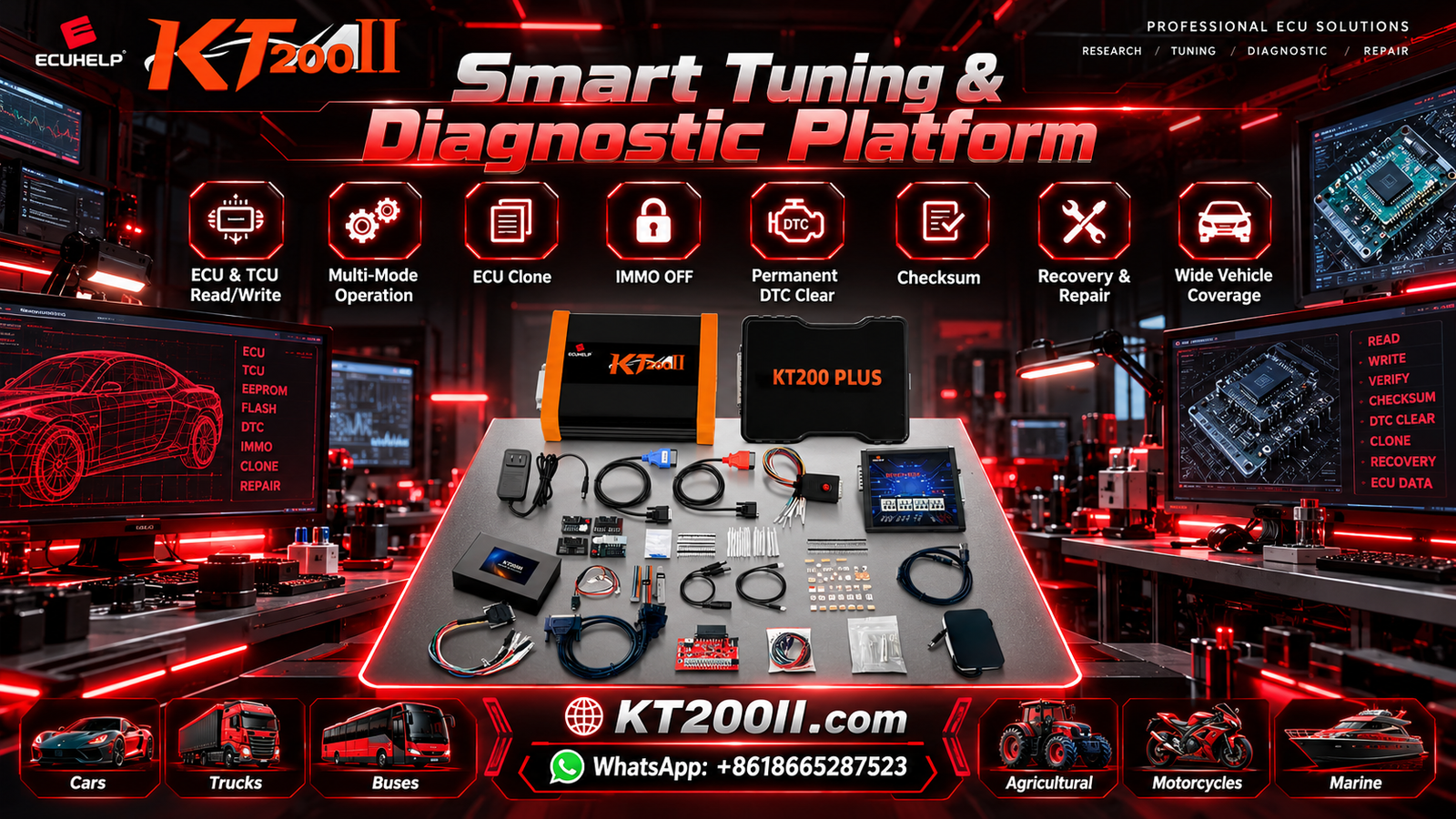
This KT200II guide explains how to identify an ECU, interpret its identification information and verify compatibility before beginning a supported programming operation.
1. Why ECU Identification Matters
An electronic control unit manages specific vehicle functions, such as engine operation or transmission control. Its programming requirements depend on its hardware design, software configuration and communication protocol.
Accurate identification helps technicians:
- Select the appropriate programming protocol.
- Determine whether a controller is supported by the programming tool.
- Compare the original ECU with a replacement or donor unit.
- Check whether a software file matches the intended application.
- Determine which Read and Write operations are available.
- Investigate communication and programming errors more efficiently.
Vehicle make, model and year provide useful starting information, but they are not always sufficient to establish ECU compatibility.
2. Locate the ECU Identification Label
Many ECUs have an identification label attached to the controller housing. Depending on the manufacturer, the label may contain several numbers and codes.
Look for information such as:
- ECU manufacturer name or logo.
- Complete part number.
- Hardware identification number.
- Manufacturer-specific component or reference number.
- Serial number or production information.
- Additional codes used to identify the controller variant.
Record the information exactly as printed. Avoid removing digits, ignoring suffixes or assuming that similar part numbers are interchangeable.
If the label is damaged or difficult to read, photograph it under good lighting and compare the available information with reliable manufacturer documentation.
3. Understand the ECU Part Number
The ECU part number is often one of the most useful pieces of identification information. It helps distinguish a controller from other units that may have a similar appearance.
However, part-number formats vary between manufacturers. A number may identify a complete controller assembly, a hardware variant or a specific application.
When comparing two ECUs, check:
- The complete part number, including suffixes.
- Any documented supersession or replacement number.
- The hardware revision.
- The intended engine and vehicle application.
- Manufacturer documentation regarding compatibility.
Do not assume that a replacement ECU is compatible simply because its part number looks similar. Verify whether the manufacturer permits the substitution and whether additional programming or configuration is required.
4. Hardware Number vs Software Number
Hardware and software identification describe different aspects of an ECU.
Hardware identification helps identify the physical controller design or revision.
Software identification helps identify the software or calibration information installed in the controller, where that information is available.
These identifiers can be important when choosing a programming protocol or comparing an original ECU with a replacement.
| Identification type | What it helps establish | What to verify |
|---|---|---|
| Part number | Controller assembly or application reference | Exact number and documented compatibility |
| Hardware number | Hardware design or revision | Compatibility with the intended operation |
| Software number | Installed software reference | Software application and version |
| Calibration identifier | Calibration-related reference, where available | Whether the file matches the intended application |
| Processor information | Processor family or architecture, where identifiable | Whether the programming method supports the controller |
Not every ECU exposes all these identifiers. Some information may be printed on the label, while other details may only be available through a supported diagnostic or programming operation.
5. Identify the ECU Through Diagnostic or Programming Software
When supported, programming or diagnostic software may retrieve controller identification information electronically.
Depending on the controller and selected protocol, the available information may include:
- ECU identification and part number.
- Hardware and software references.
- Calibration identification.
- Controller communication status.
- Other manufacturer-specific identification data.
Before performing electronic identification, confirm that the selected protocol and connection method are appropriate for the controller.
A successful identification operation does not automatically mean that the tool supports every memory Read, Write or recovery function for that ECU.
If the software cannot identify the controller, check the power supply, wiring, connection method and protocol compatibility before concluding that the ECU is defective.
6. Confirm the Vehicle Application
ECU identification should not be performed in isolation from the vehicle application. A controller may be used in different configurations, and software requirements can vary between engines, transmissions and production revisions.
Record the following vehicle information whenever possible:
- Vehicle manufacturer and model.
- Production year or relevant production period.
- Engine type and displacement.
- Transmission configuration, where relevant.
- Market or regional specification, where relevant.
- Original ECU part number and available software identification.
Compare the vehicle details with the ECU identification and the manufacturer's documentation.
This step is particularly important when the vehicle has previously undergone an ECU replacement or software modification.
7. Verify Compatibility Before Selecting a Programming Mode
After identifying the ECU, determine which programming method is supported for the intended operation.
OBD
OBD programming uses the vehicle's diagnostic connector. It may support identification and specific programming functions without removing the ECU, depending on the vehicle and protocol.
Bench
Bench programming connects directly to a removed controller through the documented electrical connections. The required wiring and available functions depend on the ECU.
Boot or Other Specialized Access
Some controllers support specialized access methods for particular programming or recovery procedures. Availability depends on the controller architecture and the equipment's supported protocols.
Do not choose a mode solely because it is available in the software menu. Verify that it is appropriate for the exact ECU and the operation you intend to perform.
For more information, visit the KT200II Operation Modes page.
8. ECU Identification Before Cloning or Replacement
When preparing an ECU cloning or replacement job, compare the original controller with the donor or replacement unit before transferring data.
Important checks include:
- Original and donor part numbers.
- Hardware revisions and processor architecture, where relevant.
- Software identification and application compatibility.
- Required memory regions and supported Read and Write operations.
- Any documented coding or configuration requirements.
- Applicable authorized immobilizer or security-related procedures.
A donor ECU with a similar part number may still require additional configuration or may not support the intended data transfer.
Likewise, a file that matches the original software reference does not necessarily contain all the data required for a complete cloning procedure.
Confirm the supported procedure for the exact controller before attempting to write data.
9. What to Do When ECU Identification Is Incomplete
Sometimes the ECU label does not provide enough information, or the controller cannot communicate through the selected method.
In this situation, use a structured approach:
- Photograph the controller label and connectors.
- Record the vehicle details and original controller location.
- Check the complete part number against reliable documentation.
- Determine whether the programming tool supports electronic identification.
- Verify the documented wiring and electrical requirements.
- Check whether another supported identification method is available.
- Contact technical support if the controller remains unidentified.
Avoid guessing the ECU type from the housing alone. Similar external designs do not guarantee identical internal hardware or programming requirements.
10. File Compatibility Depends on More Than ECU Identification
Identifying the controller is necessary, but it is only one part of file verification.
Before writing a file, confirm:
- The file corresponds to the target hardware and software application.
- The intended memory region is correct.
- The file format and structure meet the programming requirements.
- Any required checksum or integrity processing is supported.
- The selected programming protocol supports the intended Write operation.
A file with a matching name, similar file size or related part number is not automatically compatible.
Where supported, preserve original data before making changes and keep the original files separate from modified working copies.
11. Using KT200II to Identify Supported Controllers
KT200II is an ECU and TCU programming solution for compatible controller applications. Available identification and programming functions depend on the exact ECU, protocol and selected access method.
Before starting a job with KT200II:
- Record the ECU part number and hardware information.
- Confirm the vehicle and controller application.
- Check the support information for the exact ECU.
- Verify the intended Read or Write operation.
- Select the documented programming mode.
- Check the wiring diagram and electrical requirements.
- Preserve original data where supported.
Support for controller identification does not automatically guarantee support for every memory operation. Verify the intended function separately.
Useful resources include the KT200II Support List, the Operation Modes page and the KT200II Product Page.
12. Common ECU Identification Mistakes
Using Only the Vehicle Model
One vehicle model may have several ECU variants. Record the actual controller identification before choosing a programming method.
Ignoring Part Number Suffixes
Suffixes and revisions can distinguish different controller applications. Record the complete number and verify any documented replacement relationships.
Confusing Hardware and Software Numbers
Hardware and software identifiers serve different purposes. Record each separately when available.
Assuming Identification Guarantees Programming Support
Electronic identification and memory programming are different functions. Confirm that the intended operation is supported.
Selecting a File Before Verifying the ECU
Identify the target controller and software application before choosing a file. Do not rely solely on a similar filename or vehicle description.
ECU Identification Checklist
- Record the complete ECU part number.
- Check hardware number and revision.
- Retrieve software identification where supported.
- Record vehicle and engine configuration.
- Verify controller compatibility using reliable documentation.
- Confirm the supported programming protocol.
- Choose the correct access method for the intended operation.
- Verify file compatibility before writing.
- Preserve original data where supported.
- Record the programming result and any errors.
Frequently Asked Questions
Where can I find my ECU part number?
Many ECUs have a label on the controller housing. The label may contain the manufacturer, part number, hardware reference and other identification information. Some details may also be available through supported diagnostic or programming software.
Is the ECU part number enough to guarantee compatibility?
Not always. Hardware revisions, software applications, vehicle configurations and the required programming operation may also matter. Verify the intended application using reliable documentation.
Can I identify an ECU if the vehicle will not start?
Potentially. The controller's physical label may still provide identification information, and certain supported methods may allow electronic identification. The available options depend on the ECU's condition and the programming equipment.
Does ECU identification mean that Read and Write functions are supported?
No. Identification, memory reading, writing and recovery are separate capabilities. Confirm the support for each intended operation.
Why should I identify the donor ECU before cloning?
The donor hardware must be compatible with the intended application and data transfer. Comparing part numbers, hardware revisions and documented requirements helps determine whether the donor is suitable.
Where can I check KT200II controller compatibility?
Visit the KT200II Support List and check the exact controller and intended programming operation.
KT200II Technical Resources
- KT200II Product Page — review product information.
- KT200II Operation Modes — learn about supported programming methods.
- KT200II Software — access software-related information.
- KT200II Support List — verify controller compatibility.
- KT200II Technical Blog — explore additional ECU programming guides.
- ECUHELP Official Store — visit the official purchasing website.
Conclusion
Accurate ECU identification helps technicians select the correct programming method, verify file compatibility and prepare for supported repair or replacement operations.
Record the complete part number, hardware revision and software information where available. Confirm the vehicle application, check the intended programming function and follow the documented procedure for the exact controller.
For KT200II users, verifying controller-specific support before connecting or writing data is an important step toward a more reliable ECU programming workflow.
For additional compatibility information, visit the KT200II Support List.