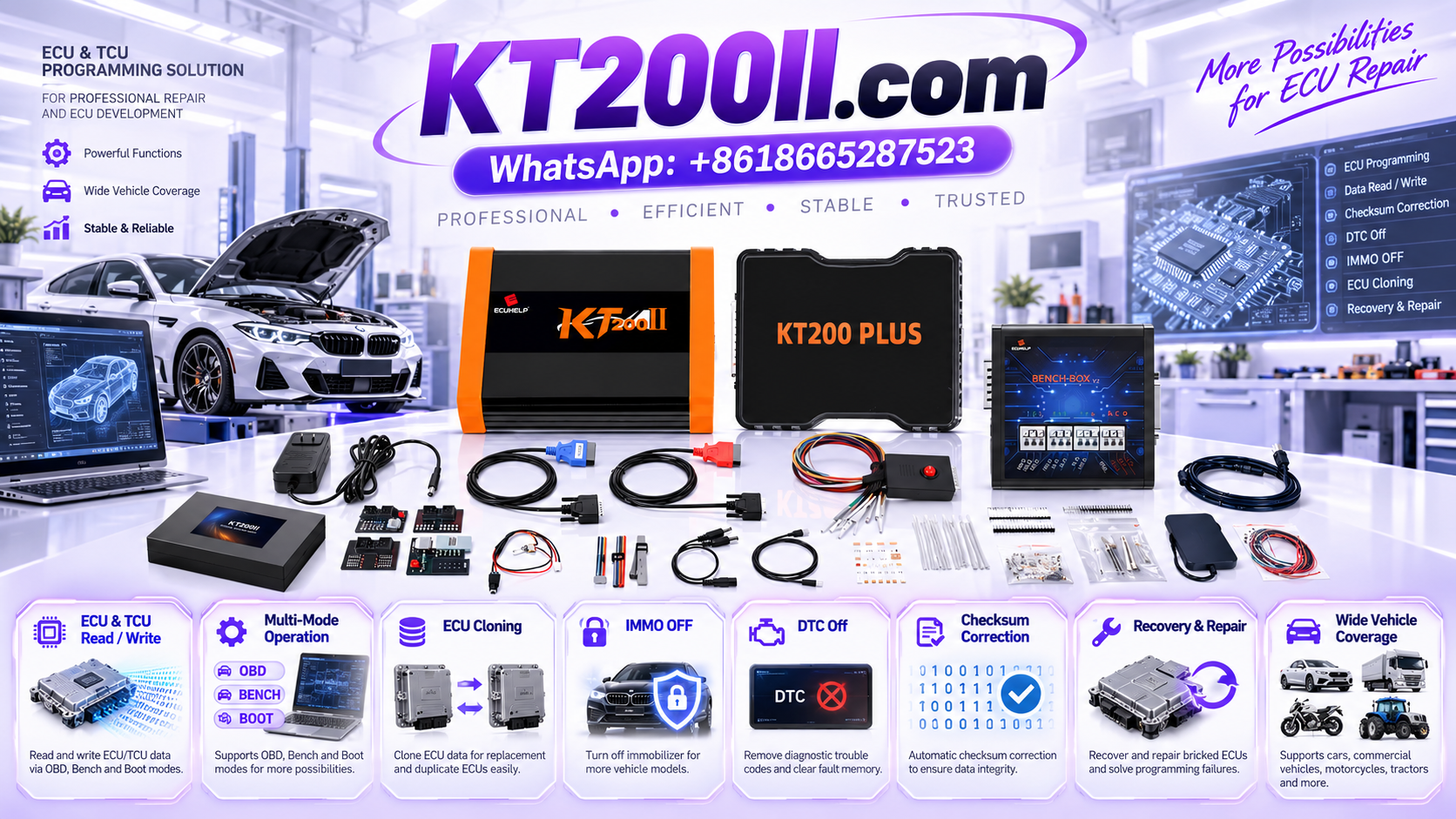
ECU Flash Memory vs EEPROM: Understanding ECU Data Storage
ECU Flash Memory vs EEPROM: Understanding ECU Data Storage
Modern automotive electronic control units store software, calibration values, configuration information and other data needed to manage vehicle systems. Understanding how this information is stored is important for technicians who perform ECU programming, controller replacement and electronic repair.
Two commonly discussed types of ECU memory are Flash memory and EEPROM. Although both can retain information without continuous power, they serve different purposes and have different technical characteristics. Their exact roles depend on the ECU architecture and manufacturer implementation.
For technicians using the KT200II ECU and TCU programmer, understanding these differences helps when selecting supported memory operations, organizing original data backups and verifying files before programming.
1. What Is ECU Flash Memory?
Flash memory is a type of non-volatile memory, meaning it can retain stored information when power is removed. It is widely used in automotive controllers for program code and, depending on the ECU design, calibration data or other information.
In an engine control unit, Flash memory may contain software responsible for processing sensor inputs, controlling actuators and managing engine operating strategies.
Depending on the controller, Flash memory may store:
- Executable ECU software.
- Engine control strategies.
- Calibration tables and parameters.
- Controller-specific configuration data.
- Other application data required by the ECU.
Not every ECU stores all these elements in the same memory region. Some controllers separate program code and calibration data, while others use different memory architectures or storage arrangements.
When a technician reads or writes Flash memory, the selected protocol determines which operations and memory regions are accessible.
2. What Is EEPROM in an ECU?
EEPROM stands for Electrically Erasable Programmable Read-Only Memory. It is a type of non-volatile memory that supports electrical erasure and rewriting according to the device's specifications.
In automotive electronics, EEPROM or EEPROM-like storage may be used for information that needs to remain available after the vehicle is switched off.
Depending on the ECU design, this information may include:
- Selected learned or adaptive values.
- Controller configuration information.
- Stored operating parameters.
- Identification or other application-specific data.
- Other persistent information required by the controller.
The exact contents vary considerably between ECUs. Some controllers use a separate EEPROM chip, while others use emulated EEPROM implemented within another type of memory.
Consequently, technicians should not assume that every ECU contains a physically separate EEPROM component or that the same information is stored in the same location across different controllers.
3. ECU Flash Memory vs EEPROM: Main Differences
| Characteristic | Flash Memory | EEPROM |
|---|---|---|
| Data retention | Retains data without continuous power | Retains data without continuous power |
| Common applications | Program code and, in some designs, calibration data | Persistent configuration or other controller-specific data |
| Write behavior | Typically erased and programmed in defined blocks or sectors | Supports electrical rewriting according to the device's design |
| Memory organization | Depends on the memory device and ECU architecture | Depends on the device or emulated storage implementation |
| Programming access | Depends on the controller and supported protocol | Depends on the controller and supported protocol |
| Backup requirements | Determine which supported regions are required | Determine whether separate data must also be preserved |
These are general differences rather than universal rules for every automotive controller. Modern ECUs may use internal Flash, external memory, emulated EEPROM and additional storage technologies within the same design.
The practical lesson is simple: identify the exact ECU and confirm its memory architecture before selecting a programming operation.
4. What Is ECU Calibration Data?
Calibration data describes parameters used by the ECU's control software. Depending on the application, these parameters may influence how the controller interprets sensor inputs and calculates control outputs.
For an engine ECU, calibration data may relate to:
- Fuel injection strategies.
- Torque management.
- Engine operating limits.
- Temperature-dependent control behavior.
- Boost control where applicable.
- Other engine-specific operating parameters.
Calibration data is not necessarily stored in EEPROM. In many controllers, it is stored in Flash memory or another designated region.
It is also important to distinguish calibration data from executable program code. A file containing calibration information may not be interchangeable with a complete ECU software image.
Before writing a file, confirm its intended purpose, memory region and compatibility with the target controller.
5. Understanding RAM and Other ECU Storage Areas
Flash and EEPROM are not the only memory technologies used in automotive electronics. Random Access Memory (RAM) is commonly used for temporary working data while a controller is powered.
Depending on the ECU architecture, RAM may hold:
- Temporary calculation results.
- Current sensor values.
- Intermediate control variables.
- Runtime communication data.
- Temporary diagnostic information.
Ordinary volatile RAM generally loses its contents when power is removed. However, automotive controllers can use different memory technologies and specialized retention arrangements, so the exact behavior depends on the hardware.
Some controllers also contain protected memory areas, security-related storage or other specialized regions. Access to these areas may be restricted or require a specific supported procedure.
Technicians should follow the relevant documentation rather than assume that every memory region is accessible through the same programming method.
6. Why ECU Memory Identification Matters Before Programming
Knowing the difference between memory types helps technicians understand what a particular Read or Write operation actually does.
Before starting an ECU programming job, verify:
- The exact ECU manufacturer and part number.
- The hardware revision and software identification.
- The memory region targeted by the operation.
- Whether the selected protocol supports that region.
- Whether the operation reads the required data completely.
- Whether the target file is appropriate for the intended memory region.
For example, a successful Flash Read does not necessarily mean that all persistent configuration data has been retrieved. Likewise, reading EEPROM does not automatically provide a complete copy of the ECU's program code.
The required data depends on the intended repair, replacement procedure and controller architecture.
7. How ECU Reading and Writing Work
ECU reading and writing are distinct operations that depend on the programming protocol and the controller's supported functions.
ECU Reading
A Read operation retrieves data from a supported memory region and saves it in a file or another supported format.
Before reading, technicians should identify the target memory region and confirm that the selected protocol supports the operation.
After a successful Read operation, record the file name, size, memory region and completion status. Keep the original file unchanged so that it can be used as a reference during subsequent work.
ECU Writing
A Write operation transfers compatible data to a supported memory region.
Before writing, verify that the file corresponds to the intended ECU and memory region. A file with the correct size is not necessarily compatible, and a valid checksum does not independently prove that the file is suitable.
Follow the controller-specific instructions for power supply, connection method and programming sequence. Do not interrupt an active Write operation unless the documented procedure specifically requires it.
8. Why Original ECU Data Backup Is Important
Preserving original data is an important preparation step when the selected protocol supports the necessary Read operations.
An original backup may provide a reference for supported repair procedures, file comparisons or controller replacement workflows.
A structured backup process should include:
- Recording the ECU identification information.
- Identifying the required memory regions.
- Reading each supported region separately when necessary.
- Confirming that each operation completed successfully.
- Saving the original files in a dedicated folder.
- Keeping original files separate from modified copies.
Do not assume that one memory file contains everything required for a complete backup. Different controllers may store software, calibration data and persistent configuration information in different regions.
If the intended repair requires additional data, confirm the required memory operations before making changes.
9. Common ECU Memory and File Mistakes
Assuming Every ECU Uses the Same Memory Layout
Memory organization differs between controller families and hardware revisions. Always consult the relevant support information and technical documentation.
Confusing a Calibration File With a Complete Software Image
Files can contain different types of information even when they relate to the same ECU. Verify what the file represents before writing it.
Assuming Flash and EEPROM Are Always Separate Chips
Some ECUs use integrated memory or emulate EEPROM functionality within another memory technology. The physical layout cannot be determined from general assumptions alone.
Assuming a Successful Read Is a Complete Backup
A Read operation may cover only one region. Confirm which areas were successfully retrieved and whether additional data is required.
Writing a File Based Only on Its Size
Matching file size does not establish software or hardware compatibility. Verify the controller identification, target memory region and file requirements.
Ignoring Power and Connection Requirements
Incorrect wiring or unstable power can interrupt programming. Follow the connection diagram and electrical requirements for the exact controller.
10. How to Prepare for ECU Memory Operations With KT200II
KT200II is an ECU and TCU programming solution for compatible controller applications. When using it for memory reading or writing, the most important step is to confirm that the exact controller and intended operation are supported.
Before starting, follow this preparation sequence:
- Identify the ECU. Record the part number, hardware revision and software information where available.
- Confirm protocol support. Check the relevant controller and programming method.
- Identify the target memory region. Determine whether the task involves Flash, EEPROM or another supported area.
- Verify the connection method. Confirm the required OBD, Bench or specialized setup for the exact application.
- Preserve original data. Complete the necessary supported Read operations before writing.
- Verify the target file. Confirm its compatibility with the controller and intended memory region.
- Complete the operation carefully. Follow the software instructions and maintain the required electrical conditions.
- Check the result. Review the programming status and perform the appropriate verification procedures.
Do not assume that every supported ECU allows access to all memory regions or supports every Read and Write function.
Review the KT200II Support List and KT200II Operation Modes to investigate the relevant controller and programming method.
11. Frequently Asked Questions
Is ECU Flash memory the same as EEPROM?
No. Both are non-volatile memory technologies, but they differ in their organization and erase or write characteristics. Their exact roles in an ECU depend on the controller architecture.
Does every ECU have a separate EEPROM chip?
No. Some controllers use a separate EEPROM device, while others use emulated EEPROM or different storage arrangements.
Is calibration data always stored in Flash memory?
No universal rule applies to every ECU. Calibration data may be stored in Flash or another designated region depending on the controller design.
Does reading Flash memory create a complete ECU backup?
Not necessarily. Additional memory regions may contain other information required by the intended repair or replacement procedure. Confirm the required backup scope for the exact controller.
Can I write an EEPROM file from another ECU with the same model number?
Not without verifying compatibility. Hardware revisions, software versions and vehicle configurations can differ. Confirm the target controller and file requirements before writing.
Does KT200II support every Flash and EEPROM operation?
No universal support should be assumed. Available operations depend on the exact ECU, selected protocol and software implementation. Check the current support information before beginning.
KT200II Technical Resources
Use these resources to review available programming information and supported applications.
- KT200II Product Page — review product information.
- KT200II Operation Modes — explore supported programming methods.
- KT200II Software — find available software resources.
- KT200II Support List — check ECU and TCU coverage.
- KT200II Technical Blog — explore additional ECU programming guides.
Conclusion
Understanding ECU Flash memory, EEPROM and other storage areas helps technicians make better decisions when reading, backing up or writing controller data.
Although these memory technologies share some characteristics, they serve different purposes and are implemented differently across ECU families. A successful Read operation may cover only one region, and a compatible target file must match the intended controller and memory area.
Before using KT200II, verify the exact ECU, supported protocol and required memory operation. Preserve original data where supported, follow the documented programming procedure and confirm the result before returning the vehicle to service.
For more information about ECU and TCU programming equipment, visit the KT200II Product Page or the ECUHELP official store.