
KT200II ECU Recovery Guide
KT200II ECU Recovery Guide: Restore Failed ECU Communication Safely
Modern vehicles depend heavily on electronic control units (ECUs) to manage engine operation, transmission systems, emissions and other vehicle functions. During ECU programming, unexpected interruptions or incorrect procedures may sometimes cause communication problems.
When an ECU cannot communicate normally, professional technicians may need an ECU recovery procedure to restore operation.
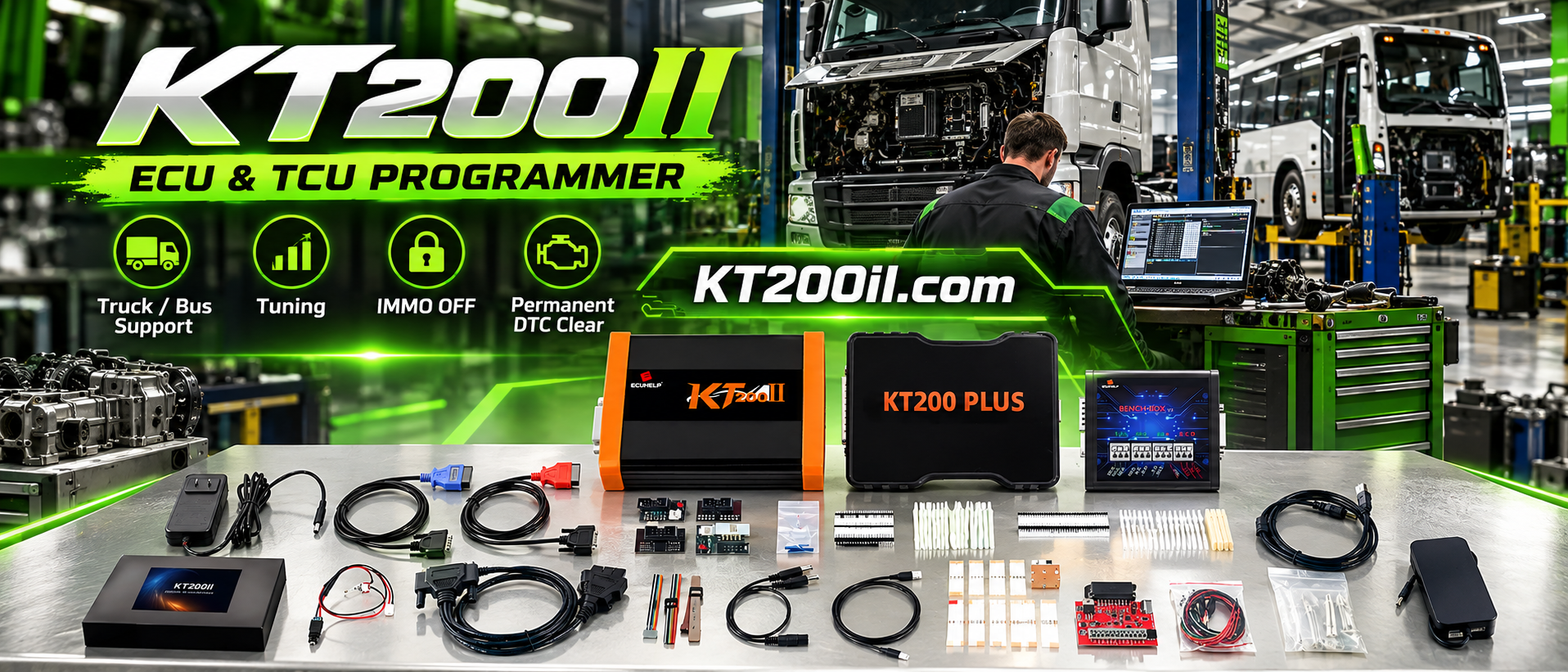
The KT200II ECU Programmer provides professional ECU programming solutions for supported applications, including ECU reading, writing, backup, cloning and recovery operations.
What Is ECU Recovery?
ECU recovery is the process of restoring communication or operation of an ECU after a programming interruption, software problem or incorrect data operation.
ECU recovery may be required after situations such as:
- Interrupted ECU writing process
- Incorrect programming procedure
- Corrupted ECU software data
- Loss of ECU communication
- Failed ECU replacement operation
Why ECU Recovery Is Important
Modern ECUs contain important software and configuration information. When communication is lost, replacing the ECU immediately may not always be the only solution.
A professional recovery workflow can help technicians:
- Restore ECU communication
- Recover original ECU data
- Reduce replacement costs
- Complete advanced repair services
- Protect customer vehicle information
Common Causes of ECU Programming Failure
1. Unstable Power Supply
ECU writing requires stable voltage. Power interruption during programming may interrupt communication or damage ECU data.
2. Incorrect ECU Protocol
Different ECU versions may require different protocols and connection methods.
Always confirm:
- ECU hardware number
- Software version
- Processor type
- Required programming mode
3. Incorrect Data File
Writing an incorrect file can cause ECU operation problems. Original ECU backup files are important before any programming operation.
KT200II ECU Recovery Workflow
Step 1: Identify ECU Information
Before recovery, technicians should collect complete ECU information.
- Vehicle brand and model
- ECU manufacturer
- Hardware reference
- Software version
- Memory type
Step 2: Check Supported ECU Information
Before operation, technicians should confirm ECU compatibility through the:
The exact ECU type determines available recovery methods and required connections.
Step 3: Select Correct Programming Mode
KT200II supports different communication methods depending on ECU application:
- OBD Mode
- Bench Mode
- Boot Mode
- BDM Mode
- JTAG Mode
More information:
ECU Recovery Through Different Modes
OBD Recovery
For supported ECU applications, recovery may be performed through the vehicle diagnostic connector.
OBD recovery is convenient because the ECU may not need to be removed from the vehicle.
Bench Recovery
Bench mode provides direct ECU communication outside the vehicle.
It is commonly used when:
- ECU communication through vehicle is unavailable
- Direct ECU access is required
- Professional repair procedures are needed
Boot Recovery
Some ECUs require Boot mode to access internal memory areas.
Boot recovery is commonly used for advanced ECU repair situations where normal communication methods are not available.
ECU Recovery and Original Backup
Creating an original ECU backup before programming is one of the most important professional procedures.
Backup data may include:
| Data Area | Purpose |
|---|---|
| Flash | Software and calibration information |
| EEPROM | Configuration and stored vehicle data |
| Additional Memory | Selected advanced ECU operations |
A complete backup provides technicians with a recovery option when unexpected problems occur.
KT200II Software Resources
Professional users should always use official software resources and follow recommended programming procedures.
Software information:
Best Practices for ECU Recovery
- Always save original ECU files
- Confirm ECU compatibility before operation
- Use stable power supply
- Select correct wiring method
- Do not interrupt programming process
- Verify communication after recovery
Why Professional Technicians Choose KT200II
Professional ECU recovery requires reliable communication, flexible connection methods and a complete programming workflow.
KT200II provides:
- ECU and TCU programming support
- Multiple communication modes
- ECU backup capability
- ECU cloning support
- Recovery workflow for supported applications
Frequently Asked Questions
Can KT200II recover all damaged ECUs?
No. Recovery capability depends on ECU hardware, software version, protocol and available support.
Should I backup ECU data before programming?
Yes. Creating a backup before programming is recommended whenever supported.
Is ECU recovery the same as ECU repair?
ECU recovery focuses on restoring communication or programming status, while ECU repair may include additional hardware or software troubleshooting.
Conclusion
ECU recovery is an important skill for professional automotive electronics technicians. Correct identification, backup procedures and suitable programming methods are essential for successful recovery.
With professional ECU read, write, backup and recovery capabilities on supported applications, KT200II helps technicians handle advanced ECU service requirements.
Explore more technical guides through the KT200II Official Technical Blog .




