
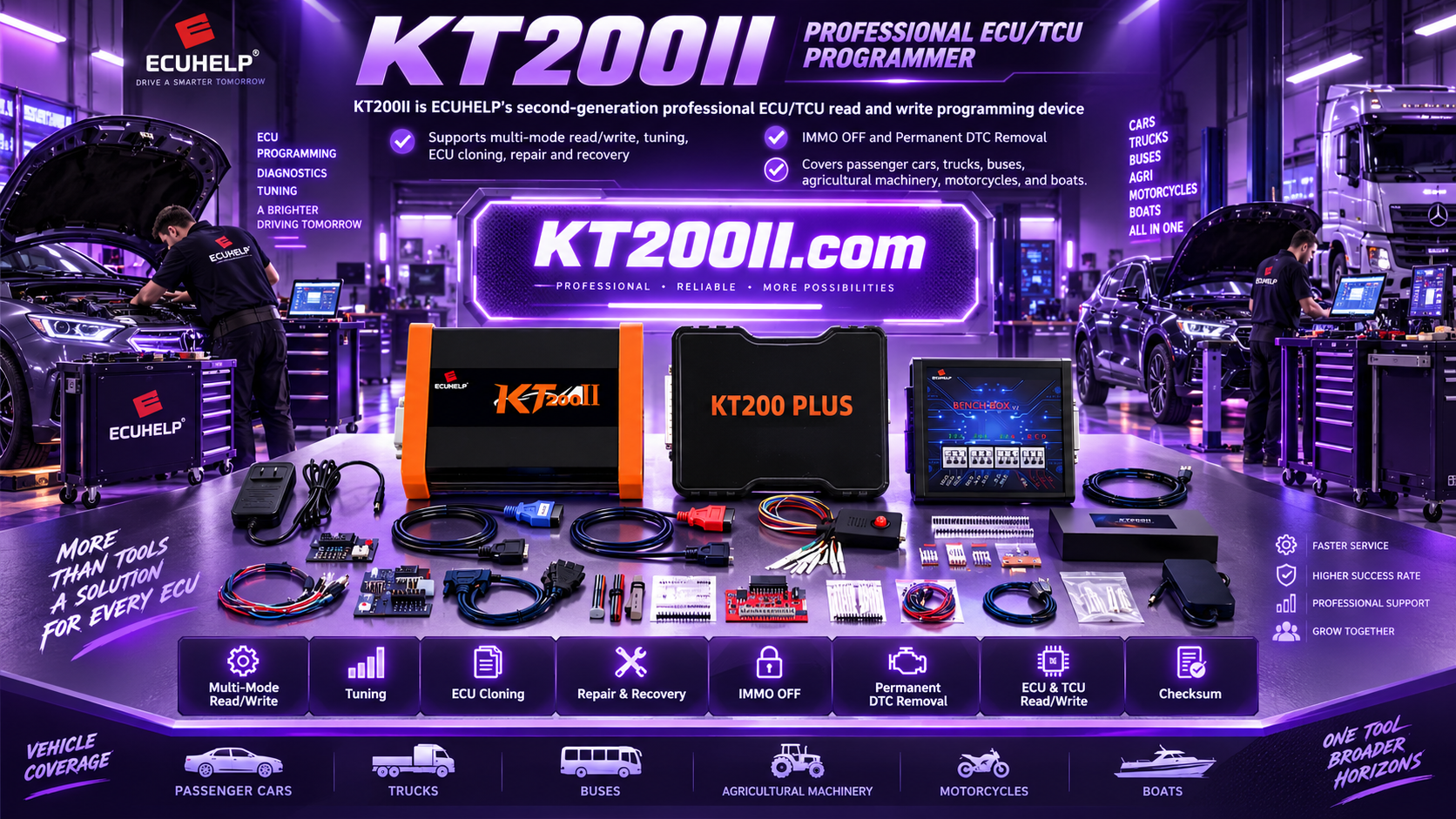
KT200II ECU Programming Technical Support Guide
KT200II Technical Support Guide: What Information to Send for Faster ECU Help
When an ECU programming job needs technical assistance, the quality of the information sent to support directly affects the speed and accuracy of the reply. A complete request helps the support team identify the vehicle, controller, communication method, software environment and exact error stage before recommending the next step.
This official guide explains how to prepare a clear KT200II technical support request for ECU, TCU and automotive electronics work.
When Should You Contact KT200II Support?
Contact technical support when you need to confirm vehicle compatibility, select the correct operation mode, install official software, understand a programming message or verify the correct procedure for a specific ECU family.
Compatibility Questions
Ask for a compatibility check before connecting when the vehicle, ECU number or processor family is unclear. Start with the official KT200II supported vehicle list and provide the complete ECU label for confirmation.
Software and Setup
For installation, activation or version questions, use the official KT200II software download page and include your current software version and operating system.
Connection and Operation
If you are unsure whether the job requires OBD, Bench, Boot, JTAG or another method, review the KT200II operation modes and send the ECU details before starting the write procedure.
Programming Errors
Support can better interpret an error when the exact message, screenshot and stage of the operation are included. Do not rely on a short description such as “it failed.”
Information Checklist for a KT200II Support Request
Prepare the following information in one message. This reduces repeated questions and gives the technician a complete diagnostic picture.
| Information | What to Include | Why It Helps |
|---|---|---|
| Vehicle details | Brand, model, production year, engine, fuel type, transmission and market | Different variants can use different controllers and protocols. |
| ECU or TCU label | Clear photos of every label, including hardware number, software number and supplier markings | The complete identification is more reliable than a vehicle name alone. |
| KT200II information | Product version, connected cables, software version and operating system | Support can match the recommendation to your actual setup. |
| Required operation | Identification, reading, backup, writing, cloning, recovery or another task | The correct workflow depends on the intended operation. |
| Connection mode | OBD, Bench, Boot, JTAG, BDM or the mode shown in the software | It helps confirm whether the connection method matches the controller. |
| Exact error | Full error text, screenshot and the stage where it appeared | Errors during ID, read, write and verification may have different causes. |
| Power and wiring | Measured supply voltage, power supply capacity and clear wiring photos | Stable power and correct pin connections are essential during programming. |
| File information | File name, file size, source and operation type; share files only through an approved channel | File context helps support check whether the file matches the controller. |
How to Capture Useful Photos and Screenshots
- Clean the ECU label area and take a sharp, well-lit photo. Make sure every number is readable and avoid glare.
- Capture the KT200II software screen showing the selected manufacturer, model, ECU family or protocol.
- Take a screenshot of the complete error message rather than typing only part of it.
- Photograph the complete wiring setup from above so power, ground, communication and boot points can be checked.
- Record the voltage shown by the power supply or multimeter before and during the operation.
A Simple KT200II Support Workflow
- Identify the exact ECU or TCU from its label and compare the application with the official support list.
- Download the current official software from the KT200II software page and note the installed version.
- Review the correct connection method in the operation modes guide.
- Collect the vehicle, ECU, wiring, voltage and error information listed in this article.
- Send one concise support request through the KT200II contact page or WhatsApp.
- Follow the official instructions step by step and report any new message with a screenshot.
Copy-and-Send WhatsApp Support Template
KT200II Technical Support Request
Vehicle: [brand / model / year / engine]
ECU or TCU number: [complete label information]
Operation needed: [ID / Read / Backup / Write / Recovery / Clone]
Connection mode: [OBD / Bench / Boot / JTAG / BDM]
KT200II software version: [version]
Error stage and message: [full text]
Power supply voltage: [value]
Attachments: [ECU label photo, software screenshot, wiring photo]
You can send this information to the official support team on WhatsApp +86 18665287523. Please remove unnecessary customer personal information before sharing screenshots or files.
Common Mistakes That Slow Down Technical Support
- Providing only the vehicle model without the ECU hardware and software numbers.
- Sending a cropped photo where the label numbers cannot be read.
- Describing an error as “failed” without specifying whether it happened during ID, read, write or verification.
- Using a protocol selected from a similar vehicle without confirming the exact ECU.
- Continuing repeated write attempts before checking power, wiring and file compatibility.
Official KT200II Resources
Use these official pages as your starting point:
- KT200II product introduction
- KT200II operation modes
- KT200II software downloads
- KT200II supported vehicles
- KT200II official blog
- KT200II technical support contact
Need a KT200II ECU Programmer?
For the official KT200II product and package options, visit the KT200II ECU Programmer purchase page on HELPECU.
For compatibility questions, installation guidance or programming support, contact WhatsApp +86 18665287523.
Frequently Asked Questions
What is the most important information in a support request?
The complete ECU label, exact vehicle details, selected operation mode, software version and full error message are the most useful starting points.
Should I send the ECU file immediately?
First send the file name, size, source and operation details. Share the actual file only through an approved private support channel when the support team requests it.
Can KT200II support confirm compatibility before programming?
Yes. Send the complete ECU identification and vehicle information so the team can compare the application with the official support data before you begin.
This article is for professional automotive technicians and authorized repair use. Always follow the official KT200II software instructions and the vehicle manufacturer’s service requirements.




