KT200II TCU Programming Guide for Professional Transmission Control Unit Service
OFFICIAL KT200II TCU PROGRAMMING GUIDE
KT200II TCU Programming Guide: Transmission Read, Write, Backup and Bench Workflow
A professional workflow for identifying supported transmission control units, selecting the correct KT200II protocol, protecting original TCU data and preparing safe Read and Write operations.
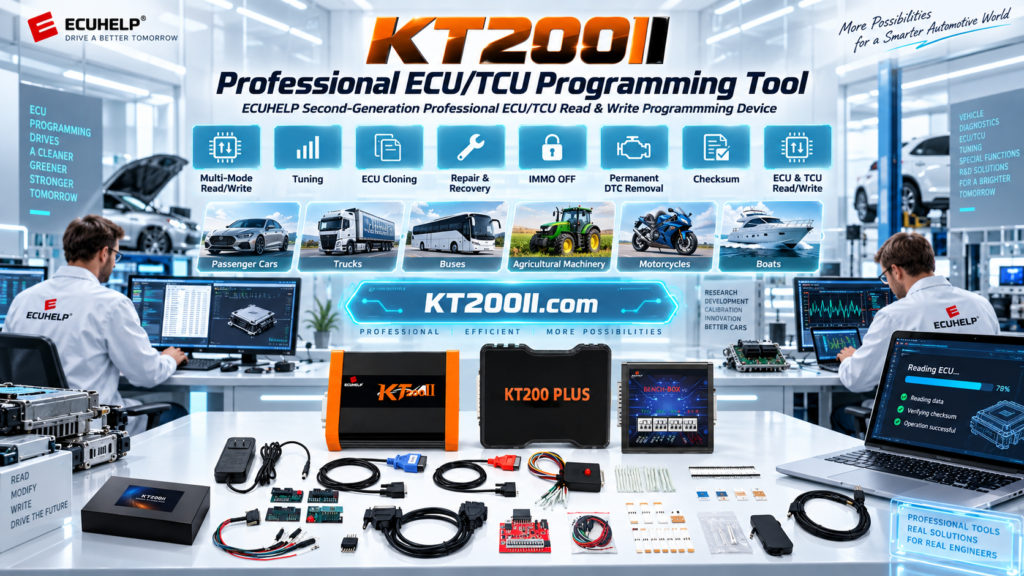
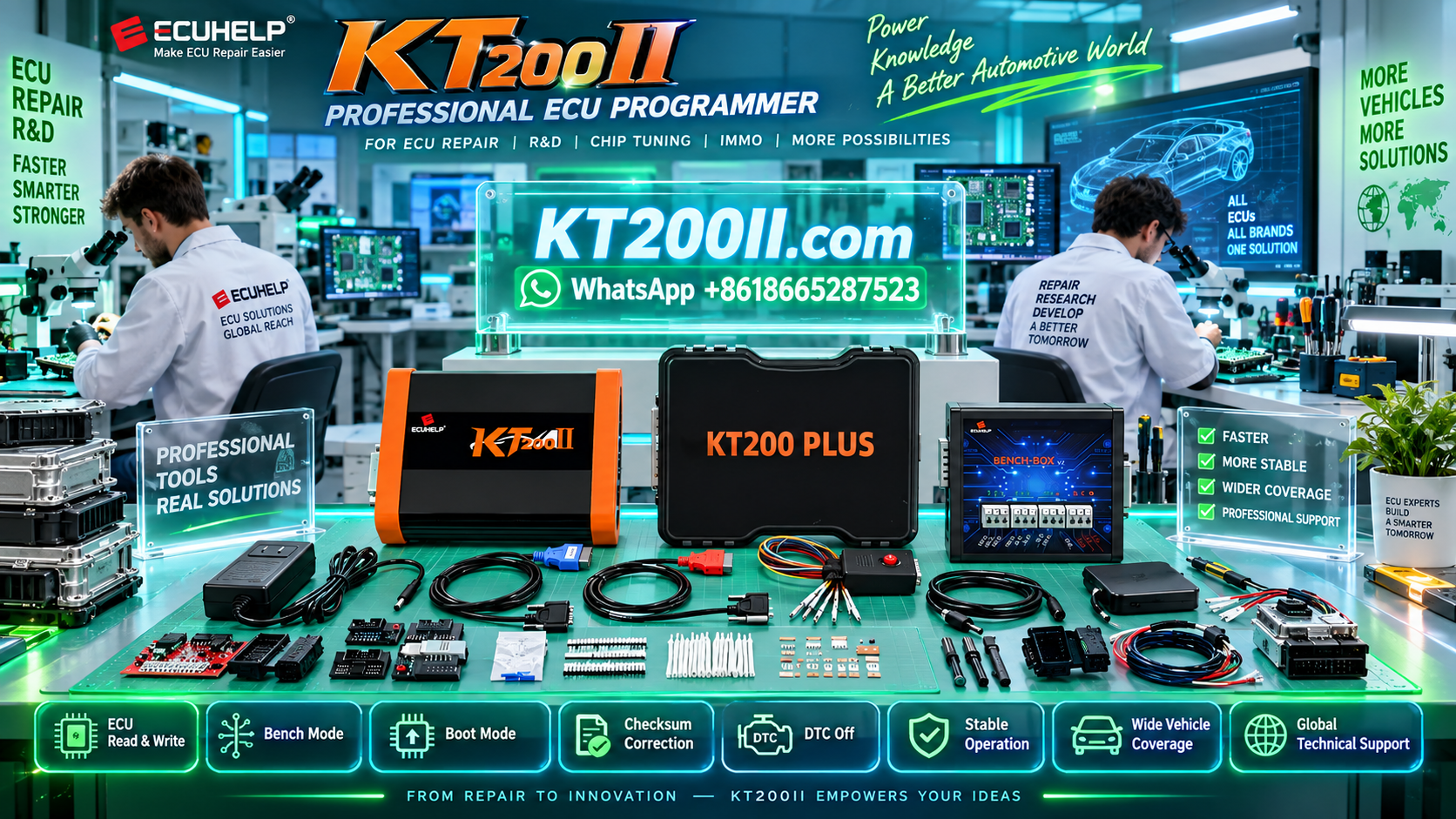
KT200II ECU Programmer is designed for professional ECU and TCU programming work through supported communication methods including OBD, Bench, Boot, JTAG and BDM.
Although ECU programming receives much of the attention in automotive electronics, transmission control units are equally important in modern workshop repair. A TCU can contain transmission software, calibration data, configuration information and other controller-specific memory areas that must be handled correctly during programming, repair or replacement.
The safest KT200II TCU programming workflow begins before any cable is connected:
Before beginning any job, technicians should use the official KT200II Support List to confirm the exact transmission controller and available programming method.
What Is TCU Programming?
A TCU, or Transmission Control Unit, manages electronic transmission functions such as gear selection, clutch operation, hydraulic pressure strategies, torque communication and other gearbox-control functions depending on the transmission design.
TCU programming means communicating with the transmission controller to perform supported operations such as identification, reading, writing, backup, service or replacement preparation.
The exact functions available depend on the transmission controller, hardware revision, processor, memory architecture and KT200II protocol.
Can KT200II Program Transmission Control Units?
KT200II supports professional ECU and TCU programming workflows for compatible control units.
The official KT200II database contains both ECU and TCU records, allowing technicians to search by vehicle, transmission, controller type, processor or programming method before beginning work.
Confirm the controller before selecting a programming operation.
Search the current KT200II database for the exact gearbox controller.
Use only the operations provided by the confirmed protocol.
Protect available original data before making changes.
Do not assume that two transmissions with similar names use the same controller or programming procedure.
Step 1: Identify the Exact Transmission Control Unit
TCU programming should start with controller identification rather than file selection.
Collect as much information as possible:
- Vehicle manufacturer
- Vehicle model
- Production year
- Engine specification
- Transmission type
- TCU manufacturer
- Complete TCU designation
- OEM part number
- Hardware number
- Software number
- Processor or MCU where known
If the TCU is removed from the vehicle, photograph the complete label before connecting it.
Step 2: Search the KT200II Supported TCU Database
Open the official KT200II Supported Vehicle and ECU/TCU Database before preparing the connection.
Useful search information can include:
- Vehicle manufacturer
- Transmission family
- TCU type
- Processor
- OBD
- Bench
- Read / Write method
If several results appear, compare the complete information rather than selecting the first similar result.
| Information | Why It Matters |
|---|---|
| Vehicle | Confirms the application associated with the transmission controller. |
| TCU Type | Identifies the controller family and correct KT200II protocol direction. |
| Processor | Helps distinguish controllers that may look similar externally. |
| Read / Write | Confirms the supported operation for that protocol. |
| Connection Mode | Determines whether the job uses vehicle-side or direct controller communication. |
Step 3: Choose the Correct KT200II Programming Mode
Different transmission controllers require different access methods.
The official KT200II Operation Modes page explains the main communication methods available through the tool.
| Mode | Connection | Typical Workflow |
|---|---|---|
| OBD | Vehicle diagnostic connection | Convenient vehicle-side programming where the confirmed protocol supports it. |
| Bench | Direct controller connection | TCU communication outside the normal vehicle diagnostic path. |
| Boot | Deeper controller access | Used only when required by the supported control unit and procedure. |
| JTAG / BDM | Processor-level interface | Advanced direct programming on selected supported controllers. |
The correct mode must come from the exact KT200II protocol. Do not choose Bench or Boot simply because another controller from the same transmission family uses that method.
KT200II TCU Bench Programming
Bench Mode is an important method for professional TCU service because the technician can communicate directly with a supported controller using a controlled workshop setup.
Depending on the protocol, the wiring diagram may require:
- Permanent positive supply
- Ground connections
- Ignition or wake-up supply
- CAN High
- CAN Low
- Additional communication terminals
Follow the exact connection diagram displayed by the KT200II software.
TCU BENCH CHECKLIST
- Confirm the exact TCU protocol.
- Check connector orientation.
- Confirm every positive supply.
- Connect every required ground.
- Verify ignition or wake-up terminals.
- Confirm CAN High and CAN Low.
- Use stable regulated power.
- Do not change wiring while power is applied.
Step 4: Read TCU Identification Before Programming
The first software operation should normally be identification when the selected protocol provides it.
Save the information returned by KT200II before writing anything.
Useful identification data may include:
- TCU hardware number
- Software number
- Calibration information
- Controller family
- Processor information
- Vehicle-related identification where available
Keep the identification screenshot together with the original TCU backup files.
Step 5: Back Up the Original TCU Data
Original data protection is one of the most important steps in ECU and TCU programming.
If the confirmed KT200II protocol provides original Read or backup functions, complete them before writing another file.
| Backup Area | Workshop Rule |
|---|---|
| Flash | Save the first successful original Read without modification. |
| EEPROM | Store separately when the protocol provides an EEPROM operation. |
| Micro / MCU | Preserve processor data when available and relevant to the workflow. |
| Full Backup | Store multiple copies when the selected protocol provides a complete backup. |
Do not assume that one file automatically contains every memory area in the transmission controller.
Recommended TCU File Management
Professional file management makes future recovery and comparison much easier.
For example:
- Vehicle_TCU_HW_SW_BENCH_FLASH_ORIGINAL.bin
- Vehicle_TCU_HW_SW_BENCH_EEPROM_ORIGINAL.bin
- Vehicle_TCU_ECU-ID_ORIGINAL.txt
- Vehicle_TCU_FLASH_WORKING-V1.bin
- Vehicle_TCU_FLASH_FINAL.bin
Keep the original file read-only and create separate working copies.
Step 6: Verify the TCU File Before Writing
A matching file size or similar filename is not enough to confirm compatibility.
Before selecting Write, compare:
- TCU family
- Vehicle application
- Transmission type
- Hardware number
- Software number
- Processor where relevant
- Memory area
- File source
- File size and format
- Selected KT200II protocol
- Required checksum procedure
Step 7: Prepare a Stable KT200II Write Operation
TCU writing should be treated as a controlled programming operation.
Before writing:
- Confirm the exact protocol again.
- Keep the original backup available.
- Verify all direct wiring.
- Secure USB and controller connections.
- Use reliable regulated power.
- Keep the computer connected to power.
- Disable sleep mode and automatic restart.
- Do not disconnect the TCU during programming.
- Follow every KT200II on-screen instruction.
Step 8: Check the TCU After Programming
Do not end the job immediately when the software reports a successful Write.
Complete appropriate post-programming checks:
- Follow the required power-cycle procedure.
- Run TCU identification again.
- Confirm normal communication.
- Perform Read-back or verification where supported.
- Reconnect the transmission controller correctly.
- Perform a vehicle diagnostic scan.
- Check for unexpected communication faults.
- Complete required manufacturer-specific adaptation or service procedures where applicable.
- Save the final programming file and job information.
Common KT200II TCU Programming Mistakes
Choosing a Protocol Only by Gearbox Name
Transmission families may contain different controllers and hardware revisions. Identify the actual TCU.
Skipping the Original Backup
Writing before preserving the original controller data can make recovery or comparison more difficult.
Using an Incorrect Bench Diagram
Similar connectors do not guarantee identical pin assignments. Use only the exact KT200II protocol diagram.
Confusing Flash, EEPROM and Processor Data
Different memory areas serve different functions. Never write one memory file using another memory operation.
Using Unstable Power
A TCU may identify successfully but reset during a longer Read, erase or Write operation if the electrical supply becomes unstable.
Writing an Unverified Donor File
A donor controller or stock file must be checked for hardware, software and application compatibility before writing.
KT200II TCU Troubleshooting Checklist
| Problem | Check First |
|---|---|
| TCU does not identify | Protocol, power, grounds, ignition and communication wiring. |
| No current consumption | Positive supply, ground and wake-up connections. |
| Communication starts then stops | Power stability, cable security, USB connection and protocol selection. |
| Read succeeds but Write fails | File format, memory operation, protocol function and power stability. |
| Vehicle faults after programming | File compatibility, controller identification and required adaptation procedures. |
Official KT200II Resources for TCU Programming
Use the official KT200II website as the starting point for product information, operation modes, software and controller coverage.
Review official KT200II product information and available configurations.
Operation ModesUnderstand OBD, Bench, Boot, JTAG and BDM communication methods.
Software DownloadAccess official KT200II software resources for your workshop computer.
Support ListSearch supported ECUs, TCUs, processors and programming methods.
KT200II BlogRead additional ECU and TCU programming guides and workshop knowledge.
Download Official KT200II Software
Use the official KT200II Software Download page when installing the programmer or preparing a workshop computer.
The official download center provides KT200II software options and installation information. Use the correct version for your KT200II configuration and contact official technical support when activation or installation assistance is required.
Buy the Official KT200II ECU Programmer
KT200II is developed by ECUHELP. KT200II.com is the official product and technical information website, while international purchasing is provided through the ECUHELP global store at HELPECU.COM.
Buy Official KT200II from HELPECU
Frequently Asked Questions
Can KT200II program TCUs?
KT200II provides programming support for compatible transmission control units. The exact Read, Write and connection functions depend on the selected TCU protocol and current support database.
Can KT200II read and write a TCU in Bench Mode?
Supported TCU protocols may provide direct Bench operations. Search the exact transmission controller in the official KT200II Support List to confirm the available communication method and Read/Write functions.
How do I know whether my transmission is supported?
Use the KT200II Support List and search by vehicle, transmission, TCU type, processor or programming method.
Should I back up the TCU before writing?
Yes. When the selected protocol provides Read or backup operations, preserve the available original data before writing another file.
Does every TCU use the same KT200II programming mode?
No. The correct method depends on the exact controller and protocol. Selected control units may use vehicle-side access while others require direct Bench or another supported method.
Where can I download KT200II software?
Use the official KT200II Software Download page.
Where can I buy KT200II?
International customers can purchase genuine KT200II hardware through the ECUHELP HELPECU Official Global Store.
Conclusion
Professional KT200II TCU programming depends on accurate controller identification, correct protocol selection, stable electrical connections and careful protection of original transmission data.
The recommended workflow is:
Always confirm the exact transmission controller in the current KT200II database before connecting, reading or writing.
For additional official information, visit the KT200II Product, Operation Modes, Software Download, Support List and KT200II Blog pages.
Professional Use Notice: ECU and TCU programming should only be performed by trained technicians on vehicles and control units they are authorized to service. Functions depend on the exact ECU or TCU, hardware revision, software version, processor, selected protocol and current KT200II software.