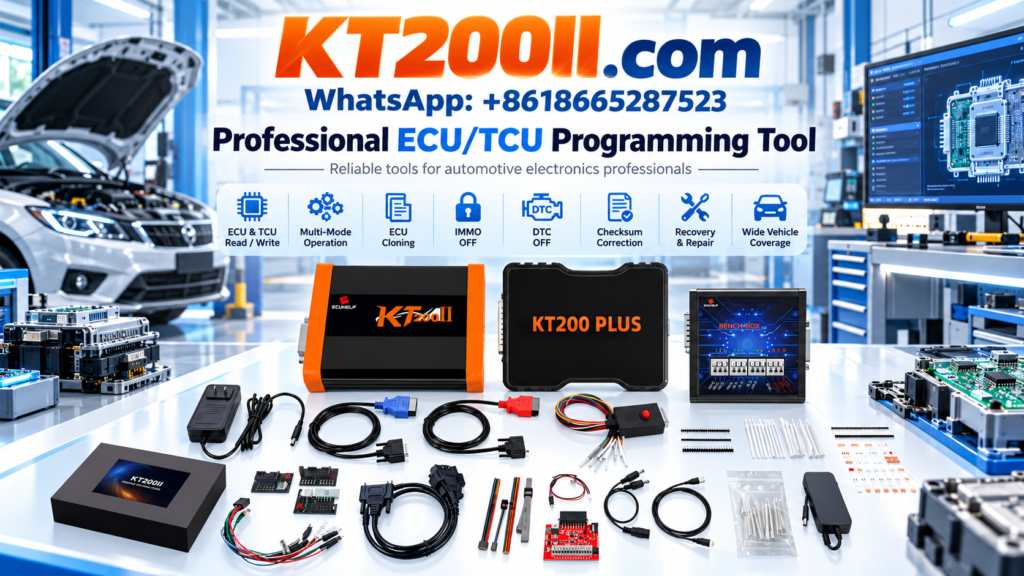
KT200II Bench Mode Programming Guide
KT200II ECU Programmer Bench Mode Guide: Professional ECU Read and Write Workflow
Bench programming is one of the most important methods used by professional ECU technicians. When an ECU cannot be programmed through the vehicle diagnostic connector, direct connection on the workbench provides an efficient solution for ECU reading, writing, backup and cloning operations.
The KT200II ECU Programmer supports professional ECU and TCU programming through multiple operation methods, including OBD, Bench, Boot, JTAG and BDM according to supported applications.
This guide explains what KT200II Bench Mode is, when technicians should use it, and how to build a safe professional ECU programming workflow.
What Is ECU Bench Programming?
ECU Bench Programming means connecting directly to the ECU on a workbench instead of communicating through the vehicle OBD socket.
During Bench Mode operation, technicians connect specific ECU pins according to the selected protocol and communicate with the ECU using professional programming equipment.
| Programming Method | Main Application |
|---|---|
| OBD Mode | Programming through vehicle diagnostic connector when supported. |
| Bench Mode | Direct ECU connection for reading, writing and cloning. |
| Boot Mode | Advanced ECU access for specific protected controllers. |
Why Technicians Use KT200II Bench Mode
Bench programming provides several advantages for professional ECU repair environments.
- ECU replacement preparation
- ECU backup before modification
- ECU cloning operations
- Recovery of supported damaged modules
- Workshop testing without installing ECU into vehicle
For professional ECU repair shops, Bench Mode improves flexibility when dealing with removed control modules.
KT200II Bench Mode Workflow
A safe ECU bench programming process usually includes the following steps:
| Step | Operation |
|---|---|
| 1 | Identify ECU manufacturer, hardware number and software information. |
| 2 | Check compatibility through the official database. |
| 3 | Select the correct ECU protocol and Bench connection method. |
| 4 | Connect ECU power supply and communication lines correctly. |
| 5 | Read original ECU data and save backup files. |
| 6 | Perform writing or cloning operation when required. |
Always Check KT200II Supported ECU List Before Programming
Different ECU manufacturers use different processors, memory structures and communication protocols.
Before starting Bench Mode operation, technicians should confirm:
- ECU model
- Hardware number
- Software version
- Processor type
- Available programming method
Check compatibility through the official:
KT200II Bench Mode Supported Applications
Bench Mode is commonly used for professional ECU applications including:
- Bosch ECU families
- Continental ECU families
- Delphi ECU families
- Denso ECU families
- Other supported automotive control units
The available operation depends on the exact ECU model and KT200II database information.
Bench Mode vs OBD Mode: Which One Should You Choose?
| Comparison | OBD Mode | Bench Mode |
|---|---|---|
| Connection | Vehicle diagnostic socket | Direct ECU connection |
| ECU Removal | Usually not required | Usually required |
| Workshop Repair | Limited by vehicle access | More flexible |
| ECU Replacement | Limited applications | Common professional method |
Learn More About KT200II Operation Modes
KT200II provides different programming methods depending on ECU requirements.
More information:
KT200II Software and Professional Setup
Correct software configuration is important for stable ECU programming.
Technicians should always use official software resources and confirm the latest supported protocols.
Download:
Professional Tips for Safe Bench Programming
- Always save original ECU data before writing.
- Use a stable power supply during programming.
- Confirm wiring connections before communication.
- Do not interrupt the writing process.
- Verify ECU compatibility before operation.
Get Genuine KT200II ECU Programmer
KT200II is an official ECU and TCU programming solution developed for professional automotive electronics technicians.
Product information:
For official purchase and global service:
Conclusion
KT200II Bench Mode provides professional technicians with a flexible solution for ECU reading, writing and cloning operations.
By combining correct compatibility checking, proper connection methods and official software support, technicians can create a safer and more efficient ECU programming workflow.
More ECU programming guides: KT200II Official Blog