
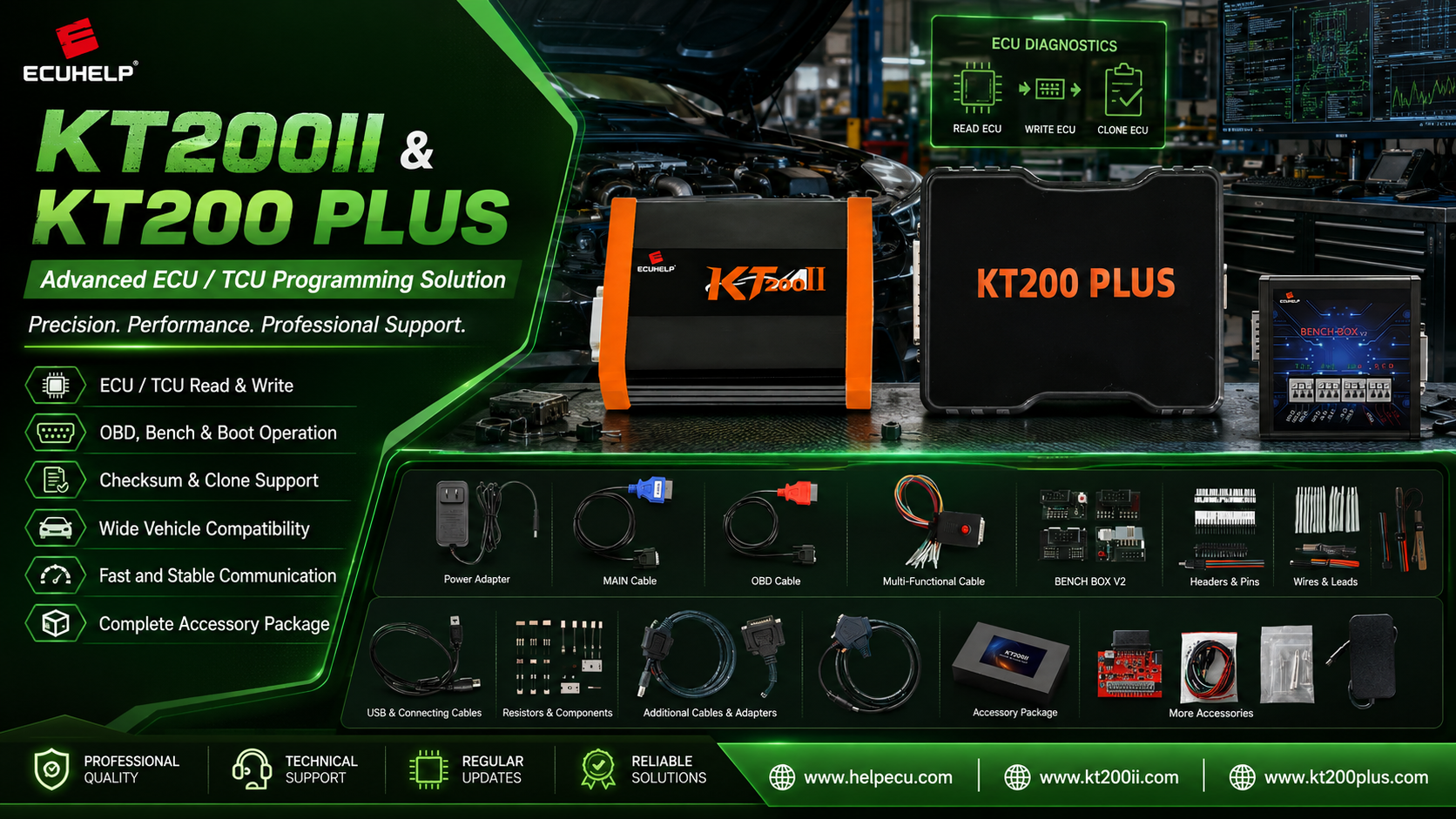
KT200II ECU File Naming and Workshop Records Guide
KT200II Workshop Data Management
KT200II ECU File Naming Guide: Organize Backups and Workshop Programming Records
Build a traceable KT200II file system for ECU identification, physical reads, Virtual Reads, Flash, EEPROM, Micro, modified files, writing results and recovery data.
A successful ECU read is valuable only when the technician can identify the file later.
Names such as original.bin, new.bin, tuned2.bin and final-final.bin may appear convenient during one programming job, but they become dangerous when several vehicles, controllers and software versions are stored on the same workshop computer.
A KT200II programming job can produce ECU identification screenshots, physical Flash reads, EEPROM data, Micro or MCU files, Virtual Read files, modified calibration files, donor data and recovery references. Each item has a different purpose and should be clearly separated.
This guide explains how to create a professional KT200II ECU file naming system, organize one job folder and preserve the information required for future writing, cloning, verification or recovery.
Every KT200II filename should identify the vehicle, controller, hardware or software reference, connection mode, memory area, file source, file status and date. Keep the first verified original read unchanged, create working copies for authorized modification and archive the exact file written to the ECU.
Why KT200II ECU File Naming Matters
ECU files are not interchangeable simply because they have the same extension or size. Two files can both be 2 MB and still belong to different ECU hardware, software versions, processors, memory areas or programming methods.
A structured file system helps prevent several common workshop errors:
- Writing a file from the wrong vehicle
- Confusing a Virtual Read with a physical ECU backup
- Mixing Flash and EEPROM data
- Overwriting the only verified original file
- Using an unverified donor file during cloning
- Sending the wrong file for calibration work
- Losing the exact file used before a failed write
- Forgetting which KT200II protocol produced the file
Before reading, confirm the exact controller in the official KT200II Supported Vehicles Finder. The supported operation and connection mode provide important context for every file created afterward.
Information Every ECU Job Should Preserve
| Record | Information to Save | Recommended Format |
|---|---|---|
| Vehicle | Manufacturer, model, year, engine or transmission | Text record and vehicle photograph |
| Controller | ECU or TCU family, OEM number and label | Clear label photograph |
| ECU ID | Hardware, software, calibration and processor information | Screenshot and text copy |
| Protocol | Complete KT200II selection path | Protocol screenshot |
| Connection | OBD, Bench, Boot, JTAG or BDM | Wiring or vehicle-connection photograph |
| Files | Memory area, source, size, status and date | Structured filename and file log |
| Programming Result | Completion message, failure stage or verification result | Screenshot and job notes |
Recommended KT200II Filename Structure
A filename should remain understandable when it is removed from its original folder or sent to another authorized technician.
Recommended Naming Pattern
Vehicle_ECU_HW_SW_Mode_Memory_Source_Status_Date.bin
Not every field will be available for every controller, but the name should include as much verified information as practical.
Example Physical Flash Read
Example EEPROM Read
Example Virtual Read
Example Modified Write File
These examples demonstrate structure only. Use the exact information obtained from the real vehicle, ECU label, KT200II identification and selected protocol.
Meaning of Each Filename Field
| Field | Example | Purpose |
|---|---|---|
| Vehicle | VW_Golf | Identifies the vehicle application |
| Controller | Bosch_EDC17C46 | Identifies the ECU manufacturer and family |
| HW | HW04 | Separates hardware revisions where available |
| SW | SW1037 | Records the software identity |
| Mode | OBD, BENCH or BOOT | Shows how the file was obtained |
| Memory | FLASH, EEPROM or MICRO | Prevents memory-area confusion |
| Source | PHYSICAL, VR or DONOR | Explains the origin of the file |
| Status | ORIGINAL, MODIFIED, WRITE or RECOVERY | Defines how the file should be used |
| Date | 2026-08-22 | Provides a sortable job timeline |
Separate Files by Source
The source of a file is as important as its name and size. KT200II workflows may provide different types of data depending on the controller and protocol.
Physical Read
A physical read transfers a supported memory area from the connected controller. Record whether the file contains Flash, EEPROM, Micro, external memory or another protocol-specific area.
Virtual Read
A Virtual Read may provide matching stock software based on ECU identification. It should be labeled clearly as VR and should not automatically be treated as a physical copy of every memory area currently stored in the ECU.
Donor File
A donor file comes from another controller. Store the donor ECU label, hardware, software, processor and vehicle information with it. Similar housings and equal file sizes do not independently prove compatibility.
Modified File
A modified file should always be created from a separate working copy. Record who prepared it, which original file was used, its intended purpose and the checksum workflow.
For deeper file-source verification, read the KT200II Original ECU File Matching Guide.
Recommended KT200II Job Folder Structure
Numbered folders maintain a consistent order on Windows and make it easier for another technician to understand the job without opening every file.
What to Store in Each Folder
01 Vehicle and ECU Photos
- Vehicle identification photograph where appropriate
- Complete ECU or TCU label
- Connector orientation
- Circuit-board photograph if authorized internal access was required
02 KT200II Protocol
- Complete protocol-selection screenshot
- Connection diagram
- Displayed memory operations
- OBD, Bench, Boot, JTAG or BDM mode
03 ECU Identification
- Hardware number
- Software number
- Calibration information
- OEM references
- Processor information where available
Follow the KT200II ECU ID Reading Guide to create a reliable identification record before programming.
04 Original Physical Reads
Store only verified original physical data in this folder. Protect it from accidental editing and keep an additional backup on a separate reliable storage device.
05 Virtual or Stock Files
Keep Virtual Read and other verified stock references separate from physical ECU reads. Their filenames should state their source clearly.
06 Working Copies
Use this folder for authorized calibration, comparison or repair work. Never modify the only copy of an original read.
07 Final Write File
Place the exact file selected in KT200II for the final Write operation in this folder. If several attempts occur, preserve each file and record which one was actually programmed.
08 Programming Results
- Successful completion screenshot
- Write percentage and time
- Checksum result where applicable
- Post-write ECU identification
- Read-back or verification result where supported
09 Recovery Data
Store recovery files, passwords, full backups and failure information separately. Do not replace the original master with a later recovery file.
10 Job Notes
Record the technician, date, vehicle condition, required service, protocol, power conditions, files used, final result and any follow-up procedure.
Protect the Original Master File
The first verified original physical read should remain unchanged. Create a duplicate working copy before calibration, repair, conversion, checksum processing or file comparison. Never save modified data over the only verified original file.
A reliable original should be associated with:
- The exact ECU identification
- The selected KT200II protocol
- The memory Read operation
- The exact file size
- The successful completion message
- A repeated-read comparison where practical
Review the complete KT200II ECU Backup Guide before changing controller data.
Use File Hashes for Critical Backups
A hash provides a repeatable digital fingerprint for a file. For important original reads, technicians may record a SHA-256 hash together with the exact filename and size.
Hash comparison can help confirm that:
- A copied backup remains unchanged
- Two repeated reads are identical
- The archived master was not accidentally edited
- The file sent for authorized processing is the expected file
- The returned file corresponds to the correct source job
An identical hash proves that two files contain identical bytes. It does not independently prove that the file belongs to the correct ECU. Controller, hardware, software, processor and memory-area checks are still required.
Common KT200II File Management Mistakes
| Mistake | Risk | Better Practice |
|---|---|---|
| Using original.bin for every job | Files become impossible to identify | Use vehicle, ECU, mode and memory details |
| Mixing Flash and EEPROM | Wrong memory data may be selected | Include the memory area in every filename |
| Calling Virtual Read a full backup | Recovery data may be incomplete | Label Virtual Read files as VR |
| Editing the master original | Known-good recovery reference is lost | Create a separate working copy |
| Keeping only the final file | Programming history cannot be reconstructed | Archive original, working and final files |
| No protocol screenshot | File source and read method become uncertain | Save the complete KT200II protocol path |
KT200II File Archive Checklist
- The vehicle and exact ECU or TCU are recorded
- The complete ECU label is photographed
- The KT200II protocol screenshot is saved
- The programming mode is included in the job record
- ECU identification is stored before reading or writing
- Every filename includes the correct memory area
- Physical Read and Virtual Read files are separated
- The first verified original remains unchanged
- Working copies are stored separately
- The exact final Write file is archived
- Programming completion or failure screenshots are saved
- Recovery data is stored separately
- Critical original files have an additional backup
- Customer and vehicle data are handled securely
Frequently Asked Questions
What information should a KT200II ECU filename contain?
Include the vehicle, ECU or TCU family, hardware or software information, connection mode, memory area, file source, status and date where available.
Is a Virtual Read the same as an original physical backup?
Not necessarily. A Virtual Read may provide matching stock software without physically reading every memory area currently stored in the controller. Label it clearly as VR.
Should Flash and EEPROM be stored in the same folder?
They can remain within the same ECU job, but their filenames and memory areas must be clearly separated. For complex jobs, use dedicated Flash, EEPROM and Micro subfolders.
Can I rename an ECU file?
Renaming normally does not change its binary contents, but preserve the original supplied filename in the job record and use a structured name that accurately describes the file source and purpose.
Does an identical file size prove ECU compatibility?
No. Verify the exact controller, hardware, software, processor, memory area, file format and supported KT200II Write operation.
Where can I check KT200II ECU support?
Use the official KT200II Support List and compare the complete result with the real controller.
Where can I download official KT200II software?
Use the KT200II Software Download Center and confirm the correct online or offline package for the device.
Final Thoughts
Professional ECU file management begins before the first KT200II Read operation.
Create one folder for each vehicle and controller. Save the ECU label, protocol, ECU identification, connection method and programming result together with the files.
Name every file according to its source, memory area and status. Keep physical reads, Virtual Reads, donor data, modified files and recovery references clearly separated.
Most importantly, preserve the first verified original master unchanged. Create working copies for authorized modifications and archive the exact final file written to the ECU.
For more professional workflows, browse the KT200II Technical Blog, compare KT200II Operation Modes and review the complete KT200II ECU Programmer Guide.
KT200II Official Product Platform
Build a Professional ECU Programming Workflow
Check supported controllers, compare programming modes, download official software and choose the appropriate KT200II configuration for your workshop.
Check KT200II Support View KT200II Products Buy from Official Global StoreProfessional and Authorized Use Notice: ECU and TCU identification, reading, writing, cloning, calibration and recovery should only be performed by trained technicians for lawful and authorized vehicle service. Protect customer and vehicle data according to applicable privacy, security and workshop-record requirements.




