
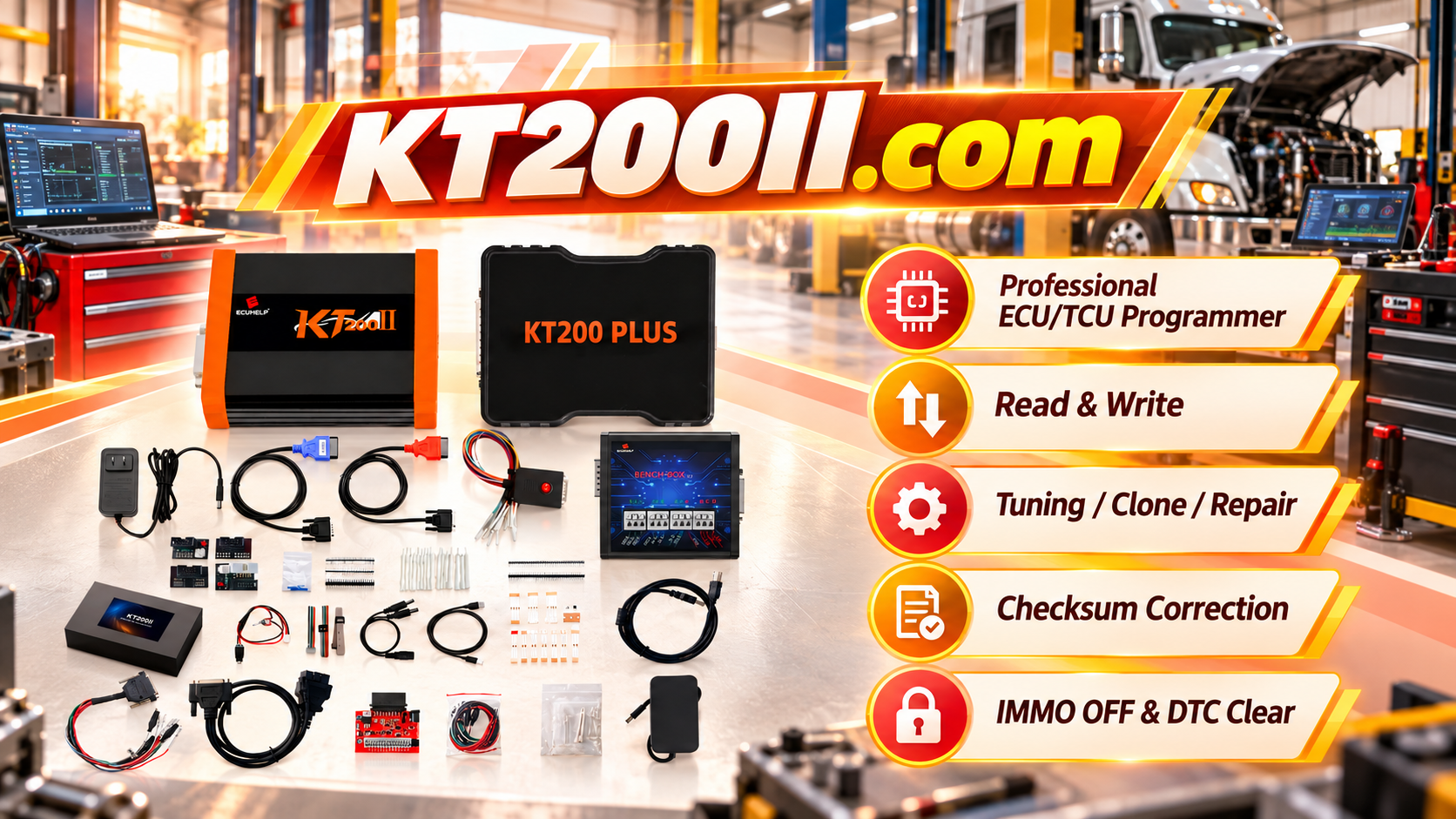
KT200II Virtual Read vs Physical Read Guide
KT200II Virtual Read vs Physical Read Guide: Understanding ECU Data Reading Methods
ECU reading is one of the first steps in professional ECU programming. Before writing, cloning, tuning or repair operations, technicians need to understand what type of data has been obtained from the control unit.
During ECU programming workflows, technicians may encounter different reading methods, including Virtual Read and Physical Read.
Understanding the difference helps prevent incorrect assumptions about ECU backup, file usage and programming procedures.
The KT200II ECU Programmer supports professional ECU and TCU programming workflows including reading, writing, backup, cloning and recovery operations on supported applications.
What Is ECU Virtual Read?
Virtual Read is a method where ECU information is used to identify and obtain a corresponding file through a supported database or file source workflow.
Instead of directly extracting all data from ECU memory, the system uses ECU identification information to provide the required file when supported.
Virtual Read may be useful for:
- Supported tuning workflows
- Calibration file preparation
- Software identification
- Fast file acquisition
What Is ECU Physical Read?
Physical Read means the programming tool directly reads available ECU memory data from the connected control unit.
Depending on ECU type and protocol, the read operation may access:
- Flash memory
- EEPROM
- Other supported memory areas
Physical Read provides data directly from the connected ECU according to the supported operation.
Virtual Read vs Physical Read Comparison
| Item | Virtual Read | Physical Read |
|---|---|---|
| Data Source | Supported file database or identification workflow | Direct ECU memory reading |
| Speed | Usually faster | Depends on ECU and connection method |
| Connection Requirement | May require ECU identification only | Requires ECU communication |
| Backup Purpose | Not automatically a complete ECU backup | Closer to original ECU data access |
| Common Use | File preparation | Backup, repair and cloning workflows |
Why Technicians Need to Understand the Difference
A common mistake is assuming every downloaded or obtained file is a complete ECU backup.
However, different operations require different types of data.
For example:
- ECU tuning may require calibration data
- ECU cloning may require supported memory areas
- ECU recovery may require original ECU data
- ECU replacement may require specific module information
KT200II Reading Workflow
Step 1: Identify ECU Information
Before selecting a reading method, confirm:
- Vehicle brand
- Vehicle model
- Engine type
- ECU manufacturer
- Hardware number
- Software number
- Processor information
The same vehicle model may use different ECU versions, so identification is essential.
Step 2: Check Supported Operation
Before reading, confirm:
- Available read method
- Supported protocol
- Required connection mode
- Available memory access
KT200II supports different operation modes including OBD, Bench, Boot, JTAG and BDM depending on supported ECU applications.:chatgpt-content-reference{index="1"}
Step 3: Save Original Data Correctly
When physical reading is available, technicians should save original data before any modification.
Recommended file records:
- Vehicle information
- ECU identification
- Reading method
- Date
- Original file name
Virtual Read in ECU Tuning Workflow
Virtual Read can be useful when technicians need a supported original calibration file for tuning preparation.
However, technicians should understand:
- The file may represent a matching original file
- It may not contain every memory area from the physical ECU
- It should not automatically replace a complete backup
Physical Read in ECU Backup and Clone Workflow
For ECU backup and cloning applications, physical data access is often an important part of the workflow.
Professional workflow:
- Identify ECU
- Select correct protocol
- Read available ECU data
- Save original backup
- Verify file information
- Continue with supported operation
Common Mistakes When Using ECU Read Files
Treating Virtual Read as Full Backup
A virtual file should not automatically be considered a complete ECU backup.
Ignoring ECU Hardware Differences
Files must match the correct ECU hardware and software version.
Not Recording Reading Method
Professional workshops should record whether a file came from Virtual Read or Physical Read.
KT200II Professional File Management
A recommended file structure:
Vehicle Folder

├── ECU Information

├── Physical Original Read

├── Virtual Original File

├── Modified File

├── Final Program File

└── Programming Record
Related KT200II Resources
Frequently Asked Questions
Is Virtual Read the same as ECU backup?
No. Virtual Read provides a supported file based on ECU identification and should not automatically be considered a complete physical backup.
Is Physical Read better than Virtual Read?
Not always. The correct method depends on ECU type, required operation and available protocol.
Which method should be used for ECU cloning?
The required data depends on the ECU and supported cloning procedure. Always follow the exact ECU protocol information.
Conclusion
Understanding Virtual Read and Physical Read helps technicians make better decisions during ECU programming.
A professional workflow requires correct ECU identification, proper backup procedures and understanding what data has actually been obtained.
KT200II provides professional ECU and TCU programming solutions for automotive electronics technicians and ECU specialists worldwide.




