
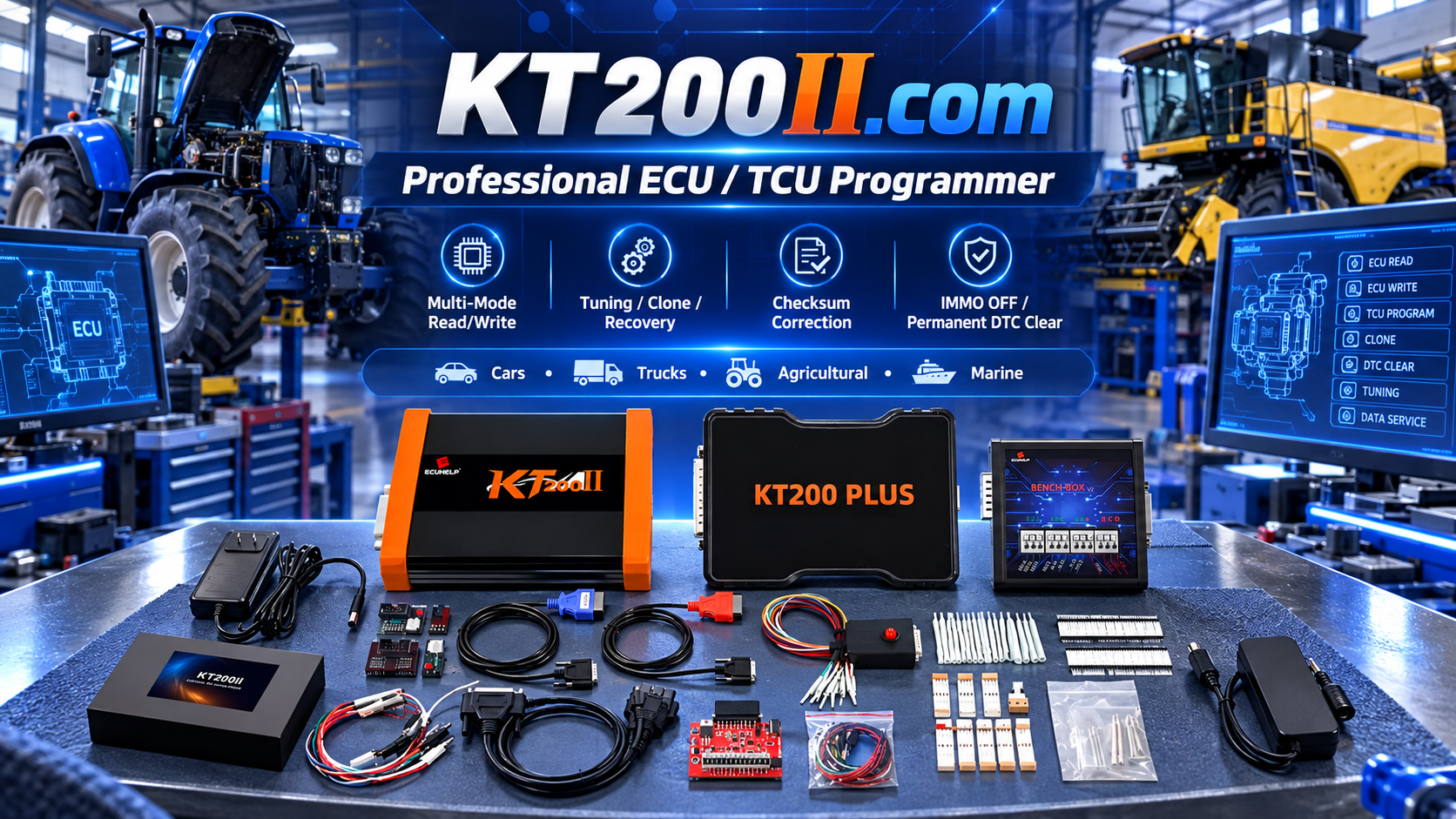
KT200II ECU File Management Guide
KT200II ECU File Management Guide: How Professionals Organize ECU Data
Professional ECU programming is not only about reading and writing data. A complete ECU workflow also requires proper file management, accurate identification and safe backup procedures.
Every ECU programming job may involve multiple files, including original ECU data, modified calibration files, backup copies and final programmed files.
The KT200II ECU Programmer provides professional ECU and TCU programming solutions for supported applications, including ECU reading, writing, backup, cloning and recovery operations.
This guide explains how professional technicians organize ECU files and build a safer programming workflow.
Why ECU File Management Is Important
ECU files contain important vehicle information, software data and calibration parameters. Losing or incorrectly managing files may create difficulties during repair, tuning or recovery procedures.
Professional ECU file management helps technicians:
- Protect original ECU data
- Compare different file versions
- Restore previous configurations
- Reduce programming risks
- Improve workshop efficiency
Common ECU File Types
| File Type | Purpose |
|---|---|
| Original File | Data read from the original ECU before modification |
| Modified File | Adjusted ECU data for programming |
| Backup File | Protection copy for recovery purposes |
| Final File | Successfully programmed ECU data |
Professional KT200II ECU File Workflow
Step 1: Read and Save Original ECU Data
Before any modification or programming operation, technicians should create an original backup whenever supported.
Original files should include:
- Vehicle information
- ECU hardware number
- Software information
- Reading date
- Programming method
The original file is the foundation for future comparison and recovery.
Step 2: Create Organized File Names
A professional workshop should avoid unclear file names such as:
new.bin
test.bin
final.bin
Instead, technicians can include important information:
Vehicle_ECU_Model_Date_ReadType.bin
Example:
BMW_EDC17CP45_2026-10-12_Bench_ORI.bin
Clear naming makes future searches faster and reduces mistakes.
Step 3: Separate Original and Modified Files
Original files and modified files should always be stored separately.
Recommended structure:
Customer Folder

├── Original Files

├── Modified Files

├── Backup Files

├── Programming Records

└── Photos and Notes
This prevents accidentally writing the wrong file into an ECU.
ECU Backup Before Programming
Creating a backup before writing is one of the most important professional procedures.
Depending on ECU type and supported method, backup data may include:
- Flash memory
- EEPROM data
- Configuration information
- Complete ECU read files
KT200II supports professional ECU backup workflows on supported applications through suitable programming methods.:chatgpt-content-reference{index="1"}
KT200II Programming Modes and File Access
Different ECU families require different communication methods.
KT200II supports multiple operation modes:
- OBD Mode
- Bench Mode
- Boot Mode
- JTAG Mode
- BDM Mode
More information:
OBD Mode
Used for supported ECU operations through the vehicle diagnostic connector.
Bench Mode
Provides direct ECU communication for professional workshop operations.
Boot Mode
Provides deeper ECU access for selected advanced programming procedures.
ECU File Management During ECU Clone
ECU cloning requires careful file handling because multiple ECU data files may be involved.
A professional cloning workflow:
- Read original ECU
- Save original backup
- Verify replacement ECU compatibility
- Prepare clone file
- Write replacement ECU
- Record final result
Common ECU File Management Mistakes
Deleting Original Files
Original ECU data should always be stored safely.
Using Wrong File Version
Different software versions may not be interchangeable.
No Programming Records
Professional workshops should record vehicle information, ECU details and completed operations.
Building a Professional ECU Workshop Database
As a workshop grows, organizing previous ECU files becomes a valuable technical resource.
A professional database can include:
- Vehicle information
- ECU model
- Successful programming records
- Original files
- Repair notes
This improves efficiency when handling similar vehicles in the future.
KT200II Software Resources
Always use official KT200II software resources and follow recommended installation procedures.
Software page:
Frequently Asked Questions
Why should ECU files be backed up?
Backup files protect original vehicle data and provide recovery options when programming problems occur.
Should original and modified ECU files be stored separately?
Yes. Separating files reduces the risk of programming incorrect data.
Does KT200II support ECU backup?
Yes. KT200II supports ECU backup operations on supported ECU applications.
Conclusion
Professional ECU programming requires more than a programming device. Proper file management, backup procedures and accurate records are essential for a reliable workflow.
KT200II provides professional ECU and TCU programming capabilities for technicians who need efficient ECU reading, writing, cloning and repair solutions.
Explore more technical guides through the KT200II Official Technical Blog .




