
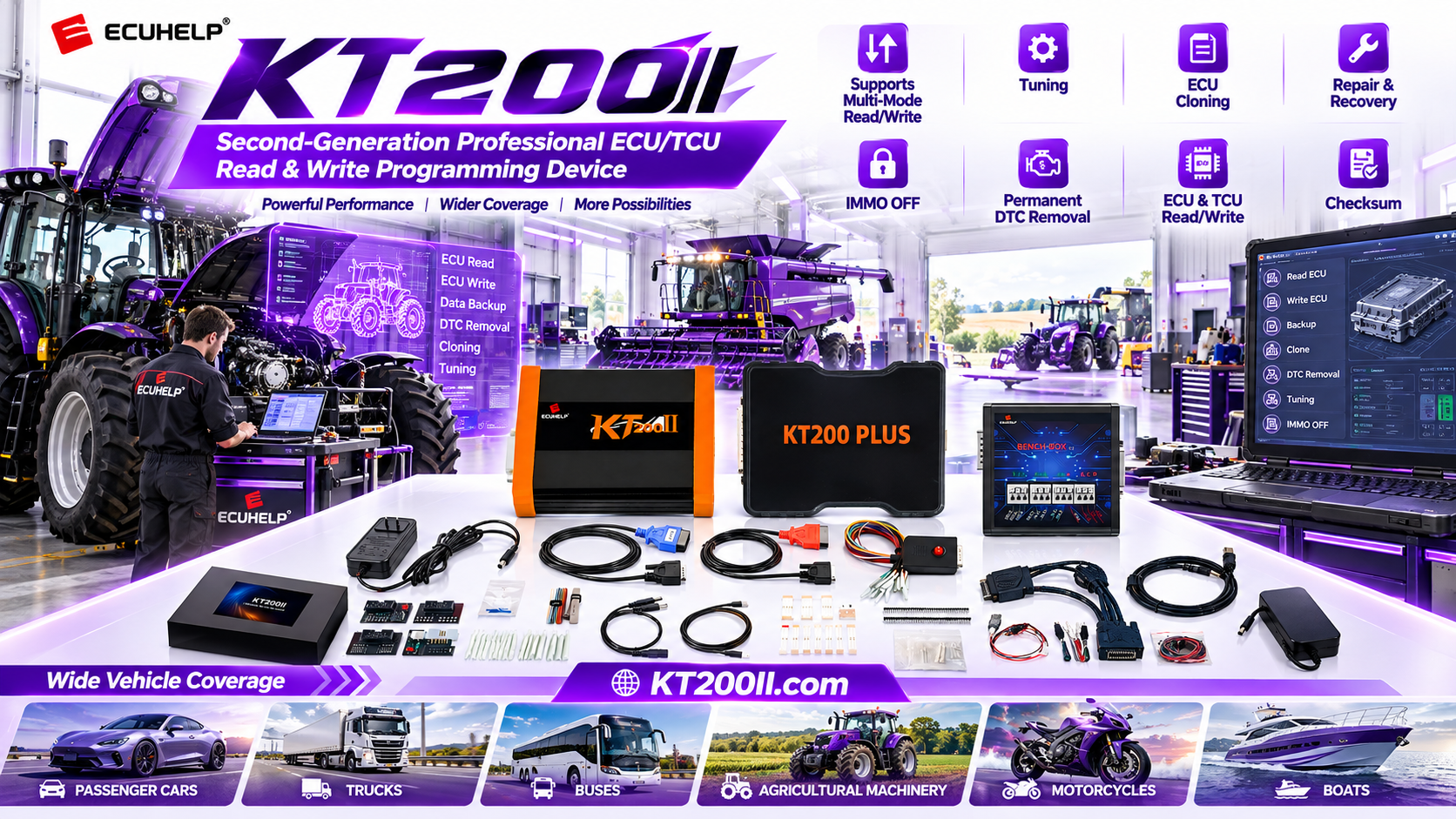
KT200II Supported Vehicle Search Guide
KT200II Supported Vehicle Search Guide: How to Filter ECU, Processor and Connection Data
Checking compatibility should be the first technical step before connecting a programmer. The vehicle model alone is often not enough because the same model can use different engines, ECU suppliers, processors, software versions and programming methods.
The official KT200II supported vehicle list helps technicians search by vehicle, ECU or TCU family, processor, memory type and connection method. This guide explains how to use that information more accurately.
Why a Detailed Support Search Is Important
A support list is more than a list of vehicle names. It is a technical reference connecting a specific control unit with an available protocol and operation. A matching vehicle name does not automatically confirm every ECU version installed in that vehicle.
| Search Detail | Example | What It Helps Confirm |
|---|---|---|
| Vehicle brand and model | Audi A3, BMW 3 Series or Ford Focus | Initial vehicle application and model family. |
| ECU or TCU type | EDC17, MED17, DQ250 or 8HP | Controller family and programming category. |
| Processor | TC1782, SH7058 or MPC5566 | Microcontroller and memory architecture. |
| Connection method | OBD, Bench, Boot, JTAG or BDM | Required access method and accessories. |
| Operation | Read, write, clone or checksum | Whether the requested task is documented. |
Step 1: Start With the ECU Identification
Before opening the database, collect the ECU label information. Record the manufacturer, part number, hardware number, software number and any visible processor marking. Take clear photos of the front label and connector side whenever possible.
For a TCU, also include the transmission model and vehicle engine. Transmission controllers can vary between vehicle versions even when the body model is unchanged.
Step 2: Search With the Most Specific Keyword
Use the most specific information available rather than entering a broad vehicle name first. A processor, ECU family or part number usually produces more useful results than a brand-only search.
- Search the exact ECU or TCU part number.
- If no result appears, search the ECU family such as EDC17 or MED17.
- Search the processor or memory type when it is known.
- Add the vehicle model to narrow similar records.
- Review the connection and operation fields before proceeding.
Step 3: Confirm the ECU or TCU Family
After finding a possible match, compare the ECU supplier and controller family with the physical unit. For example, two ECUs may both be described as “Bosch diesel ECU” but use different hardware, processors or memory layouts.
Check the complete record for the listed vehicle generation, engine and software range. A close match can be useful for further investigation, but it should not be treated as final confirmation without matching the actual ECU details.
Step 4: Check the Processor and Memory Information
Processor information is particularly important for Bench, Boot, JTAG and BDM operations. The same ECU family may appear with different microcontrollers or memory sizes, and those differences can affect the available protocol.
When the processor is not printed on the label, use the ECU part number and supported record first. Do not open the control unit only to identify a processor unless the workshop procedure requires it and the technician has the appropriate experience.
Step 5: Read the Operation and Connection Fields
A support record should be reviewed line by line. Confirm which operations are available and which connection method is documented.
| Field | Question to Ask |
|---|---|
| Read | Can the required Flash, EEPROM or supported backup be read? |
| Write | Can the intended file type be written to this exact ECU? |
| Clone | Is the operation suitable for an original and donor ECU pair? |
| Checksum | Is checksum correction listed for this protocol and operation? |
| Connection | Should the ECU be accessed through OBD, Bench, Boot, JTAG or BDM? |
For a broader explanation of access methods, review the KT200II operation modes page.
Step 6: Match the Required KT200II Version
After confirming the supported record, compare the required operation with your KT200II package. Basic, Full and Ultimate versions may be intended for different workshop requirements. The correct choice depends on the protocols, ECU categories and operations you need, not only on the number of vehicles shown in a general list.
Use the KT200II product page to review the official tool information before ordering. If your work includes multiple ECU and TCU categories, send the exact support-list record to the official team for confirmation.
What to Do When No Exact Result Appears
An empty search result does not always mean that the vehicle cannot be serviced. First check for typing differences, alternative ECU names, missing spaces or a different part-number format. Search by ECU family, processor or vehicle generation.
If there is still no exact match, prepare a support request containing the vehicle details, ECU label photos, processor information if available, requested operation and preferred connection method. Avoid starting an uncertain operation based only on a similar model.
Keep a Compatibility Record
Professional workshops can save a screenshot of the support record together with the work order. Add the date, software version, ECU identification and final operation result. This creates a useful internal reference for future jobs and helps technicians notice changes in software support.
For official installation information, visit the KT200II software download page. New compatibility and workflow topics are published on the KT200II blog.
Common Support-List Search Mistakes
- Searching only by vehicle brand.
- Ignoring the ECU hardware or software number.
- Confusing an ECU record with a TCU record.
- Assuming read-only support includes writing or cloning.
- Choosing a connection method without checking the exact record.
- Relying on an old screenshot instead of the current official database.
Use the Official KT200II ECU Programmer
KT200II is developed by ECUHELP for professional ECU and TCU programming workflows. Verify your vehicle and control-unit information before operating or purchasing.
Buy KT200II from the official HELPECU store
Need help confirming a vehicle, ECU number or operation mode? Contact the official team on WhatsApp: +86 18665287523.




